<meta charset="UTF-8"/><meta name="viewport" content="width=device-width, initial-scale=1.0"/><title>64GB DDR5 RAM: Module Capacity, Kit Layout and Platform Limits</title><meta name="description" content="Plan 64GB DDR5 desktop memory by workload, 2x32GB or 4x16GB layout, slot and capacity limits, operating rate, and sample evidence before requesting a kit quote."/>
For a mainstream dual-channel desktop that needs 64GB DDR5 in total, start by evaluating a qualified 2 x 32GB kit. It reaches the target with two modules and leaves more free slots on a four-slot board. A 4 x 16GB configuration can also provide 64GB, but it is a different population with its own speed limits and validation requirements.
The right purchase is the complete configuration that the host supports. “64GB” does not identify a single-module capacity, a kit layout, or a guaranteed operating rate. This guide treats 64GB as the target total capacity for desktop DDR5 UDIMMs. It does not assume that a single 64GB module or a particular JUHOR 64GB kit is available.
64GB is worth evaluating when the required workload outgrows the available memory headroom of a smaller configuration. Examples include large creative projects, several professional applications open together, concurrent virtual machines, and data processing that keeps substantial working sets in RAM. These are reasons to test capacity, not fixed software requirements.
Use the actual project and normal background applications. Review available physical memory, sustained paging, task completion, and responsiveness during a repeatable busy session. For virtual machines, include the host's needs alongside concurrent guest allocations. A single allocation figure or a large file size is not enough to size the system.
Test whether 64GB resolves the observed constraint and still provides useful operating margin. Some projects may fit comfortably in less memory; others may exceed 64GB. Extra capacity does not correct a task limited by CPU performance, graphics memory, or storage.
Keep the business reason attached to the system specification: the project tested, the applications that must run together, or the contractual capacity requirement. JUHOR's guide to when system builders should specify 64GB covers workload justification in greater depth. The remaining decision here is how to build and qualify that capacity with DDR5 modules.
A 64GB kit should state capacity per module and the number of modules. For example, 2 x 32GB contains two 32GB modules; 4 x 16GB contains four 16GB modules. A carton holding four individual modules is not automatically a matched four-module kit.
| 64GB layout | What it provides | What needs approval |
|---|---|---|
| Matched 2 x 32GB kit | 64GB in two slots; one module per channel on a common dual-channel desktop | 32GB-per-slot support, exact kit, intended slots, and target operating setting |
| Matched 4 x 16GB kit | 64GB across four slots | Four-slot availability, the supported four-module rate, and the complete kit's test result |
| Existing 2 x 16GB plus another pair | A possible route to 64GB using existing memory | Compatibility of the combined kits and validation of the final four-module population |
On a four-slot mainstream board, two 32GB modules can preserve two empty slots. On a two-slot board, both slots are occupied. Free slots provide physical room for expansion; they do not guarantee that a later addition will retain the present data rate.
Four modules on a dual-channel desktop still share two CPU memory channels. They do not create a four-channel platform. A workstation with a different memory architecture needs its own population rules; the two-module starting recommendation should not be applied to every workstation motherboard.
For the same 64GB target on a typical dual-channel desktop, two modules reduce DIMMs per channel compared with four modules. This can make a target performance setting easier to qualify. It does not guarantee that a 2 x 32GB kit will run at every advertised rate or that any four-module kit will fail.
Module organization, rank, motherboard layout, CPU memory-controller capability, and BIOS all affect the result. A higher-capacity module may use a different organization from a smaller one, so module count is only one part of the decision. Confirm the actual specifications instead of inferring rank from capacity.
For a new build, request a complete kit qualified for the intended layout. For an upgrade, compare the cost of replacing existing memory with a new kit against retaining modules and testing the mixture. Include service time and qualification work in that comparison.
Matching retail names, speed labels, or brands does not prove that two separately purchased kits behave as one tested kit. If existing modules must remain, collect their part numbers and revisions and approve that exact combination.
A motherboard's maximum capacity is only one limit. A 2 x 32GB plan also requires support for the proposed 32GB module design in each occupied slot. A four-module plan requires the intended population to be supported by the board and CPU.
Record the exact CPU, motherboard model and revision, BIOS version, and memory class. Confirm full-size DDR5 UDIMM support and any ECC or non-ECC requirement. A registered module is not a replacement for an ordinary desktop UDIMM, and DDR5 on-die error correction does not establish system-level ECC support.
Use the board manual for slot placement and review the memory QVL by complete kit part number. Check capacity, module count, rate, and any relevant CPU or BIOS condition. A tested two-module entry does not qualify a four-module installation, even if the total capacity is the same.
If a BIOS update is required to support a particular module organization, make it part of the assembly or upgrade plan before sample approval. The DDR5 UDIMM compatibility checklist provides a wider host-information record for this work.
A search such as “DDR5 6000 2x32GB” combines a 64GB layout with a target data rate. It does not establish standard operation at that rate. Ask whether the quoted SKU uses a default JEDEC setting or a performance profile to reach the advertised speed.
Confirm the default SPD data, any required XMP or EXPO profile, and its electrical conditions. The platform must train and run that profile stably with the two 32GB modules installed. A product's 6000 rating and a motherboard's maximum speed should not be treated as a substitute for that result.
Standard supported rates can change with module population. Overclocked profile results can change as well. A four-module configuration may need a lower setting than a two-module configuration, but the exact limit belongs to the CPU, board, BIOS, and memory combination. Do not apply one processor's speed table to every desktop.
For mixed Intel and AMD procurement, keep separate test records for each platform. Use the XMP and EXPO bulk-order guide to define which profile evidence is needed. Do not promise 6000 merely because the modules have a profile or because a smaller-capacity kit passed on the same board.
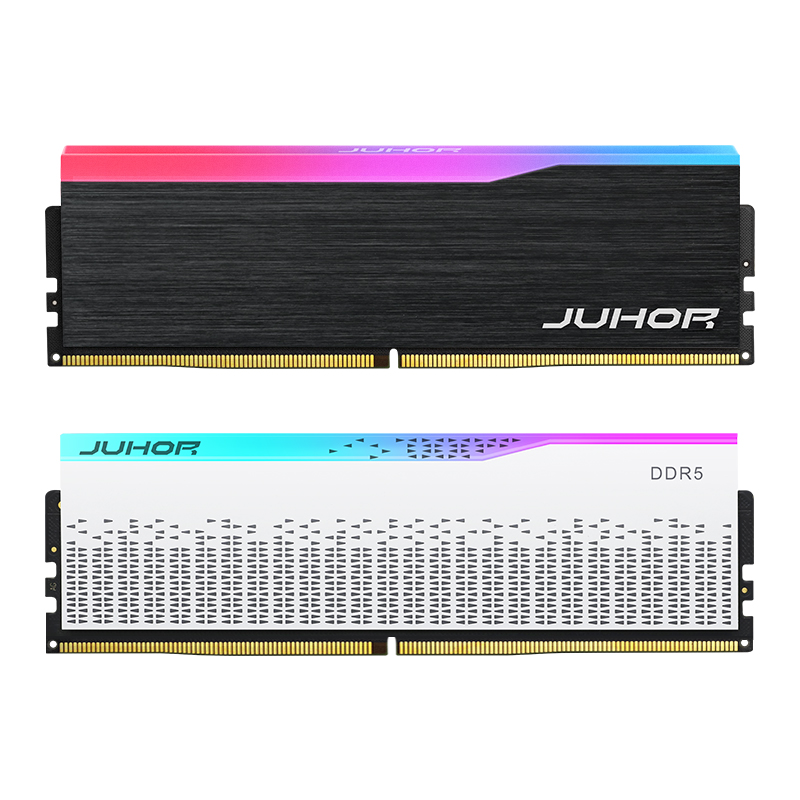
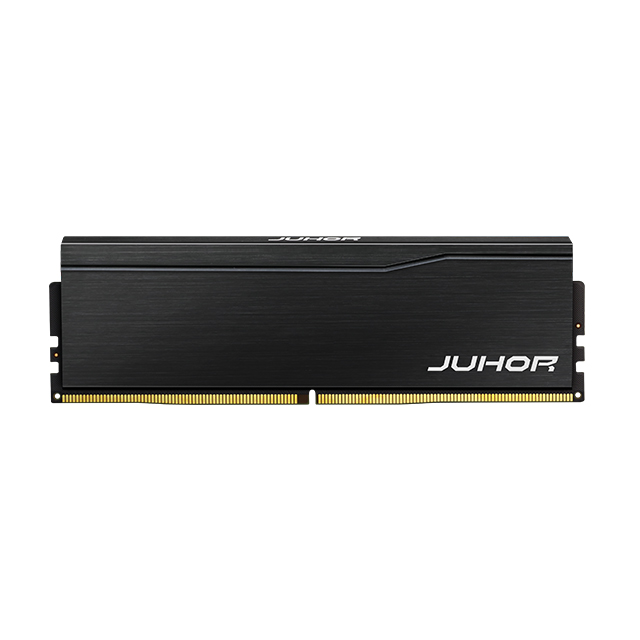
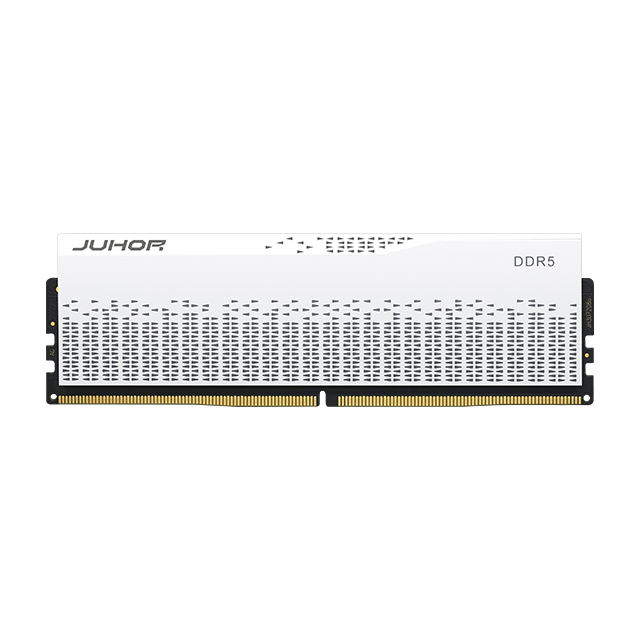
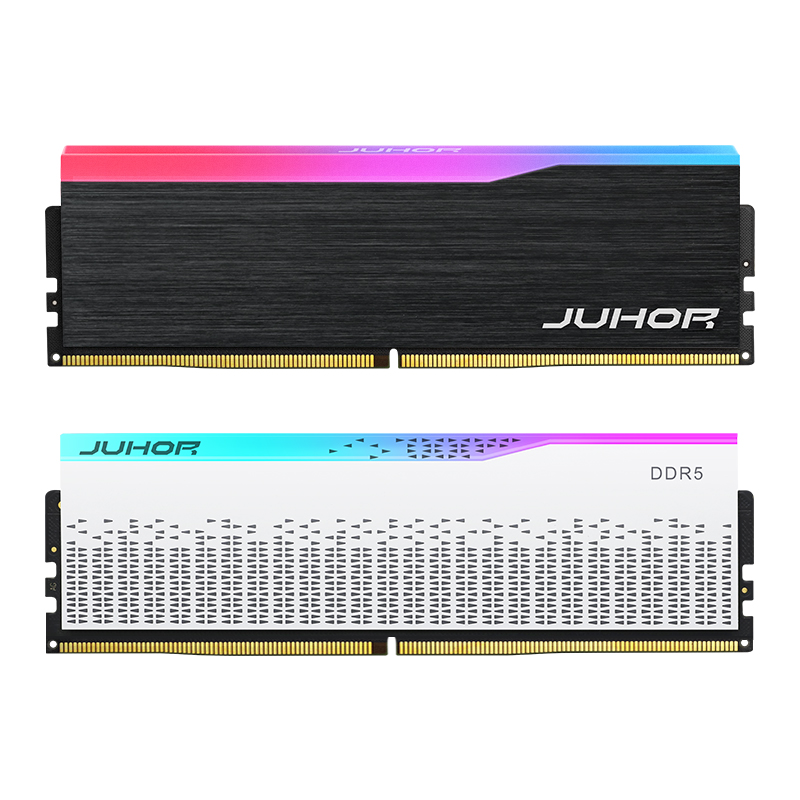
JUHOR's Star Domain DDR5 desktop product page is a starting point for discussing the desktop memory family. Its reviewed description explicitly includes 16GB modules paired for 32GB total. That description does not establish a confirmed 2 x 32GB or 4 x 16GB matched 64GB kit.
Send JUHOR the 64GB target, motherboard, slot count, CPU, BIOS, and preferred arrangement. Ask the team to identify which complete kits or validated module sets can be supplied. A proposal for four 16GB modules must still state whether they are a qualified set; a proposal for two 32GB modules needs the corresponding module and kit specification.

JUHOR desktop DDR5 reference image. It does not identify a confirmed 64GB kit or a single 64GB module.
Request the actual part number, capacity per module, default and profile settings, dimensions, sample availability, and quotation. Any requested 6000 setting or timing requirement should be answered for that model and platform. This article does not assign a JUHOR voltage, CL value, or 64GB supply commitment.
Use the same number and type of modules that the production desktop will receive. A successful sample test with fewer modules cannot establish the stability of a fully populated system.
Record the kit part number, revisions, capacity per module, module count, and slot positions.
Confirm the full 64GB target is recognized by BIOS and the operating system.
Test cold boot, restart, and required sleep/wake behavior at default settings.
Apply the approved performance profile where required and verify the active data rate.
Run a defined memory test and the representative workload that justified 64GB.
Log errors, test duration, operating conditions, and any fallback behavior.
Keep capacity detection, speed verification, and stability as separate results. If the system recognizes 64GB but runs below the requested rate, the capacity requirement may be met while the speed requirement remains unresolved. If errors occur at the target setting, hold the configuration for review.
Retain the approved specification and sample identity for repeat orders. Agree which changes in DRAM components, PCB, or SPD programming require notice and retesting. The supplier's lot-control process should preserve the configuration that passed acceptance.
| Buyer supplies | Supplier should confirm |
|---|---|
| Desktop motherboard, CPU, revision, BIOS, and slot count | Compatible candidate sets and platform restrictions |
| 64GB total as preferred 2 x 32GB or 4 x 16GB | Actual module capacity, kit format, matched-set status, and part number |
| Target rate and default/profile policy | Supported operating conditions and sample-validation requirements |
| Existing memory and whether it must be retained | Assessment of the complete final population |
| System quantity, module quantity, sample needs, and delivery window | Available kit proposal, sample quote, commercial terms, and current lead time |
Compare quotations on the same layout. A tested 64GB kit, four independent modules, and an addition to existing stock are different offers. Make that distinction visible before comparing price.
No. This article uses 64GB as total system capacity. Confirm capacity per module and the number of modules in the proposed set.
It is a useful starting point on a mainstream dual-channel desktop, especially for preserving slots. The platform and required operating setting determine which layout can be approved.
Not on a dual-channel desktop. Channel count is defined by the platform, while module count determines how those channels are populated.
No. Confirm default and profile settings and validate the exact CPU, board, BIOS, and kit layout.
Possibly, but the complete four-module combination needs qualification. Matching labels do not establish that two kits were tested together.
No. Select it when measured workload demand, concurrent applications, project growth, or the acceptance requirement justifies it.
Provide the motherboard, CPU, BIOS, slot count, preferred capacity arrangement, target rate, and quantity. Request the available set's specification and sample quotation.
Send JUHOR the motherboard model, available slots, and required 64GB arrangement. State whether the target is a new kit or an upgrade using existing modules. Request a confirmed available set, a configuration-specific sample plan, and a quotation that uses the same part number and operating conditions.
<!--!doctype-->


4 / F, No. 18, Langkou Industrial Park, Langkou Community, Dalang Street,Shenzhen,Guangodng , China