A desktop can accept a DDR5 module and still miss the specification on the purchase order. It may boot at a lower default speed, reject a performance profile, or become unstable when all four slots are filled. For a system builder or IT buyer, a successful first boot is only the first DDR5 RAM compatibility check.
Use this checklist before ordering desktop DDR5 UDIMMs in volume. It moves from physical compatibility to the operating setting and then to repeatable testing. Keep the exact CPU, motherboard, BIOS, and memory part number together; a broad label such as “32GB DDR5-6000” cannot identify a qualified configuration.
| Check | Question to answer | Evidence to record |
|---|---|---|
| 1. CPU | Does the processor support DDR5, and what memory configuration does its specification cover? | Exact CPU model and official memory specification |
| 2. Motherboard | Is this the DDR5 version of the board, with the required UDIMM slots? | Board model, hardware revision, manual, and memory support page |
| 3. BIOS | Which BIOS version was used to qualify the CPU and memory? | Installed BIOS version and approved update policy |
| 4. Capacity | How much memory is required in total, and how many modules provide it? | Capacity per module, total capacity, slots used, and upgrade plan |
| 5. Speed | What runs at default settings, and what requires XMP or EXPO? | JEDEC/default setting, profile setting, voltage, and measured speed |
| 6. Physical fit | Will the installed modules clear the cooler and case? | Module dimensions and system clearance check |
| 7. Validation | Does the exact combination pass the intended workload? | Test platform, sample revision, pass criteria, and result |
Complete the checks in order. A speed discussion is premature if the motherboard takes DDR4 or the system needs a different module type.
Check the processor's official memory support and the motherboard's exact product page. Desktop boards within the same family can have separate DDR4 and DDR5 versions. Their names may differ by only a few characters. DDR4 and DDR5 modules are physically and electrically different, so the DDR5 UDIMM cannot be used in a DDR4 slot.
Record the full motherboard model and revision, not only the chipset. The board manual identifies the memory type, slot count, supported capacity, and recommended slot positions. It may also distinguish standard supported speeds from higher speeds listed as overclocked settings. A CPU specification and a motherboard marketing headline describe different limits; both must be checked.
For repair or upgrade orders, verify the existing system first. Some prebuilt PCs use a custom motherboard or BIOS with narrower memory options than a retail board that appears to share its chipset. A system inventory export, service manual, or physical inspection can prevent an order based on the wrong board variant.
A standard desktop DDR5 UDIMM has 288 pins. Laptop SO-DIMMs and server RDIMMs serve different platforms. Some newer desktop platforms also discuss CUDIMMs, which must be evaluated as their own module class. Do not substitute one type for another because both are described as DDR5.
On the purchase request, write “DDR5 desktop UDIMM” and include the exact part number. State whether the system requires a non-ECC UDIMM or a different platform-supported ECC option. DDR5's internal on-die error correction does not turn every desktop UDIMM into server-style ECC memory.

A motherboard qualified vendor list, or QVL, records memory kits tested by the board maker under specified conditions. Search using the complete memory kit part number. Confirm the tested capacity, module count, speed, CPU generation, board revision, and BIOS version where those fields are provided. A series name alone can include several distinct kits.
A QVL entry is useful evidence, but it is not a promise for every later BIOS or component revision. A kit absent from the list may simply not have been tested by that board maker. For volume deployment, use the list to narrow candidates, then test the chosen sample on the actual production platform.
BIOS updates can change memory training and compatibility. Record the BIOS version that passed testing and decide how field systems will be handled if the version changes. If an update is required before a system can recognize the CPU or memory, account for that step in assembly or service instructions before buying the modules.
Do not confuse a long first boot with a permanent failure without following the board maker's memory-training guidance. If a system fails to start, first return to supported defaults, check seating and the recommended slots, test one module at a time, and compare the BIOS version with the qualified configuration.
“32GB DDR5” can mean one 32GB module or a 2 x 16GB kit. Both give 32GB total, but they occupy different slots and may operate in different channel configurations. Likewise, 16GB total may be supplied as 2 x 8GB or one 16GB module. A quotation and retail label should state the total capacity, capacity per module, and number of modules.
Choose capacity from the actual application mix. A managed office desktop, a gaming system, and a workstation running virtual machines may need different headroom. Measure memory use in a representative session and account for background applications and the planned service life. Then check the motherboard's total and per-slot capacity limits.
Slot population matters. A two-module kit installed in the board maker's recommended slots can behave differently from four occupied slots, especially at higher profile speeds. Kingston's published population guidance shows that supported memory rates can fall as the number of DIMMs per channel rises, depending on the processor and board. Do not extend a two-DIMM test result to a four-DIMM order.
For repeatable system builds, qualify the intended kit as sold. Combining two separate kits, even with matching front-label speed and capacity, introduces another configuration that needs its own validation. Keep future upgrade plans in the bill of materials, but do not assume a later module purchase will recreate the original kit.
The number in DDR5-6000 describes a data transfer rate commonly expressed in MT/s. A performance-rated kit may start at a lower default setting until the motherboard applies its XMP or EXPO profile. The operating result depends on the CPU memory controller, motherboard, BIOS, module count, and exact memory configuration.
Intel XMP and AMD EXPO provide stored memory settings for compatible systems. The presence of a profile does not prove the target board will run it stably. Ask the supplier for the default and profile values separately, including speed, voltage, and timing. Then test the profile on the final system image and BIOS. Do not put a profile speed on a finished-PC specification sheet until that complete configuration has passed acceptance testing.
After installation, inspect the speed reported by BIOS or a reliable system tool. If the result is lower than the advertised rate, first check whether the profile is enabled. If enabling it fails, restore defaults, review the QVL and BIOS, confirm the slots, and test the approved fallback setting. Record the fallback rather than silently shipping systems with a different specification.
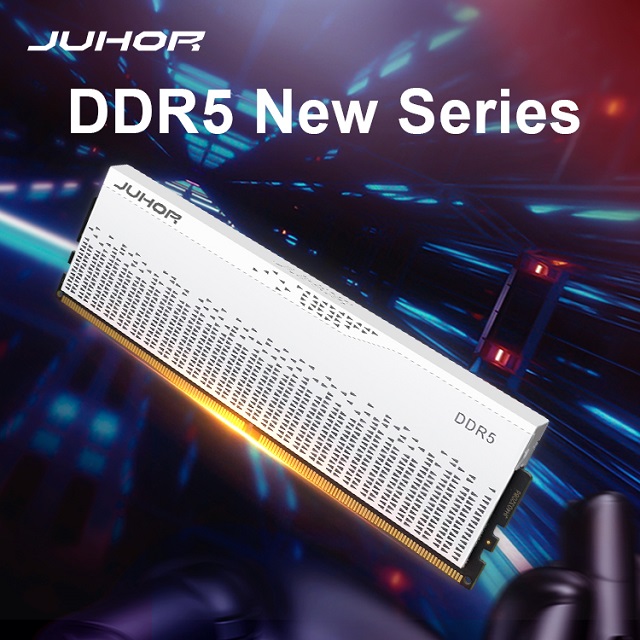
Heat spreaders and RGB light bars can increase module height. A memory kit that works on an open test bench may interfere with a large air cooler inside the production case. Use the supplier's module drawing and measure the actual cooler clearance. For RGB versions, also check whether the chosen motherboard and control software support the requested lighting behavior.
Run stability tests inside the final chassis with the planned fan layout. This is especially relevant when several modules are installed close together or when the system operates for long periods under load. Record ambient conditions and the test duration so a later batch can be compared with the approved sample.
For a bulk order, test more than one convenient desktop. Build a small matrix around the systems that will actually ship. Include the highest-volume motherboard, any alternate board, the final BIOS, each planned capacity, and the intended two- or four-module configuration. Start at default settings, then repeat the relevant checks with the approved performance profile.
| Test stage | Minimum record | Decision it supports |
|---|---|---|
| Identity and installation | CPU, motherboard revision, BIOS, memory part number, module count, slot positions | Can the system identify the intended configuration? |
| Default operation | Boot result, detected capacity, default speed, restart and sleep/wake behavior | Is the baseline build usable? |
| Profile operation | XMP or EXPO setting, actual speed, stability result, recovery procedure | Can the advertised system speed be shipped? |
| Production repeat | Sample lot, module revision, approved components, retest trigger | Will repeat orders match the qualified build? |
Write pass criteria before testing. A few successful boots do not replace a defined memory stress test and representative application run. If a supplier changes DRAM components, PCB revision, SPD or profile data, or heat spreader design, determine whether the change affects the approved result and requires notice or retesting.
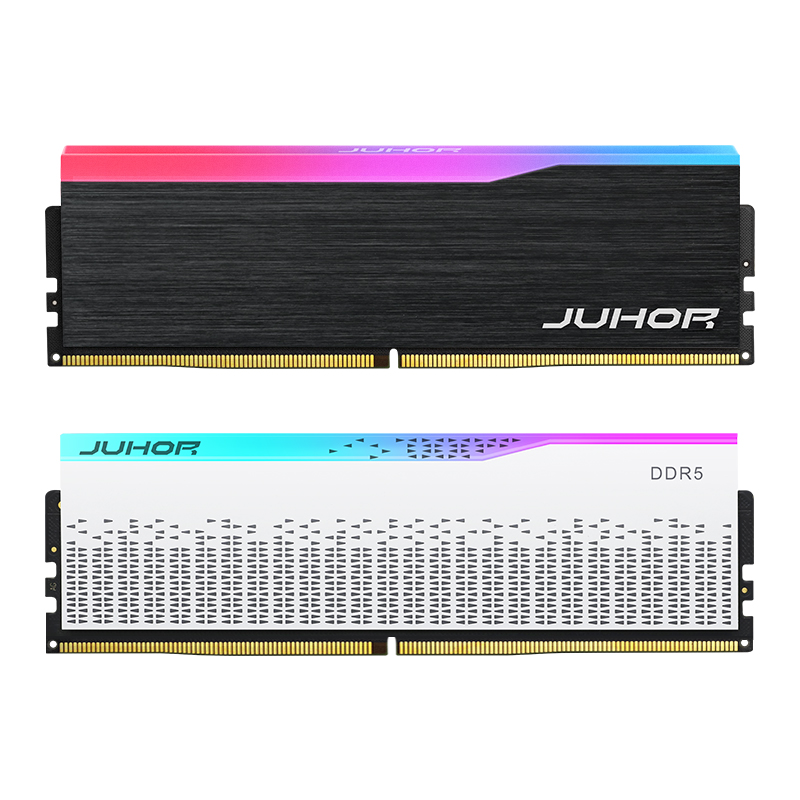
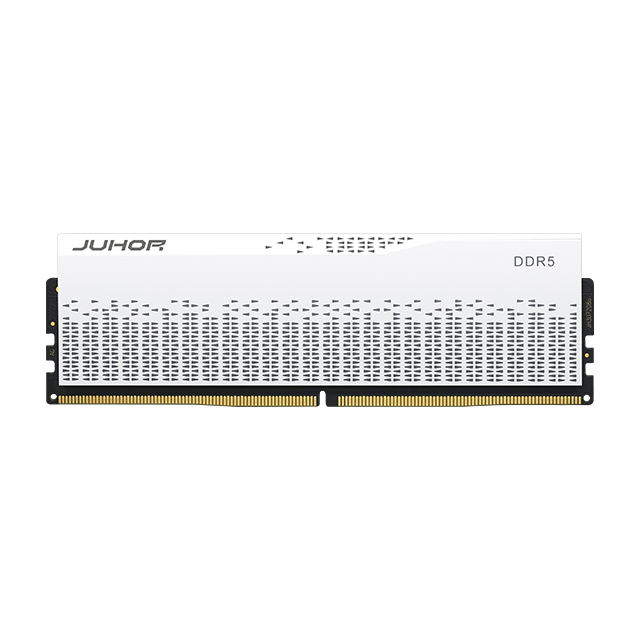
JUHOR lists Star Domain DDR5 desktop memory in black and a separate RGB Star Domain line in black and white. The product pages describe 16GB and 32GB total kit directions and list 4800, 5600, 6000, and 6400 speed options. The public pages do not establish that every capacity, color, and speed combination is available under one part number.
For an inquiry, identify whether the request is for one module or a matched kit. Supply the CPU, motherboard model and revision, BIOS version, target total capacity, module count, target speed, and RGB or non-RGB preference. JUHOR can then confirm the exact SKU, default setting, profile support, dimensions, sample availability, and quotation for the proposed configuration.
Once compatibility is settled, JUHOR's article on DDR5 CAS latency and frequency can help the buyer compare timing claims. Timing becomes useful only after the platform, capacity, and profile are defined.
Send one row per target PC configuration. Include the processor, motherboard model and revision, current or planned BIOS, operating system, intended slots, total memory, modules per kit, default and requested profile speed, chassis and cooler, planned quantity, and delivery market. Attach a test-result template if the order requires the supplier to qualify multiple systems.
Ask the supplier to reply with the exact memory part number, capacity per module, confirmed kit format, SPD/default setting, available profile, dimensions, qualified platform list, sample plan, component-change policy, production lead time, and warranty process. Where a requested combination has not been validated, mark it as pending sample approval. That makes the purchase order and the assembly instructions describe the same product.
No. Check the exact motherboard model because some board families have separate DDR4 and DDR5 versions.
No. Physical format is one check. The CPU, board, BIOS, capacity, module count, and profile must also be supported and tested.
It records a tested combination under stated conditions. Confirm the complete part number and test your own CPU, board revision, BIOS, and production settings.
Yes. The higher setting may rely on XMP or EXPO and on the platform's ability to train and run that profile stably.
The performance profile may not be enabled, or the platform may have selected a lower supported setting. Check BIOS, profile, CPU and board specifications, and module population.
They have the same total capacity but use different slots and can operate differently. State module count on the order and validate that configuration.
They may boot together, but matching labels do not prove they were qualified as one kit. For repeatable builds, test the exact combination or order a validated kit.
Send the existing PC and motherboard model, CPU, BIOS version, current memory configuration, available slots, target capacity, and quantity of systems to upgrade.


4 / F, No. 18, Langkou Industrial Park, Langkou Community, Dalang Street,Shenzhen,Guangodng , China