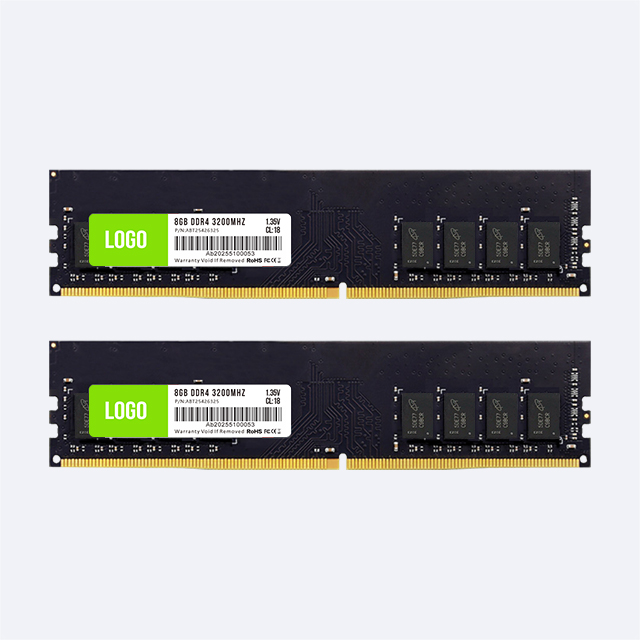
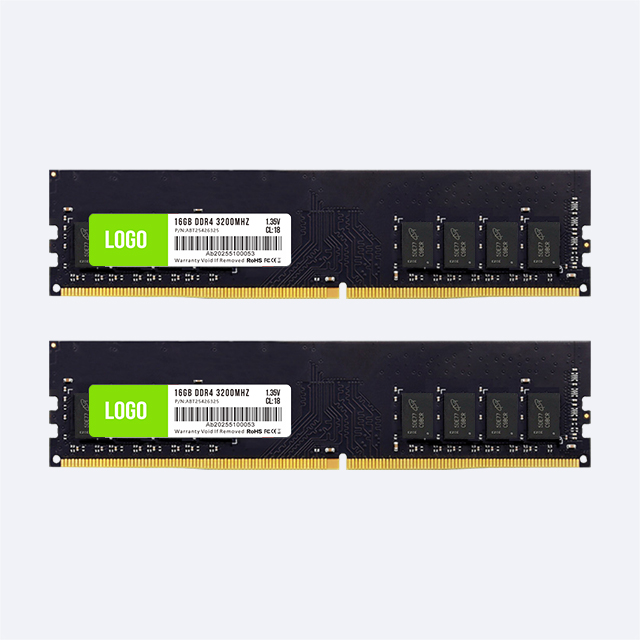
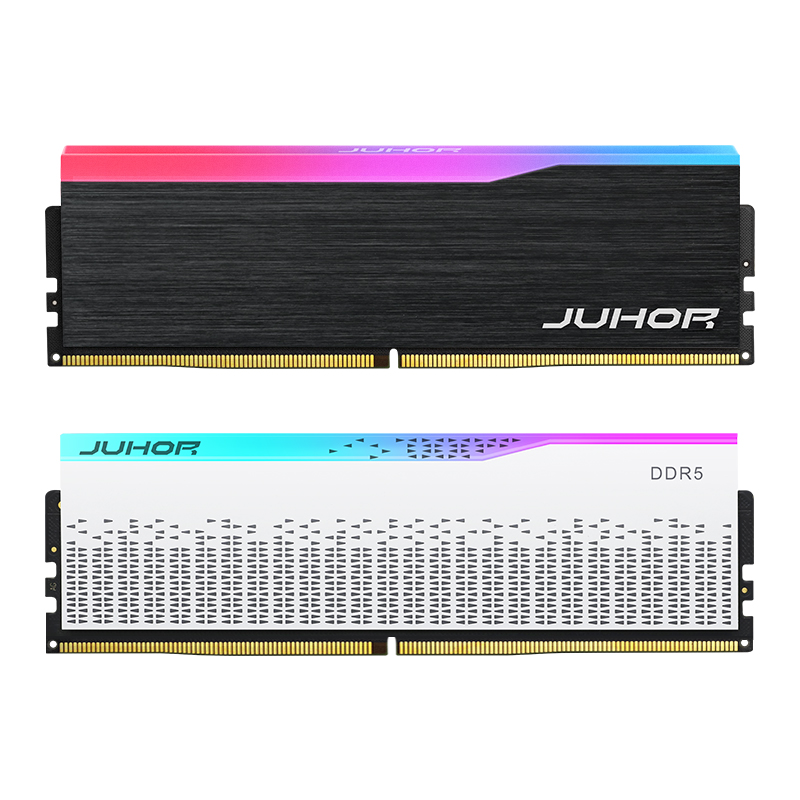
A 16GB DDR5 gaming PC and a 32GB DDR5 gaming PC can use the same processor, graphics card, and motherboard, yet serve very different buyers. The decision is not only about average frame rate. It affects background multitasking, content creation, project size, upgrade planning, product positioning, and the number of memory SKUs a system builder must support.
For an entry gaming computer with a controlled software load, 16GB can still be a valid specification. For a mainstream gaming system, gaming-plus-streaming build, or entry workstation, 32GB DDR5 RAM usually provides a more practical margin. Professional workloads that regularly exceed 32GB should move to a higher capacity rather than expecting faster 32GB memory to replace missing capacity.
| System profile | 16GB DDR5 | 32GB DDR5 | Suggested position |
|---|---|---|---|
| Entry esports PC | Suitable when game and background software are controlled | More capacity than some entry buyers need | Keep 16GB as a price-led SKU |
| Mainstream gaming PC | May become tight with browsers, launchers, voice chat, and newer games | Provides better multitasking margin | Use 32GB as the main configuration |
| Gaming plus streaming | Limited margin for capture, overlays, and background tools | Better starting point for combined workloads | Specify 32GB, then validate the complete workflow |
| Light creator or engineering workstation | Acceptable only for small, defined workloads | Better for moderate projects and several active applications | Use 32GB as the entry professional tier |
| Heavy workstation workload | Generally too limited | May still be insufficient | Measure usage and evaluate 64GB or more |
This table is a product-planning framework, not a guarantee for every game or application. The correct capacity should be based on the target workload, peak memory use, operating system, background software, and required service life.
A request for “32GB DDR5 RAM” is incomplete. It may mean one 32GB module, two 16GB modules with 32GB total capacity, or a system specification that leaves the module arrangement open. The same issue applies to 16GB, which may be supplied as one 16GB module or two 8GB modules.
System builders should write the installed capacity and module layout separately:
16GB total: 1 x 16GB or 2 x 8GB
32GB total: 1 x 32GB or 2 x 16GB
Module type: desktop DDR5 UDIMM
Rated and intended operating data rate
Required Intel XMP or AMD EXPO profile
Motherboard slots used and slots reserved for expansion
The available module layouts must be confirmed for the exact supplier part number. Do not infer that every capacity is offered as both a single module and a matched set.
Sixteen gigabytes remains useful when a brand needs an accessible DDR5 gaming SKU and the intended workload is narrow. Competitive esports systems, gaming-café terminals with controlled software images, educational gaming labs, and price-sensitive prebuilt computers can fit this tier.
The key is to define the environment. A system running one esports title with a limited set of services has a different memory requirement from a home gaming PC running a browser, voice chat, RGB control software, a game launcher, recording tools, and background updates. The second system has less free capacity before the operating system begins compressing memory or moving inactive data to storage.
A 16GB SKU makes commercial sense when it protects a meaningful price point or allows more of the budget to go to the processor, graphics card, or SSD. It is less attractive when the buyer will soon add another module, creating installation work, compatibility checks, and potentially stranded original parts.
For gaming brands, 32GB gives more room for modern games and the software that surrounds them. That margin can improve consistency when buyers switch between the game, browser, chat, capture software, launchers, and monitoring tools. It can also reduce the risk that a premium graphics and processor configuration is paired with an obviously entry-level memory specification.
More capacity does not automatically raise frame rates. If a game and all background tasks already fit comfortably within 16GB, moving to 32GB may produce little direct performance change. The benefit appears when the 16GB system approaches its limit or when the product is expected to support heavier multitasking over its sales life.
This makes 32GB a useful standard for mid-range and premium gaming systems. Brands can reserve 16GB for the entry line, reduce buyer confusion in the main range, and use speed, appearance, cooling design, storage, and graphics configuration to differentiate higher models.

Workstation memory should be sized from measured workloads rather than the label “professional.” A light office development system, basic 2D design station, or small photo-editing computer may work within 16GB. A system running several professional applications, moderate code projects, larger image files, light video editing, or a small virtual machine is more likely to benefit from 32GB.
Thirty-two gigabytes should still be treated as an entry or mid-level workstation capacity, not a ceiling. Large CAD assemblies, high-resolution video projects, complex 3D scenes, multiple virtual machines, scientific datasets, and local AI workflows may need 64GB or more. The builder should capture peak committed memory during representative tasks and include a margin for operating-system and application growth.
Capacity shortage is usually more disruptive than a small difference in memory speed. Once active data no longer fits in physical memory, the system may rely more heavily on storage. Even a fast SSD has much higher access latency than RAM. Therefore, a workstation that genuinely needs more than 32GB should not be specified with a faster 32GB kit as a substitute.
One module and two modules with the same total capacity are not equivalent purchasing choices. On a dual-channel desktop platform, installing matched modules across the recommended slots can provide access to both memory channels and increase aggregate bandwidth. A single higher-capacity module can leave a second slot available for a simple capacity upgrade.
| Configuration | Advantage | Tradeoff | Best fit |
|---|---|---|---|
| 1 x 16GB | Lower module count and a direct path to 2 x 16GB later | May use fewer memory channels initially | Entry systems with a planned upgrade |
| 2 x 8GB | Uses both channels on common dual-channel desktop platforms | Upgrading to 32GB may require replacing both modules | Fixed 16GB gaming configuration |
| 1 x 32GB | Leaves room to add another 32GB module | May sacrifice initial channel bandwidth | Capacity-first systems with a defined expansion plan |
| 2 x 16GB | Balanced 32GB total capacity and channel population | Uses two slots and should be qualified as a pair | Mainstream gaming and entry workstations |
DDR5 modules contain internal subchannels, but this does not remove the benefit of populating the platform's memory channels correctly. Follow the motherboard manual for slot order and validate the precise capacity, module count, BIOS, and profile that will ship.
Capacity and data rate solve different problems. Capacity determines how much active data can remain in memory. DDR5 RAM speed affects potential bandwidth and works together with timings and the platform's memory controller.
For a system that exceeds 16GB during normal use, 32GB at a suitable validated speed will generally be more useful than 16GB at a higher advertised speed. After capacity is sufficient, the builder can choose among 4800, 5600, 6000, or 6400 MT/s according to the CPU, motherboard, workload, profile support, stability target, and product price.
Some higher rated settings require Intel XMP or AMD EXPO to be enabled. Record both the module's rated specification and the actual speed the shipping system uses. Builders evaluating a performance configuration can consult the Juhor DDR5-6000 memory review, while recognizing that its test results apply to the documented configuration.
| Commercial tier | Memory configuration to evaluate | Target buyer | Sales message |
|---|---|---|---|
| Entry gaming | 16GB total | Esports and budget-focused buyers | DDR5 platform access at a controlled system price |
| Mainstream gaming | 32GB total, often 2 x 16GB | AAA gaming and multitasking users | Capacity margin for games and background applications |
| Gaming plus creation | 32GB total as a starting point | Players who stream, record, or edit | One system for gaming and moderate content work |
| Entry workstation | 32GB total with an expansion plan | Design, development, and business users | Professional multitasking with a defined upgrade path |
Do not create separate part numbers for every theoretical combination. Start with the capacities that correspond to real system tiers. A gaming brand may need one 16GB entry SKU and one 32GB main SKU. A workstation integrator may standardize on 32GB as the base and offer 64GB separately for measured higher-memory workloads.
A promise that the customer can “add memory later” should be supported by a documented plan. Mixing modules purchased at different times can introduce changes in DRAM components, programmed profiles, PCB revisions, timings, or voltage requirements. Even products with the same capacity and headline speed may not form a qualified pair.
If future expansion is part of the system offer, define the approved upgrade part number and retest after supplier changes. For managed business deployments, buying the intended final capacity at the start may be less expensive than scheduling field upgrades. For consumer systems, leaving two accessible slots and documenting compatible upgrades can be a useful selling point.
Confirm that the CPU and motherboard support DDR5 and the selected capacity.
Check motherboard slot order, maximum capacity, data-rate conditions, and qualified memory information.
Record module part number, revision, capacity, quantity, speed, voltage, and profile.
Use the BIOS version intended for production.
Verify cold boot, restart, sleep or wake behavior, and effective memory speed.
Run memory tests and representative games or workstation workloads.
Test the full software image, including launchers, overlays, security software, and background services.
Confirm cooler clearance, labels, packaging, and traceability before release.
Validation should follow the complete system SKU, not only the memory model. A result from one motherboard, processor, BIOS, or module layout should not be presented as proof for every configuration.
Juhor's published DDR5 desktop memory range includes products for gaming and desktop systems. The published Juhor DDR5 Star Domain memory page lists 16GB and 32GB capacities, frequencies from 4800 to 6400 MT/s, 1.25V to 1.35V depending on configuration, a 288-pin desktop format, and support for Intel XMP 3.0 and AMD EXPO.
The same page describes 8GB x 2 as 16GB total and 16GB x 2 as 32GB total. Buyers should still confirm the exact current part number, whether the requested capacity refers to one module or a matched package, and which speed, voltage, profile, appearance, and supply format apply to it. Specifications should be taken from the quotation and controlled datasheet rather than combined across different product variants.

Total installed capacity and required module layout
Target speed, voltage, and XMP or EXPO requirement
CPU, motherboard, board revision, BIOS, and intended DIMM slots
Gaming, streaming, creation, or workstation workload
Sample quantity, first order, and forecast by system tier
OEM branding, heat-spreader, label, and packaging requirements
Required test reports and platform-acceptance criteria
BOM control, change notification, traceability, warranty, and RMA terms
These details allow Juhor to match the inquiry to a specific DDR5 configuration and identify which points need sample validation before a bulk order.
It can be enough for an entry esports or budget gaming system with controlled background software. For newer games, multitasking, streaming, or a longer product life, 32GB offers more margin.
Not automatically. If total usage fits comfortably within 16GB, the average frame-rate difference may be small. The benefit becomes clearer when the 16GB system approaches its capacity limit.
It is a useful starting point for light and moderate professional workloads. Large video, CAD, 3D, virtual-machine, dataset, or local-AI projects may require 64GB or more.
Two matched 16GB modules can populate both channels on common dual-channel desktops. One 32GB module leaves a simpler path to 64GB. Choose according to bandwidth needs, available slots, and the planned upgrade.
The system may boot, but stable operation at the intended settings is not guaranteed. Use a qualified matched configuration and control component or revision changes for production systems.
Yes. First ensure the workload fits in physical memory. Then select a suitable speed and timings that the target platform can run reliably.
Yes, if the platform has the required slots and supports the new configuration. The builder should define the approved module and retest the combined arrangement rather than relying only on matching labels.
Confirm whether capacity is per module or total, module quantity, frequency, voltage, profile, part number, appearance, platform compatibility, packaging, MOQ, lead time, warranty, and traceability.
Sixteen gigabytes remains a defensible entry specification when the workload and price target are controlled. Thirty-two gigabytes is the stronger mainstream choice for gaming systems that run several applications and for workstations handling moderate professional work. If measured usage exceeds that level, move to a higher capacity rather than relying on frequency alone.
Send Juhor the total capacity, module layout, platform list, target frequency, workload, forecast, and OEM requirements to compare suitable 16GB and 32GB DDR5 configurations and arrange sample testing.


4 / F, No. 18, Langkou Industrial Park, Langkou Community, Dalang Street,Shenzhen,Guangodng , China