<meta charset="UTF-8"/><meta name="viewport" content="width=device-width, initial-scale=1.0"/><title>16GB DDR5 RAM: Choosing Single Modules and Upgrade Configurations</title><meta name="description" content="Choose 16GB DDR5 desktop memory as one 16GB module or a 2x8GB configuration. Check workload, channels, platform support, frequency, upgrade room, and the quoted SKU."/>
A desktop order for DDR5 16GB RAM should define whether the system needs one 16GB module or a complete 16GB configuration. One 16GB UDIMM and two 8GB UDIMMs reach the same installed capacity, but they occupy different slots and use the CPU's memory channels differently.
Start with the workload, then choose the module arrangement and operating setting. This guide focuses on 16GB total desktop capacity and single 16GB modules used for that purpose. A two-module package containing two 16GB modules provides a different total capacity and must be quoted as a separate configuration.
16GB is a candidate for office productivity, browser-based work, education desktops, and defined entry-level application sets when representative testing shows enough memory headroom. The application mix matters more than a department name. A desktop used for documents and video calls can have a different requirement from one running large spreadsheets, local services, and several professional tools together.
Test the normal busy session, including background security software and the applications users must keep open. Review available physical memory, sustained paging, application response, and task completion. A high cached-memory figure alone does not establish a shortage.
Keep the expected service life in view. If the application set is stable and fits the test configuration, 16GB can be a defensible capacity choice. If required tasks already leave insufficient operating margin, move the capacity decision to a larger tier rather than trying to compensate with a higher data rate.
For that boundary decision, JUHOR's 16GB versus 32GB DDR5 guide provides broader context. The configuration checks below remain focused on the 16GB desktop tier.
On a typical dual-channel desktop, a pair installed in the recommended slots can populate both CPU memory channels. One module populates one channel. DDR5's internal subchannels do not make a single module equivalent to installing a pair across both CPU channels.
| 16GB arrangement | Useful reason to select it | Condition to check |
|---|---|---|
| 1 x 16GB | A starting configuration with a defined expansion plan, or a requirement for a single module | The initial workload must meet performance expectations with one populated CPU channel |
| Matched 2 x 8GB kit | A fixed 16GB system where using both channels matters | The board supports the kit and the modules occupy the recommended channel slots |
| Existing 8GB plus an additional 8GB module | An upgrade to 16GB while retaining existing memory | The complete pair needs compatibility and stability validation |
For a fixed-capacity desktop that benefits from memory bandwidth, evaluate a qualified 2 x 8GB kit first. This can be relevant when integrated graphics share system memory or when the application moves substantial data through RAM. Measure the actual workload rather than assigning a universal performance gain to the module count.
A single 16GB module can preserve a slot on a two-slot board and avoid replacing a full pair when capacity grows. That benefit is strongest when the upgrade is planned and the initial configuration passes the workload test. An empty slot has little commercial value if the customer will never use it.
Do not assume the two arrangements have identical component organization or profiles. Compare their exact specifications and actual running settings. A single 16GB module and a two-module kit are different products even when their capacity and speed labels match.
Specify a full-size DDR5 desktop UDIMM and the memory class required by the host. A standard DDR5 UDIMM has 288 pins, but generation, electrical design, and keying still need to match. Desktop DDR4 and DDR5 are not interchangeable, and a registered module should not be substituted for an ordinary desktop UDIMM.
Record the desktop or motherboard model, hardware revision, CPU, and BIOS version. Confirm that the board supports the proposed capacity per module, total capacity, and final slot population. A maximum total-capacity figure does not qualify every module design.
Use the motherboard manual to identify the installation slot for one module and the recommended pair for two. Do not apply a slot instruction from a different board. For a branded desktop, use the PC maker's memory support information as well as any retail-board documentation.
A QVL entry is useful when the complete module or kit part number and tested conditions match the proposal. If the exact product is unlisted, request relevant compatibility evidence or qualify a sample on the target host. The DDR5 UDIMM compatibility checklist gives the platform fields to collect before approval.
A request for 16GB DDR5-5200 combines capacity with a data-rate target. It still needs the module count and operating conditions. Listings that write “16GB DDR5 5200MHz” are commonly referring to the effective transfer rate; use 5200 MT/s in the technical order sheet to avoid confusing it with the DRAM clock.
Ask whether the proposed module reaches the target rate through its default SPD settings or a stored performance profile. Do not assume that all 16GB products share the same default rate, voltage, or profile support. The CPU, motherboard, BIOS, and installed population must also permit the required setting.
For a managed business desktop, state whether the configuration must meet its specification without enabling an overclocking profile. If profiles are permitted, identify the exact profile and retain the approved BIOS settings. The XMP and EXPO purchasing guide explains the platform evidence needed for that choice.
Verify the active rate after installation. Detection of all 16GB proves capacity recognition, while a speed report identifies the selected operating setting. Neither check alone proves that the desktop is stable under load.
Write down the configuration as shipped and the conditions for later expansion. On a two-slot board, 2 x 8GB occupies both slots, so a larger capacity may require replacing the pair. One 16GB module leaves a physical slot available, but the future module and final combination still need qualification.
On a four-slot board, empty slots are not a promise that any later addition will run at the original speed. More modules can change the processor's supported population and the platform's stable settings. The matching policy and retest plan should be part of the upgrade proposal.
For a retained-memory upgrade to 16GB, collect the current module's part number, revision, organization, and SPD information. Matching the brand and printed speed does not establish a tested pair. If the existing module cannot be identified or supported, compare a complete replacement kit with the cost and uncertainty of mixing.
Once an upgrade moves beyond 16GB total, give it a separate BOM and approval record. This keeps the base product's capacity, module count, price, and support instructions clear.
A distributor can carry more than one 16GB arrangement without describing every difference as a capacity upgrade. Give each option a clear purpose and its own part number.
| Channel configuration | Positioning | Specification needed |
|---|---|---|
| Single-module 16GB base | Defined everyday workload and planned expansion where relevant | 1 x 16GB, default/profile behavior, host list, and initial performance result |
| Two-module 16GB configuration | Fixed total capacity with both CPU channels populated | 2 x 8GB matched-kit status, slot pattern, operating rate, and sample result |
| Service replacement or addition | Compatibility with a known installed system | Existing module identity, final 16GB population, and replacement test procedure |
Frequency, heat-spreader appearance, and packaging can be separate options within the capacity tier. Avoid multiplying SKUs unless the platform list and channel demand justify them. A higher-frequency label should not imply more capacity or guaranteed improvement in every application.
JUHOR lists an OEM/ODM DDR5 16GB desktop-memory product. Its public table includes 4800, 5600, 6000, and 6400 options. This is a useful starting point for a model inquiry, but the quotation must identify whether the offered item is one 16GB module and which operating specification applies.
A separate JUHOR Star Domain product description includes a 2 x 8GB configuration giving 16GB total. A specific kit, rate, and platform combination still needs confirmation. The reviewed 16GB product table does not establish a distinct 5200 SKU, so send that requirement explicitly if it is part of the project.

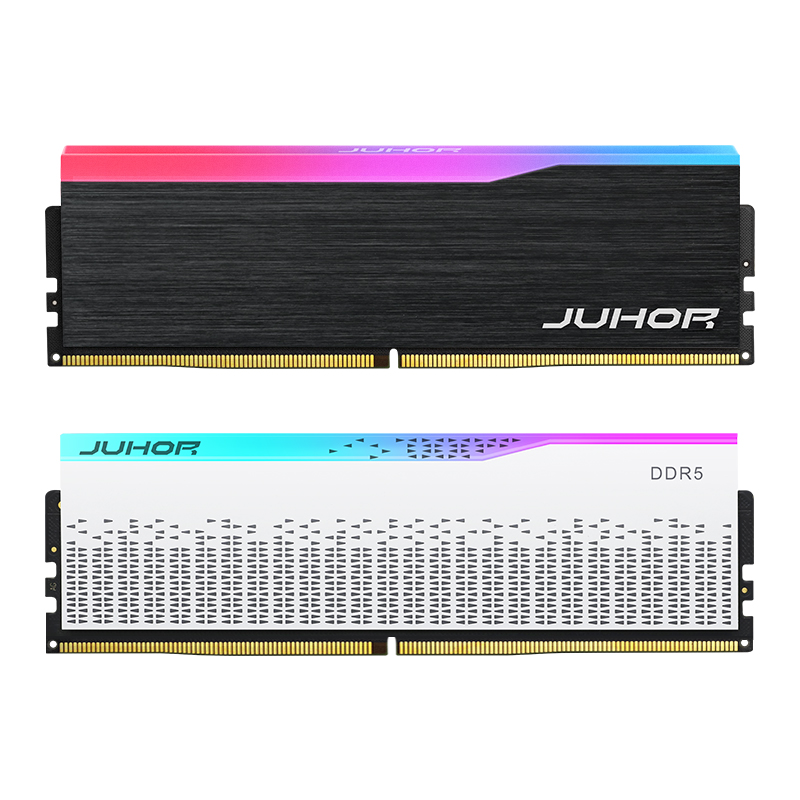
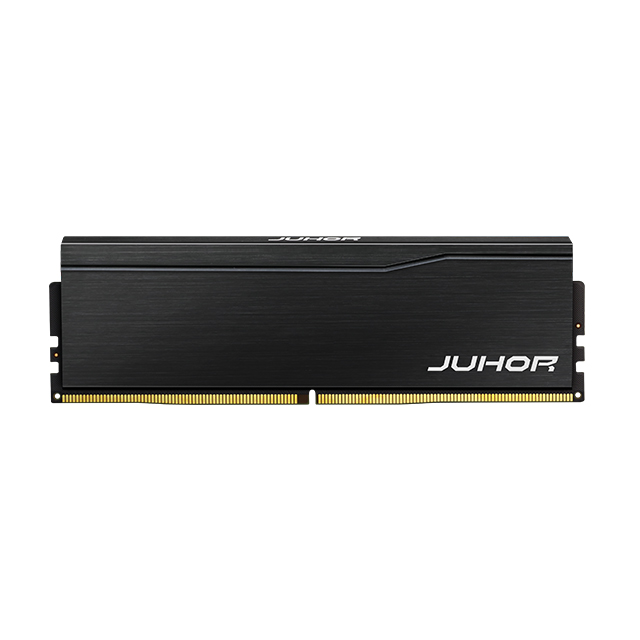
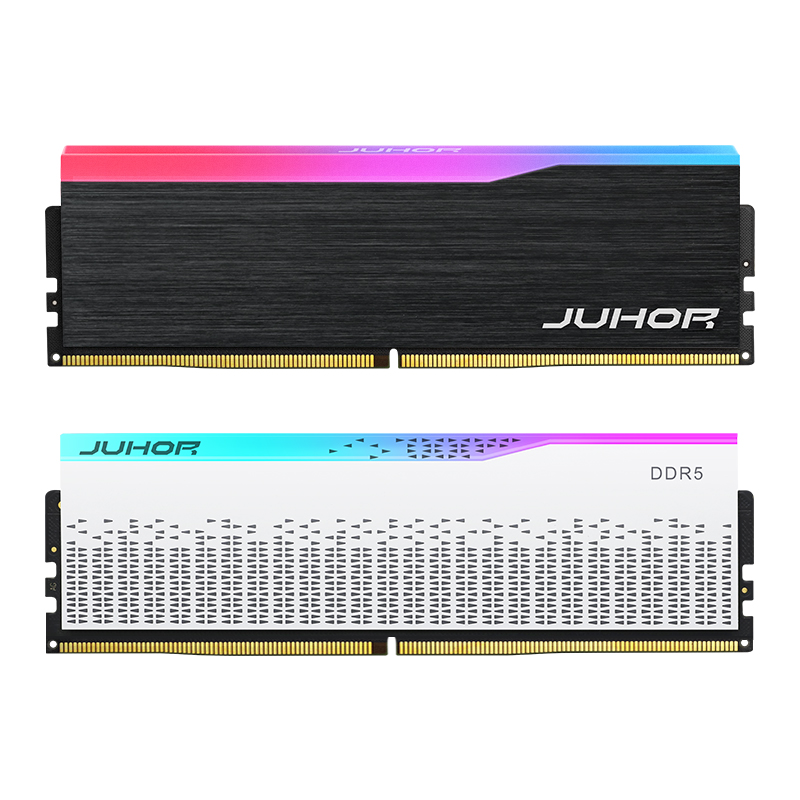
JUHOR DDR5 desktop reference image. Confirm the capacity per module, kit contents, and operating rate from the quoted SKU sheet.
Request the default setting, any required XMP or EXPO profile, electrical specification, actual dimensions, and platform test evidence for the offered model. Do not apply generic series values to every capacity and frequency combination. Current stock, samples, MOQ, delivery, and warranty handling should be returned for that specific proposal.
Test the sample as the desktop will be shipped: one 16GB module, a complete 2 x 8GB kit, or the approved retained-memory pair. Use the production CPU, board revision, BIOS, operating system, and chassis.
Confirm 16GB total, the intended capacity per module, and the correct slot arrangement.
Check cold boot, restart, and required sleep/wake behavior.
Verify the active data rate at the approved default or profile setting.
Run a defined memory test and representative workload, recording duration and errors.
Retain the SKU, revision, and settings that passed, with rules for reviewing material or SPD changes.
For a staged upgrade, qualify the later system separately before promising its result. For repeat orders, ensure that the supplier's change-notification process preserves the configuration used for approval.
No. It can describe one 16GB module or a kit totaling 16GB. Confirm capacity per module and the number of pieces.
They provide the same total capacity, but slot use, channel population, component organization, and profiles can differ.
Evaluate a qualified two-module kit when channel bandwidth matters. A single module can suit a planned expansion if its initial performance meets the requirement.
Not on a typical dual-channel desktop. Internal DDR5 subchannels do not replace installing modules across both CPU channels.
No. Confirm the exact default/profile settings and the CPU, motherboard, BIOS, and slot-population support.
Potentially, with another compatible 8GB module. The final pair needs its own validation; similar labels do not guarantee it.
Provide the base workload, motherboard and CPU, requested module arrangement, target rate, and quantity. Add BIOS and existing-module details for an upgrade.
Send JUHOR the desktop platform, 16GB capacity requirement, preferred single-module or kit format, target frequency, and quantity. Request a confirmed model sheet, sample terms, and price against that configuration. Keep the shipped base system and any later capacity upgrade as separate specifications.


4 / F, No. 18, Langkou Industrial Park, Langkou Community, Dalang Street,Shenzhen,Guangodng , China