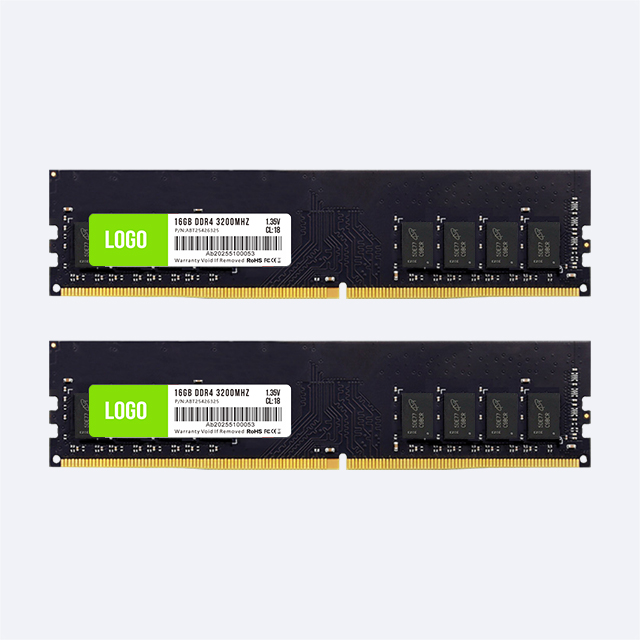
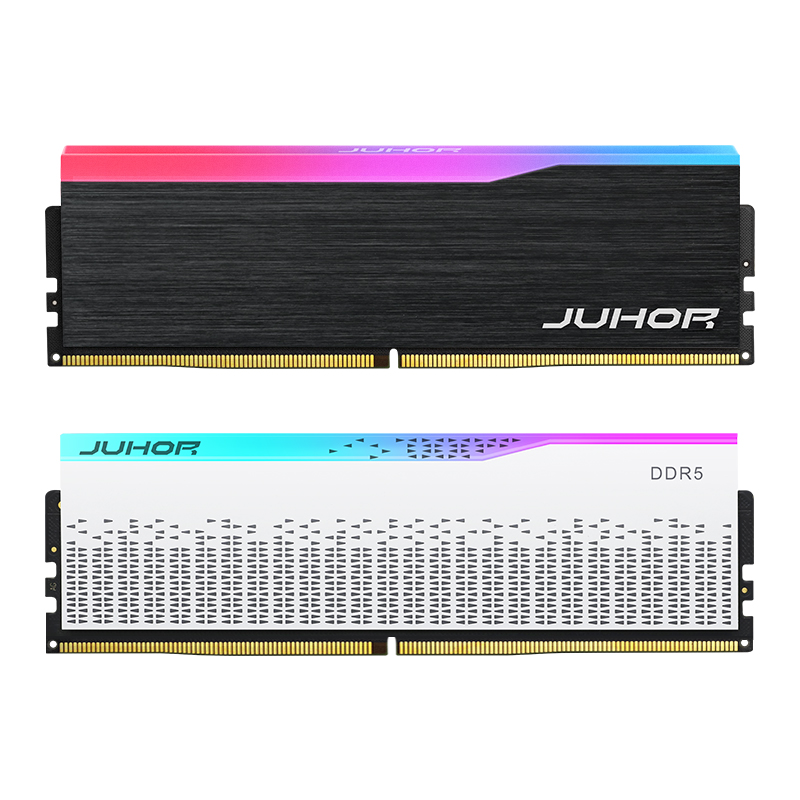
Two desktops can both be sold as “32GB DDR5” while using different memory configurations. One has a matched 2 x 16GB kit across the CPU's memory channels. The other has one 32GB module and an empty slot reserved for a later upgrade. Capacity is identical, but bandwidth, upgrade work, qualification, and replacement stock can differ.
For most fixed 32GB desktop SKUs on a mainstream dual-channel platform, start with 2 x 16GB. Consider 1 x 32GB when the customer has a defined move to 64GB, particularly on a two-slot board, and the initial single-module configuration meets the workload requirement. The 2x16GB vs 1x32GB DDR5 decision should be recorded as a system configuration, not hidden behind a total-capacity label.
On a common dual-channel desktop platform, two modules placed in the motherboard's specified slots can populate both CPU memory channels. One module leaves the other channel unpopulated. This changes the bandwidth available to workloads that regularly access system memory.
DDR5 also divides a standard non-ECC module's 64-bit data path into two independent 32-bit subchannels. This improves access efficiency within the module. It does not make one module equivalent to a pair installed across the CPU's two memory channels. A software report describing DDR5 subchannels can therefore confuse a buyer who expects “dual channel” to prove that two modules are installed.
Check the physical module count and slot positions against the board manual. Two modules in the wrong pair of slots may not follow the board's recommended population pattern. Do not use a generic slot rule for every motherboard.
| Decision factor | 2 x 16GB DDR5 | 1 x 32GB DDR5 |
|---|---|---|
| Total installed capacity | 32GB | 32GB |
| CPU channel use on a typical dual-channel desktop | Both channels when installed in the correct slots | One channel populated |
| Slots occupied | Two | One |
| Immediate commercial role | Fixed 32GB performance configuration | 32GB starting configuration with a planned expansion |
| Path to 64GB on a two-slot board | Replace with a qualified 2 x 32GB configuration | Add a compatible 32GB module and validate the resulting pair |
| Procurement definition | Matched kit with total and per-module capacity stated | Single module, plus a documented future pairing plan |
A fixed 32GB gaming or workstation desktop should deliver its intended performance when shipped. Two 16GB modules make use of both channels without depending on a future purchase. That is useful when the system's selling specification, application performance, or integrated graphics depends on memory bandwidth.
The application result is not a universal percentage. CPU cache, discrete versus integrated graphics, memory settings, resolution, and workload all affect the difference. A memory-sensitive task can show a larger gap than a task limited by the graphics card or storage. Do not present doubled theoretical channel bandwidth as doubled application performance.
For a useful comparison, hold total capacity at 32GB and test 2 x 16GB against 1 x 32GB on the same CPU, board, BIOS, and workload. Match the running data rate and relevant settings as closely as the products allow. A test comparing one 16GB module with two 16GB modules changes capacity as well as channel population and cannot be reused as an exact 1 x 32GB comparison.
A matched kit also gives purchasing and assembly a defined unit. The approved kit part number identifies both modules, the profile, and the package. The production line installs that kit and verifies the system setting. This is easier to document than assembling pairs from separately sourced stock without a pairing and test process.

A single module can be justified when capacity growth is part of the contract or deployment plan. On a two-slot board, 1 x 32GB leaves a direct physical path to two 32GB modules. The customer avoids removing a 2 x 16GB kit when moving to 64GB.
That benefit needs a real upgrade schedule. “Expandable later” has little value if the system remains at 32GB for its working life. Confirm the expected upgrade date, application growth, available budget, and who will perform the work. Test the initial one-module build to establish whether its bandwidth meets the user's needs.
A future second module is another sourcing requirement. Ask whether the supplier can maintain the same specification or provide an approved compatible alternative. The later module may differ in components or revision even if its capacity and brand match. The resulting pair still needs validation, including profile behavior.
If 64GB is already required by the workload or will be deployed shortly, request a qualified 2 x 32GB configuration from the start. Compare its total cost with two purchases, an extra service visit, retesting, and any disruption to the user. That comparison can favor the complete configuration even when the initial order is more expensive.
Count physical slots before recommending the configuration. A two-slot board with 2 x 16GB has no free slot. A four-slot board with the same kit still has two empty slots, but filling them changes the memory population from one DIMM per channel to two DIMMs per channel on a common dual-channel platform.
Four modules do not create four CPU memory channels on that platform. The supported or stable data rate can fall as the controller handles more modules. Processor population rules, module ranks, board layout, and BIOS affect the result. A two-module profile test cannot establish that four modules will run at the same setting.
| Current system | Possible 64GB route | Qualification issue |
|---|---|---|
| Two-slot board, 2 x 16GB | Replace with 2 x 32GB | Check 32GB-per-module support and test the new kit |
| Two-slot board, 1 x 32GB | Add a second 32GB module | Verify component compatibility and qualify the pair |
| Four-slot board, 2 x 16GB | Add another pair or replace with 2 x 32GB | Compare four-module operating limits with the two-module alternative |
| Four-slot board, 1 x 32GB | Add a second module in the recommended channel slot | Validate the final two-module configuration and profile |
Do not advertise an upgrade speed solely from the current kit's label. State the capacity and operating setting that have been tested for the final module count. Where the host is a workstation with a different channel architecture, use its processor and board population instructions instead of applying this mainstream desktop table.
A 16GB module and a 32GB module can have different DRAM organization, rank, component layout, and profile settings. “DDR5-6000” on both packages does not make them an equal technical design. A 32GB module is not necessarily dual rank, and rank does not replace a missing CPU memory channel.
Request the formal specification for each candidate. Record the default data rate, available XMP or EXPO profile, voltage, and relevant timing information for engineering review. The article's comparison does not establish any specific JUHOR timing value. Those values belong in the approved SKU sheet.
The BIOS may select a lower default setting before a performance profile is enabled. Confirm the running speed after installation, then test stability. A screenshot of the target rate is useful for identifying the setting; it does not replace an application and memory test.
Use separate part numbers for 2 x 16GB and 1 x 32GB. The invoice, system bill of materials, module label, box, and service record should all agree on total capacity and module count. A warehouse description containing only “32GB DDR5” invites a substitution that can change the finished PC.
For a matched kit, clarify whether the kit is supplied and tested as one saleable unit. For a single module, state that the system ships with one populated channel on the intended desktop architecture, and describe the upgrade plan accurately. A distributor can carry both formats, but sales staff need a clear reason to recommend each.
Service stock needs the same discipline. Decide whether a failed kit is replaced as a complete kit or whether an individual replacement is validated against the remaining module. Record serial numbers and revisions so support can reproduce the installed configuration.
Compare landed cost using the actual quote for each format. Do not assume two smaller modules cost more, or that a later single-module purchase will be cheaper. Include packaging, validation work, service visits, retired modules, inventory carrying cost, and the risk of a changed component supply.
A system builder offering an upgrade path should keep two approval records: the system as shipped and the planned upgraded system. Test each with the production CPU, board revision, BIOS, operating system, cooling arrangement, and application mix.
Verify total capacity, per-module capacity, part number, and slots used.
Check cold boot, restart, sleep and wake at default settings.
Apply the intended factory profile where supported and verify the running data rate.
Run the defined memory stress test and representative application workload.
Record the module revision and the changes that trigger retesting.
Repeat relevant checks on pilot-lot samples before releasing volume orders.
Keep the supplier's component-change policy attached to the order. If the future upgrade depends on matching another module, ask how long the specification can be maintained and how alternatives will be qualified. A promise of “same brand” is too broad to describe that obligation.
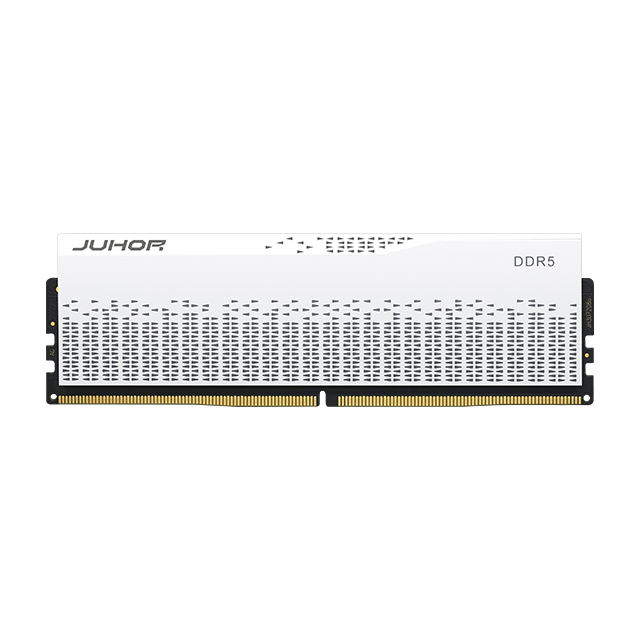
JUHOR's Star Domain black DDR5 desktop memory page explicitly describes two 16GB modules giving 32GB total capacity and lists selected frequencies from 4800 to 6400. Its RGB Star Domain DDR5 line also describes a 32GB total kit direction. Exact capacity, color, frequency, and profile combinations must be confirmed by part number.
The reviewed public pages do not provide enough evidence to confirm a separate 1 x 32GB DDR5 SKU. Buyers considering that route should ask JUHOR to confirm availability, per-module capacity, specification, sample terms, and the planned 2 x 32GB upgrade configuration. Do not treat a page's “32GB” total-capacity field as proof of a single 32GB module.
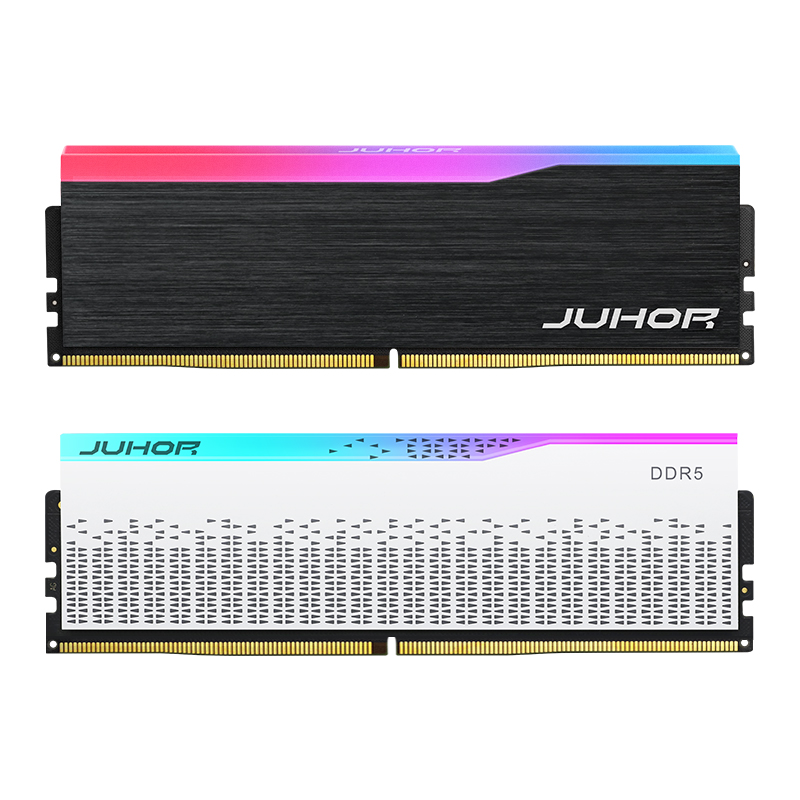
For buyers still choosing the capacity tier, JUHOR's 16GB vs 32GB DDR5 guide covers that earlier decision. Once 32GB is fixed, the present comparison helps define how the capacity should be supplied and installed.
| Buyer specifies | Supplier confirms |
|---|---|
| CPU, motherboard model/revision, BIOS, slot count | Candidate module or kit and tested platform coverage |
| 32GB as 2 x 16GB or 1 x 32GB | Exact part number, capacity per module, and saleable kit format |
| Default and target profile speed | SPD setting, profile availability, electrical specification, and validation requirements |
| Fixed 32GB use or planned 64GB upgrade | Final configuration, matching policy, and sample test plan |
| RGB choice, color, branding, quantities, delivery window | Available options, packaging, MOQ, lead time, and replacement process |
For a fixed 32GB build on a typical dual-channel desktop, 2 x 16GB is the stronger default. One 32GB module can fit a planned upgrade when its initial performance is acceptable.
Its internal subchannels improve module access, but one module does not populate both CPU memory channels on a common dual-channel desktop.
No. Channel bandwidth and application performance are different measurements. Test the actual workload at equal total capacity.
Yes, it uses one slot. The benefit is strongest on a two-slot board, but the later pair still needs compatibility and stability testing.
On a four-slot board, it may be possible. Four-module speed limits and mixed-kit compatibility need separate validation.
No. Rank depends on the exact design and DRAM organization. Request the module specification rather than inferring rank from capacity.
The reviewed public pages clearly describe 32GB total kits. A single 32GB SKU and its specifications require confirmation from JUHOR.
State total capacity, module count, per-module capacity, and the validated running speed. Keep the upgrade option as a separate specification.
Send JUHOR the platform list, required 32GB format, target operating speed, application mix, slot count, and the expected upgrade schedule. Include quantity by SKU and the final 64GB configuration where relevant. Ask for a confirmed part number and sample plan for both stages so the purchasing decision supports the system that will ship and the upgrade that customers will actually receive.


4 / F, No. 18, Langkou Industrial Park, Langkou Community, Dalang Street,Shenzhen,Guangodng , China