Laptop Memory

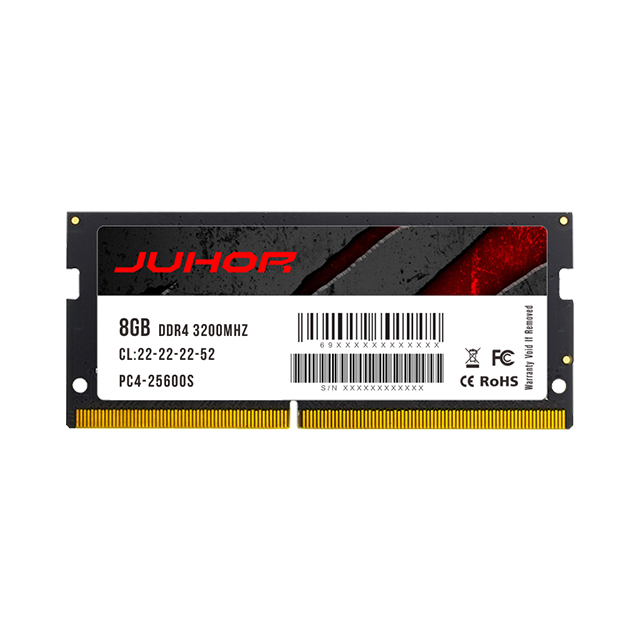
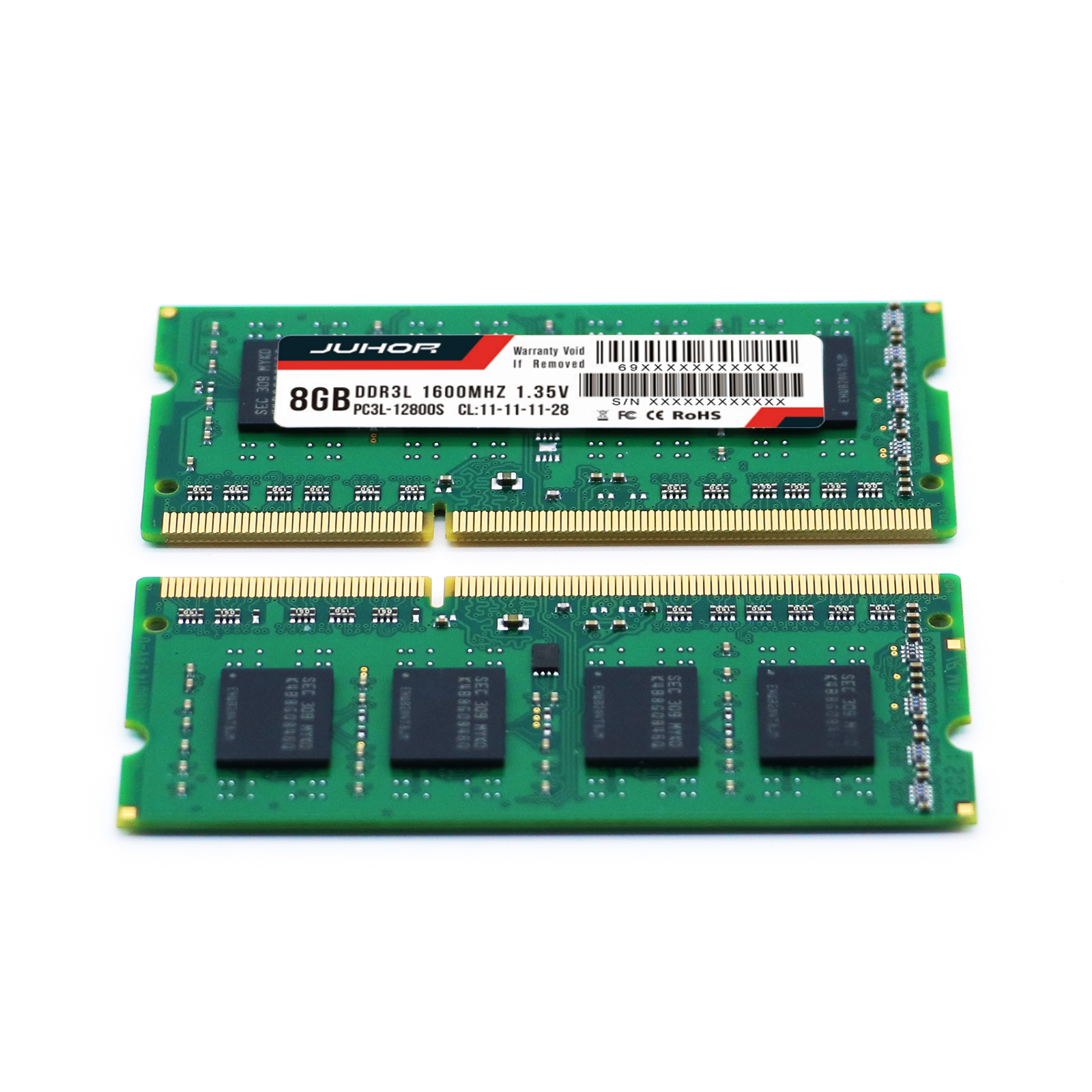
Is your laptop struggling to keep up with multitasking, gaming, or demanding work applications? Don't let sluggish performance hold you back! Discover our high - quality Laptop Memory solutions, including DDR5, DDR4, and DDR3, designed to transform your laptop experience.

Advantages

Frequently Asked Questions and Answers

  • What is a good memory for a laptop?

    +

    For most modern laptops, 16GB of DDR4/DDR5 SO-DIMM is a good baseline, with 32GB recommended for heavy multitasking or content work. JUHOR laptop SO-DIMM modules come in 8GB–32GB—contact us to match your model.

  • Is 32GB RAM overkill for a laptop?

    +

    It depends on your workload. For everyday office use 16GB is enough; for video editing, virtual machines or developer work, 32GB laptop RAM gives comfortable headroom. JUHOR offers 32GB DDR4/DDR5 SO-DIMM kits—contact us for your model.

  • How can I check the memory on my laptop?

    +

    You can use a free tool like CPU-Z to check your laptop's memory capacity, frequency and timings, or open your system's task manager / About page. Knowing these helps you pick the right JUHOR SO-DIMM upgrade.

  • How do I check what RAM my laptop supports (type, speed, max capacity)?

    +

    Check your laptop manufacturer's official spec page for supported memory type (DDR4/DDR5 SO-DIMM), max capacity and speed. JUHOR can also help you confirm compatibility—share your laptop model and we'll recommend the right module.

  • Can I upgrade my laptop RAM to 16GB or 32GB?

    +

    Yes, if your laptop has an upgradable SO-DIMM slot and supports 16GB/32GB total. Some thin models have soldered memory that can't be upgraded. JUHOR laptop SO-DIMM modules (DDR4/DDR5) are available for compatible models—contact us with your model.

  • Can I use desktop RAM in a laptop?

    +

    No. Desktop UDIMM and laptop SO-DIMM differ in size and pin count and are not interchangeable. Use SO-DIMM modules for laptops. JUHOR supplies laptop SO-DIMM memory in DDR3/DDR4/DDR5—contact us for your model.

  • What's the difference between DDR3, DDR4 and DDR5 laptop memory?

    +

    DDR3, DDR4 and DDR5 laptop memory are physically incompatible and each generation improves bandwidth, efficiency and architecture. You must match your laptop's supported type. JUHOR offers DDR4 and DDR5 laptop SO-DIMM—tell us your model and we'll match it.

  • How many RAM slots does a laptop have, and can I add a second stick?

    +

    Most laptops have 1–2 SO-DIMM slots, but many slim models solder memory onboard with no slot. Check your laptop's spec or open the bottom cover to confirm. JUHOR can advise on the right SO-DIMM upgrade—share your model with us.

  • Do you supply SO-DIMM modules in bulk for laptop repair and OEM brands?

    +

    JUHOR focuses on OEM/ODM and bulk supply for brands and distributors. For SO-DIMM bulk or private-label inquiries, contact us to discuss MOQ, customization and lead time.

  • Which is better for a laptop, 16GB or 32GB?

    +

    32GB is better for demanding work (editing, VMs, heavy multitasking); 16GB is sufficient for everyday office and web use. JUHOR offers both 16GB and 32GB laptop SO-DIMM—contact us to match your laptop.

Memory upgrade, performance leap!

Memory upgrade, performance leap!

Professional memory modules, tailored for you, free consultation, enjoy a high-speed experience!

×

Contact Us

*We respect your privacy. When you submit your contact information, we agree to only contact you in accordance with our Privacy Policy.

×

Inquire

*Name
*Email
Company Name
Tel
*Message

*We respect your privacy. When you submit your contact information, we agree to only contact you in accordance with our Privacy Policy.