SSD
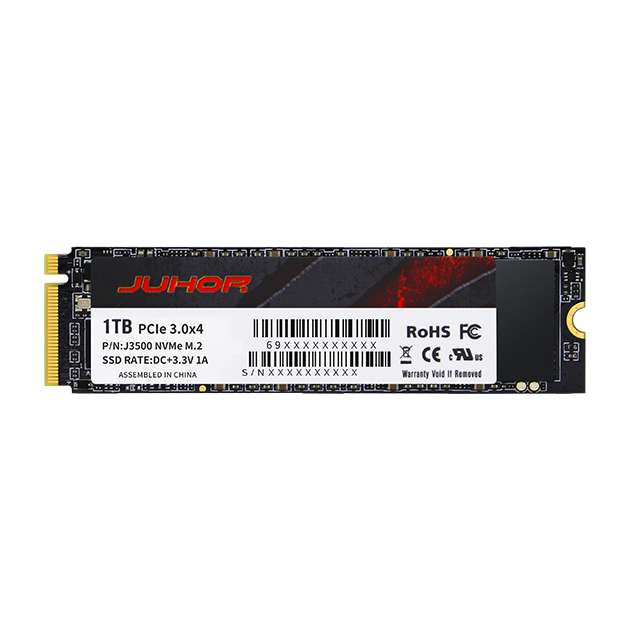
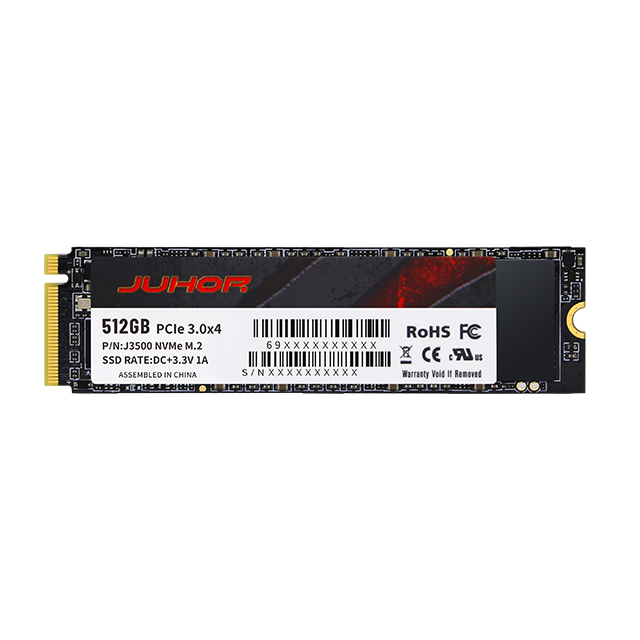
NVMe 3.0 SSD:The NVMe 3.0 SSD is optimized for high - speed data transfer. It uses the NVMe protocol to communicate with the computer's motherboard, resulting in significantly faster read and write operations. This means you can transfer large files in a fraction of the time it would take with a traditional hard drive.
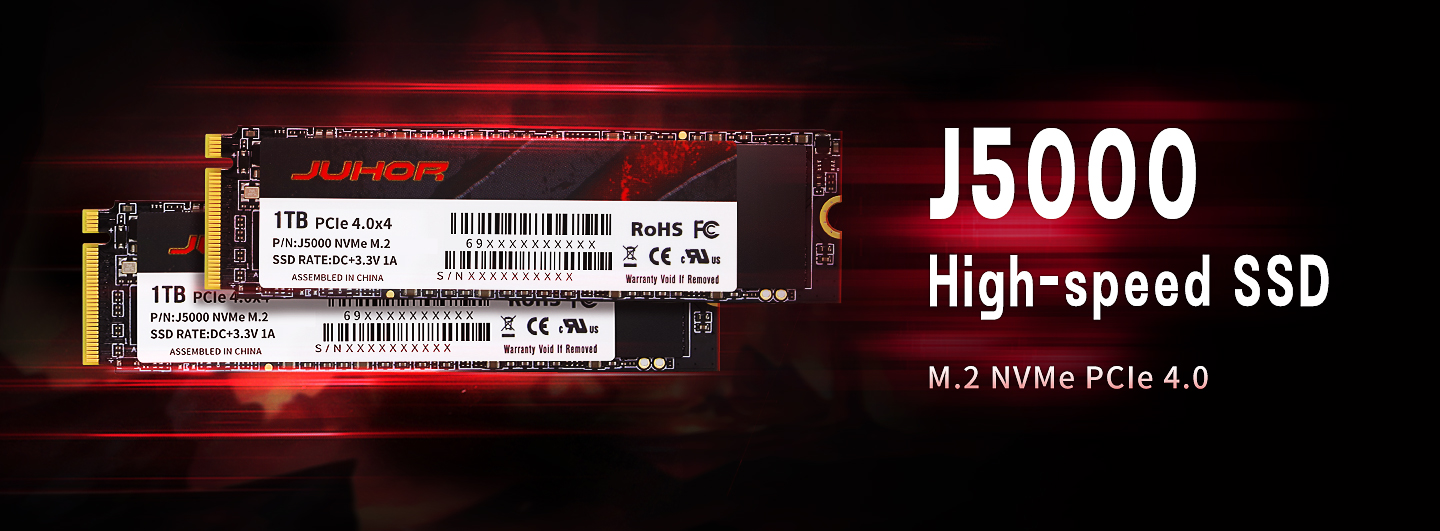
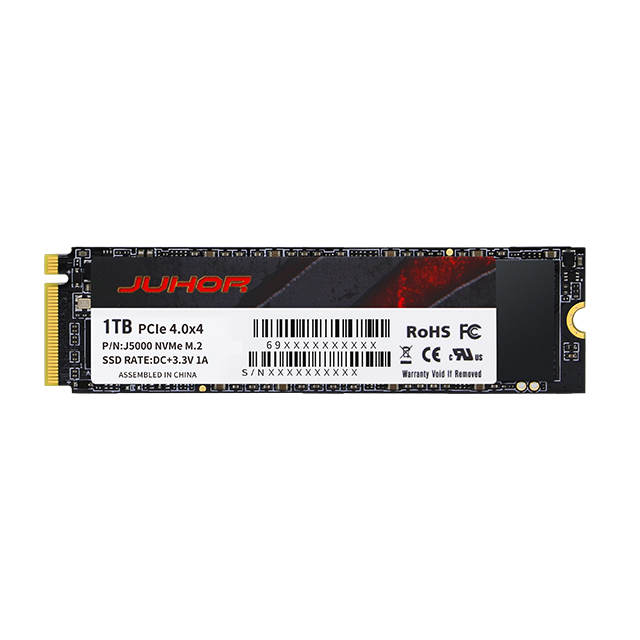
• NVMe 4.0 SSD:Step into the future of storage with our NVMe 4.0 SSD. It offers double - digit performance improvements over NVMe 3.0.
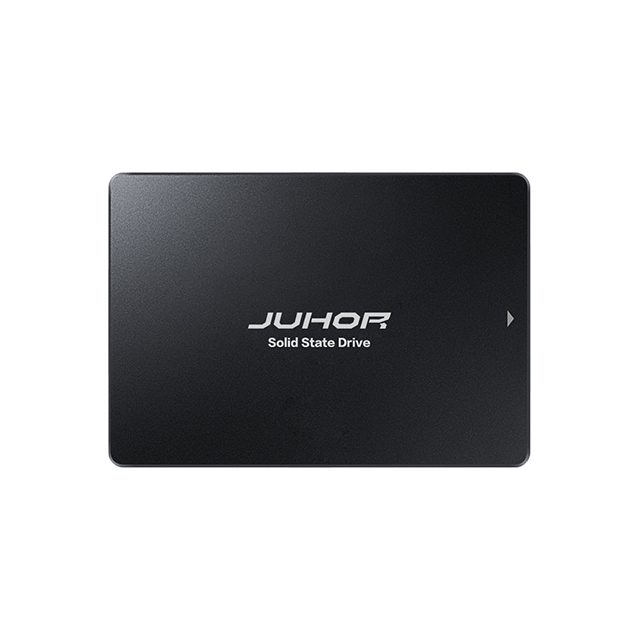
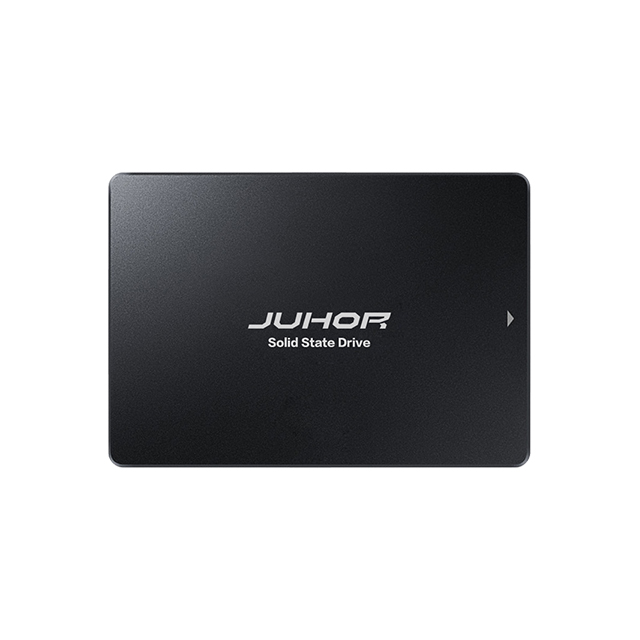
• SATA SSD:Our SATA SSD is a classic choice that combines reliability and affordability.
Advantages
-
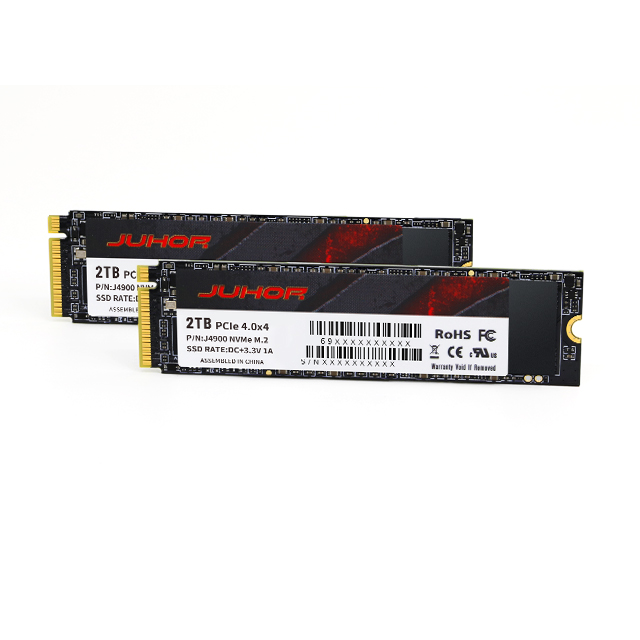
ssd for different specifications
we get different capacity fos sata ,M.2 3.0 and 4.0

Related Applications
Frequently Asked Questions and Answers
-
What is an SSD and how does it work?
+An SSD (Solid State Drive) is a storage device that uses flash memory to store data, offering faster speed, lower latency, and better reliability than traditional HDDs.
-
What are the advantages of SSD over HDD?
+SSDs provide faster boot times, quicker file transfers, lower power consumption, no noise, and improved durability compared to HDDs.
-
What is the difference between SATA SSD and NVMe SSD?
+SATA SSDs offer speeds up to 550MB/s, while NVMe SSDs (via PCIe) deliver much higher speeds, making them ideal for gaming, editing, and high-performance tasks.
-
What is the difference between 2.5-inch SSD and M.2 SSD?
+2.5-inch SSDs use SATA interface and are widely compatible, while M.2 SSDs are smaller, plug directly into the motherboard, and support both SATA and NVMe protocols.
-
How do I choose between SATA III and NVMe SSD?
+Choose SATA SSD for cost-effective upgrades and compatibility; choose NVMe SSD for higher speed, better performance, and demanding applications.
-
What storage capacities are available for SSDs?
+Common SSD capacities include 128GB, 256GB, 512GB, 1TB, and 2TB or higher, depending on user needs and application scenarios.
-
Is SSD compatible with all desktops and laptops?
+Compatibility depends on your device interface. Check whether your system supports 2.5-inch SATA, M.2 SATA, or M.2 NVMe before purchasing.
-
Does upgrading to an SSD improve performance?
+Yes, upgrading from HDD to SSD significantly improves system boot time, application loading speed, and overall responsiveness.
-
What is the lifespan of an SSD?
+SSDs have a long lifespan based on write cycles (TBW). Modern SSDs are highly reliable and suitable for daily and professional use.
-
Do you offer OEM/ODM SSD solutions?
+Yes, we provide OEM/ODM SSD services, including custom branding, firmware, capacity options, and packaging for bulk orders and global distribution.
Memory upgrade, performance leap!
Professional memory modules, tailored for you, free consultation, enjoy a high-speed experience!
Contact Us