<meta charset="UTF-8"/><meta name="viewport" content="width=device-width, initial-scale=1.0"/><title>DDR5 5600 RAM: Speed Ratings, Compatibility and Ordering Specifications</title><meta name="description" content="Understand DDR5-5600 speed labels and prepare an order by module format, capacity, platform, default or profile settings, and quantity. Request the exact 5600 model specification."/>
DDR5-5600 identifies a memory generation and an effective data rate of 5600 megatransfers per second. It does not identify capacity, physical format, electrical class, or the operating conditions needed on a particular computer. Those fields must be added before a supplier can return a meaningful model proposal.
Use this overview to read a 5600 listing and turn it into an ordering specification. Capacity-specific desktop and notebook configurations need their own host checks; the shared speed label does not make their modules interchangeable.
Listings such as “DDR5 RAM 5600MHz” and “DDR5-5600 RAM” commonly describe the same effective rate. MT/s is the clearer unit for transfers, while MHz measures clock cycles. DDR transfers data twice per clock cycle, so a DRAM clock near 2800 MHz can correspond to an effective rate of 5600 MT/s.
Check the name of the reported field. A utility may show the current DRAM clock, while a BIOS page can display stored SPD information alongside the active setting. Compare the actual running rate with the order requirement rather than assuming every number on the screen describes current operation.
A 5600 label is also different from a latency specification. Products with the same data rate can have different timing and electrical requirements. Request those details for the exact SKU if the project depends on them; do not assign one voltage or CL value to every DDR5-5600 product.
The system's memory slots and supported electrical class determine which module can be used. Desktop and compact formats should be separate order lines even when both are rated at 5600.
| Module description | Typical direction | Required confirmation |
|---|---|---|
| Full-size DDR5 UDIMM, 288-pin | Compatible desktop platforms | Board support for the UDIMM class, capacity, and installed layout |
| DDR5 SO-DIMM, 262-pin | Compatible notebooks and compact systems with replaceable memory | Exact device format, accessible slots, supported capacity, and BIOS limits |
| Other DDR5 classes, such as registered memory | Specific server or workstation platforms | A separate platform-qualified requirement; not a generic UDIMM substitution |
Pin count is a useful identification field, but generation and electrical class still matter. DDR4 cannot replace DDR5, and a registered module cannot be substituted into an ordinary UDIMM requirement merely because the headline rate matches.
For a full-size desktop request, the DDR5 UDIMM compatibility checklist covers the detailed CPU, board, and slot checks. For a replaceable compact module, use the host's service information and the DDR5 SO-DIMM upgrade guide for the separate device-level workflow.
The rate 5600 says nothing about how many gigabytes are installed. Specify capacity per module, modules per system, total capacity after installation, and whether the order is for individual pieces or complete kits.
A package total can be mistaken for a single-module capacity. The quotation should make that distinction visible, together with matched-kit status where relevant. A quantity of modules in a carton is not automatically a kit tested as one installed configuration.
If the request is for “DDR5 5600MHz 8GB,” ask whether 8GB is required per module or for the entire system, then confirm the format and available SKU. The keyword alone is not evidence that a particular supplier stocks an 8GB 5600 product in every form factor.
Detailed 32GB desktop and 32GB notebook decisions should be assessed as separate configurations. This frequency overview does not establish their module layouts, upgrade paths, or product availability.
A module can provide standard 5600 operation on a supported platform, while another product reaches its advertised 5600 setting through a performance profile. Read the exact datasheet and SPD/profile information. Do not assume that every 5600 product starts at 5600 or that every one requires XMP or EXPO.
Identify the rate available before profile selection and the conditions for the requested operating setting. A managed system with restricted firmware may need a product that meets its requirement at defaults. A profile-enabled build needs a documented profile and a stable result on the intended host.
Intel XMP and AMD EXPO should be confirmed against the actual SKU and board firmware. Their presence does not prove that the same setting will work on every platform. The XMP and EXPO ordering guide explains how to request profile and platform evidence.
Record the complete computer or motherboard model, revision, CPU, and BIOS. Review both the processor memory specification and the system maker's approved configurations. An advertised motherboard maximum can include overclocked settings and is not a blanket statement about every installed module arrangement.
Capacity per module, rank, and DIMMs per channel can affect the supported rate. A two-module result does not establish a four-module result. Use the exact population planned for deployment and follow the manufacturer's slot instructions.
A QVL or compatibility list provides useful evidence when the full part number and tested conditions match the request. If the product is unlisted, ask for another relevant record or evaluate a sample. For an upgrade, include the existing module identities and final slot population rather than assessing the new module in isolation.
After installation, check capacity, active rate, and stability separately. A computer can recognize the correct capacity while selecting a lower rate. A screenshot showing 5600 records the chosen setting; it does not replace a defined memory test and application workload.
A useful specification includes the following fields. The supplier should return an exact part number and mark any unconfirmed condition before a sample or volume order is approved.
| Field | Buyer defines | Supplier returns |
|---|---|---|
| Format and class | DDR5 UDIMM or SO-DIMM; required ECC/non-ECC function | Confirmed module type and specification |
| Capacity | GB per module, modules per system, target total | Single-module or kit part number and package contents |
| Operating rate | 5600 MT/s and default/profile policy | SPD/profile settings and applicable electrical conditions |
| Host | System or board, CPU, BIOS, slots, existing modules | Compatibility evidence or sample-validation plan |
| Quantity and supply | Pieces or kits, sample quantity, destination, timing | Available model, quotation basis, packing, current lead time, support terms |
An illustrative request can read: “DDR5-5600 UDIMM; 8GB per module; one module per target system; operating at 5600 under approved default settings; host and BIOS attached; quantity to be quoted in pieces.” This is a sample RFQ description, not a confirmed JUHOR offer. The supplier must identify whether an appropriate model can be supplied and validated.
For a different capacity or form factor, keep the same fields and change the values explicitly. Do not combine desktop and notebook requests under one ambiguous 5600 stock description.
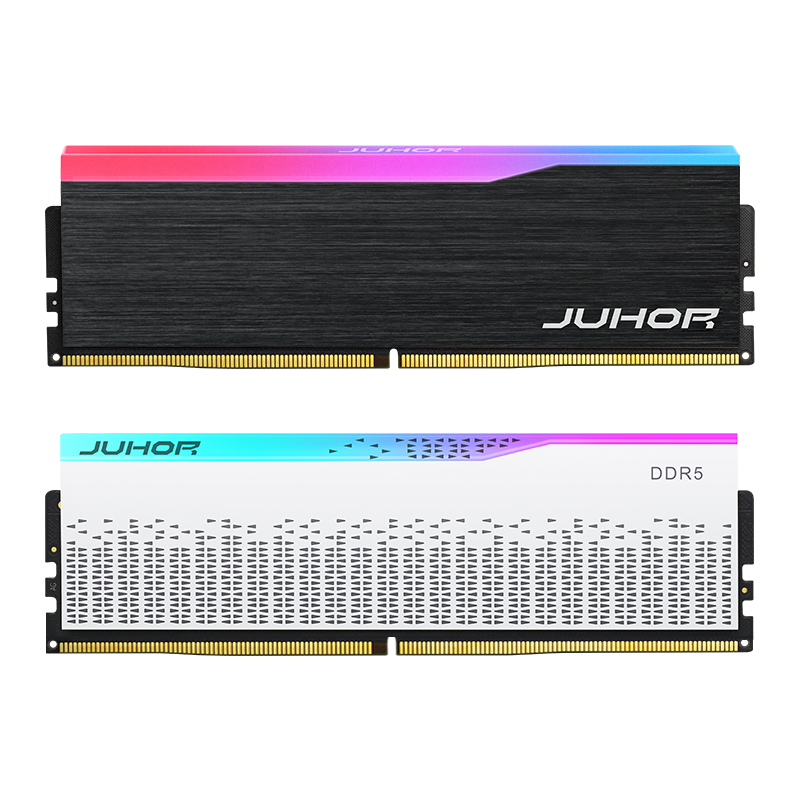
JUHOR's Star Domain DDR5 desktop product page lists 5600 among several frequency options. That is a catalog starting point for a desktop inquiry, not proof of every capacity, profile, or module format at that rate.
Request a quote-specific sheet identifying the actual model, capacity per module, package format, default rate, profile where applicable, and host test conditions. A general category description of common DDR5 speeds does not confirm an orderable 5600 SKU in a different form factor.

JUHOR desktop DDR5 reference image. It does not depict a SO-DIMM or identify a particular capacity and 5600 operating setting.
For a compact-module request, ask JUHOR to confirm the current product and provide its own datasheet. Keep availability, sample terms, MOQ, delivery, and warranty handling tied to the offered model. The article does not imply supply of every format or capacity described in the general specification overview.
It specifies DDR5 generation and an effective rate of 5600 MT/s. Capacity, format, electrical class, and host support must be stated separately.
A DRAM clock reading near 2800 MHz corresponds to about 5600 MT/s because DDR transfers data twice per clock cycle. Confirm the field being reported.
No. The rate can describe different module formats and classes. The host's slot and electrical requirements determine the product needed.
No. Check the actual default and profile specifications. The host must also support the required setting.
No. Add the form factor, capacity-per-module definition, module count, host, and operating conditions, then obtain a confirmed model.
Provide module format, capacity per module, system or board model, CPU, BIOS, final module count, and quantity. State whether 5600 must run at defaults.
Send JUHOR one line for each required 5600 configuration. Ask for the corresponding datasheet, confirmed part number, compatibility evidence, and quotation. Use that same description for sample validation and the final order so the speed label remains attached to a defined product.
<!--!doctype-->


4 / F, No. 18, Langkou Industrial Park, Langkou Community, Dalang Street,Shenzhen,Guangodng , China