A DDR5 order described only as “32GB 6000” is not ready for purchasing. The buyer still needs to define whether 32GB means one module or a two-module kit, which CPU and motherboard will be used, whether the rated speed depends on XMP or EXPO, whether RGB is required, and how the supplier will control changes between batches.
Those details affect boot behavior, validation time, product labels, inventory, and support costs. This DDR5 RAM buying guide gives system builders and distributors a practical sequence: lock the platform, choose capacity and module count, select a speed tier, confirm the memory profile, qualify the exact SKU, and then define the commercial order.
Memory is not selected independently from the computer. The CPU memory controller, motherboard, BIOS, DIMM layout, and workload set the usable configuration. DDR5 and DDR4 modules are not interchangeable, so the platform must support DDR5 before capacity or speed is discussed.
For every planned system SKU, record:
CPU family and exact processor model.
Motherboard brand, model, revision, chipset, and BIOS version.
Number of memory slots and the slots intended for installation.
Required total capacity and expected future expansion.
Target operating speed and whether a performance profile will be enabled.
Chassis and CPU-cooler clearance for heat-spreader modules.
Operating system, workload, and acceptance-test method.
A motherboard qualified vendor list can help identify combinations that the board maker has tested. Absence from a QVL does not automatically mean a module will fail, but a bulk buyer needs evidence for the exact combination being shipped. If the board, BIOS, or module revision changes, the test result may need review.
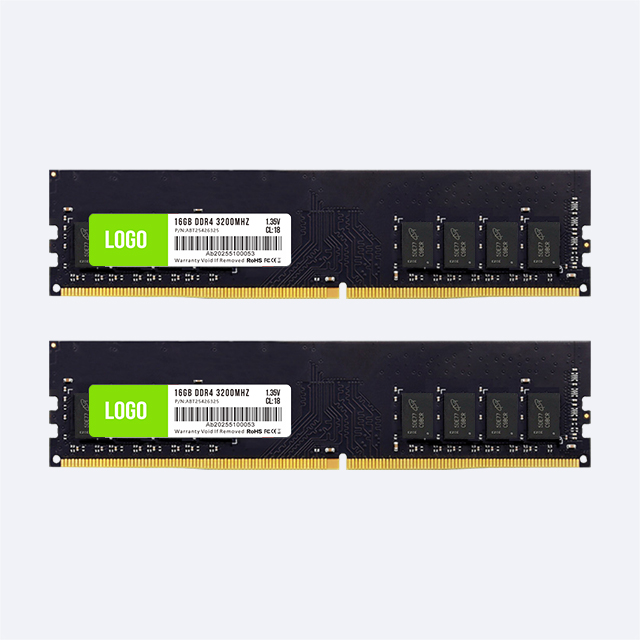
Desktop DDR5 memory normally uses a 288-pin UDIMM form factor. Laptop and many mini-PC upgrades use SO-DIMM. Server platforms may require RDIMM or another registered module type. These products serve different electrical and mechanical requirements and should never share an ambiguous stock description such as “DDR5 memory.”
| Module type | Typical system | Buying check |
|---|---|---|
| DDR5 UDIMM | Desktop PCs and selected workstations | CPU, motherboard, BIOS, DIMM slots, profile, height, and kit format |
| DDR5 SO-DIMM | Laptops, mini PCs, and compact systems | Exact device support, physical format, capacity limit, and service access |
| DDR5 RDIMM | Compatible servers and professional platforms | Server qualification, rank, capacity, platform list, and ECC requirements |
JUHOR's current DDR5 product range covered in this guide is desktop memory. Buyers looking for server or laptop memory should request a separate confirmed specification rather than treating a desktop UDIMM page as proof of availability.
Capacity determines whether a system can keep its active applications and data in memory. Speed cannot compensate when the workload exceeds installed capacity and the operating system starts relying heavily on storage.
For a system builder, capacity planning should begin with the complete workload rather than one foreground application. Include the operating system, browser tabs, communication tools, security software, game launchers, virtual machines, creative applications, and any local AI or engineering tasks expected to run together.
| Configuration direction | Commercial role | Points to verify |
|---|---|---|
| 16GB total | Cost-controlled desktops and selected entry gaming systems | Workload headroom, upgrade plan, module count, and background applications |
| 32GB total | Mainstream gaming, content work, and higher-spec business desktops | 2 x 16GB or another format, available slots, target profile, and sales tier |
| Above 32GB | Workstations, virtual machines, large creative projects, and memory-heavy local workloads | Platform capacity limit, DIMM count, attainable speed, rank, and application demand |
State total kit capacity and capacity per module separately. “32GB DDR5” could mean 1 x 32GB or 2 x 16GB. The two configurations use different slot counts and can produce different channel behavior. Matched kits also reduce the uncertainty created by combining separately purchased modules.

DDR5 speed is commonly listed in MT/s, although many product pages use MHz. A higher data rate can increase memory bandwidth, but the rated value is not a universal operating guarantee. CPU memory-controller limits, motherboard layout, BIOS, module count, capacity, and profile settings all affect the attainable result.
JUHOR desktop DDR5 pages list 4800, 5600, 6000, and 6400 options across selected products. These frequencies can support a tiered range, but a distributor should not stock every combination automatically.
| Speed tier | Possible product role | Qualification focus |
|---|---|---|
| 4800 | Baseline or compatibility-led system configurations | Default behavior, exact platform support, capacity, and value positioning |
| 5600 | Mainstream desktop and commercial system range | CPU support, BIOS version, profile requirement, and volume forecast |
| 6000 | Performance gaming and upper-mainstream systems | Intel or AMD platform, XMP or EXPO profile, stability test, and cooling clearance |
| 6400 | Validated performance tier | Exact board and CPU combination, DIMM count, BIOS, test duration, and support plan |
The most useful range is often a small number of confirmed configurations: one compatibility-led SKU, one mainstream SKU, and one performance option. A channel that adds every speed and color can divide demand across too many part numbers and make repeat ordering harder.
Intel XMP and AMD EXPO store memory settings that compatible platforms can apply through the BIOS. A module's advertised performance setting may not be active at first boot. The system can start at a safer setting until the appropriate profile is selected.
The purchase order should state whether the quoted speed is a default setting or a profile setting. It should also identify which profile is included, the expected voltage, the target platform, and the fallback behavior if the profile is not enabled. Never describe a module as “6000” without documenting how that setting is reached.
Profile support is not a substitute for platform validation. A system builder should test cold boot, restart, sleep and wake, application load, memory stress, and recovery after BIOS defaults are restored. The test report should include the motherboard, CPU, BIOS, module part number, module count, and actual operating settings.
DDR5 DRAM includes on-die error correction inside the memory chip. This helps the DRAM manage errors within its own cell array. It does not by itself make an ordinary desktop UDIMM equivalent to an ECC UDIMM or RDIMM that provides end-to-end error reporting and correction supported by the platform.
For commercial listings and quotations, use the correct module classification. If a customer requests ECC memory, confirm the exact CPU, motherboard or server, module type, ECC function, and qualification requirement. Do not use “on-die ECC” as a replacement for that answer.
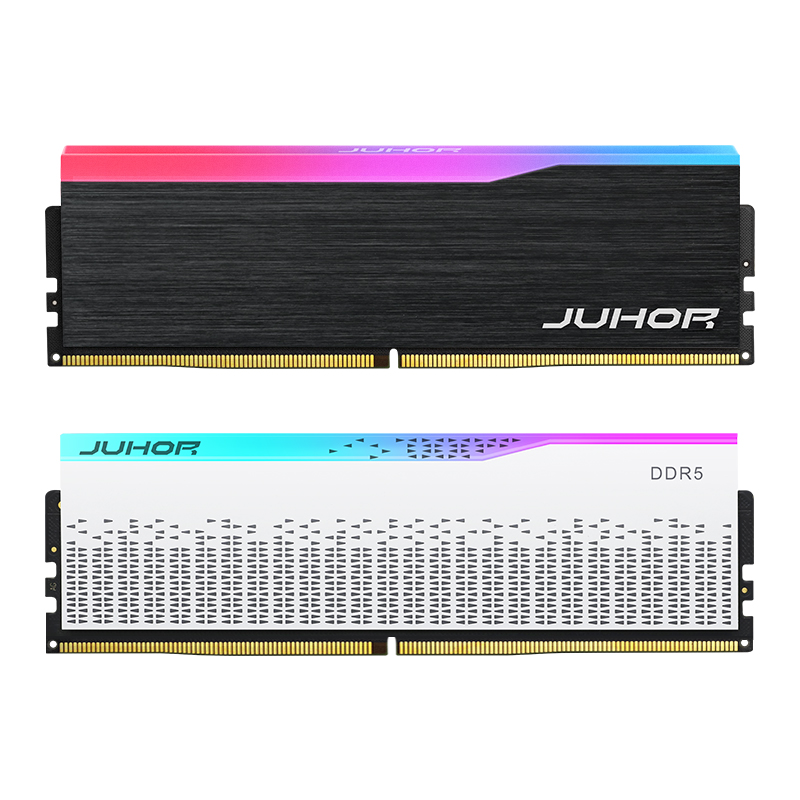
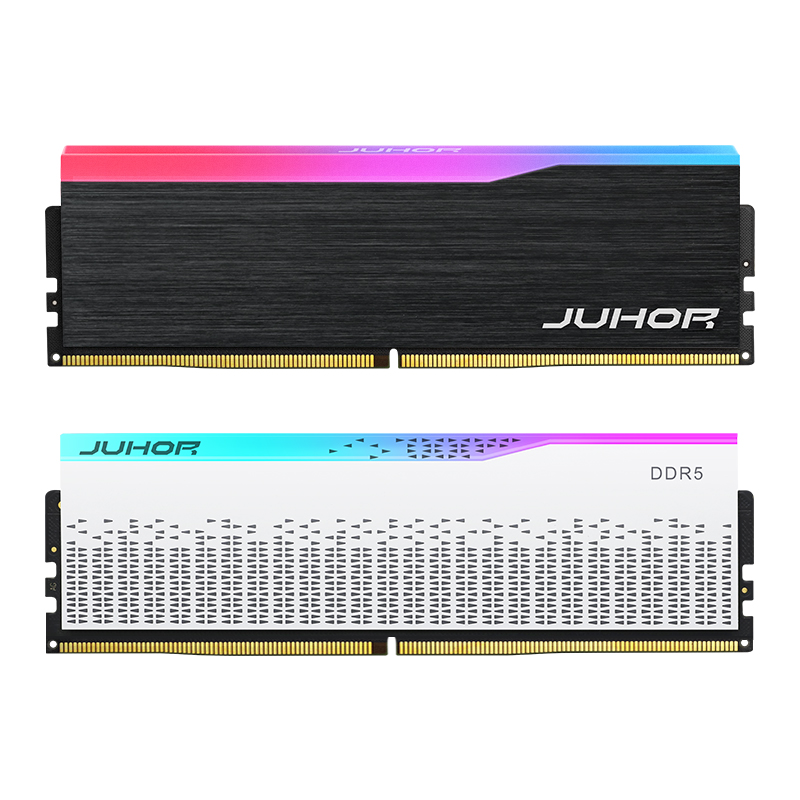
RGB memory has a clear role in glass-panel gaming systems, display builds, and private-label ranges where appearance supports the selling price. Non-RGB memory is often easier to place across commercial desktops, value gaming systems, and builds where the memory is not visible.
The electrical memory specification should be assessed separately from lighting. For RGB products, add checks for default lighting, color consistency within a kit, sleep and restart behavior, and software detection where a specific lighting system is claimed. Confirm module height against the CPU cooler and chassis.
JUHOR lists RGB Star Domain DDR5 memory in white and black, with total kit capacity descriptions for 16GB and 32GB and listed frequency options from 4800 to 6400. Buyers should confirm the exact color, module count, capacity per module, speed, profile, voltage, and lighting-control method for the order.

A useful DDR5 catalog gives each SKU a distinct sales job. It does not repeat the same product across unnecessary combinations.
| Range position | Recommended definition | Primary buyer |
|---|---|---|
| Core | Non-RGB, main capacity, conservative or mainstream speed, broad platform target | System integrators and commercial PC channels |
| Performance | Matched kit, validated higher-speed profile, defined Intel or AMD test platform | Gaming PC builders and performance resellers |
| Visual | RGB, controlled color selection, matched kit, confirmed lighting behavior | Gaming brands and DIY retail |
| Private label | Approved specification, logo, labels, packaging, revision policy, and inspection plan | Importers, distributors, and hardware brands |
Start from platform sales data. Count planned systems by CPU and motherboard, then map each system to one approved memory part number. Add regional channel needs, such as black versus white heat spreaders or RGB versus non-RGB. Forecast each combination separately because a white RGB kit and a black non-RGB module do not share the same demand.
A sample should represent the product that will be produced. The approval record needs the module part number, PCB revision, DRAM solution, SPD or profile data, heat spreader, color, label, and packaging. If alternative components are allowed, list the approved alternatives and the tests required after a change.
System builders should use a test matrix that reflects real shipments rather than one premium motherboard. Include the highest-volume boards, at least one boundary case, current production BIOS versions, all planned capacities, and the intended module count. Record pass criteria and failure handling before the pilot order.
For repeat orders, ask how the supplier handles:
DRAM IC, PCB, PMIC, SPD, and heat-spreader changes.
Advance notice and customer approval for material revisions.
Matched-kit assembly and kit-level testing.
Lot identification and traceability on modules and cartons.
Incoming inspection, production testing, and outgoing inspection.
Failure analysis, return authorization, replacement, and corrective action.
Price comparisons fail when suppliers quote different technical and commercial assumptions. One quote may describe a single 16GB module, another a 32GB kit, and another a profile-dependent performance product. Normalize the request before comparing unit prices.
A complete DDR5 RFQ should include:
Target country, sales channel, and application.
CPU, motherboard, revision, BIOS, and operating system.
DDR5 UDIMM type, total capacity, capacity per module, and module count.
Required speed, default setting, XMP or EXPO profile, voltage, and timings.
RGB or non-RGB, heat-spreader color, dimensions, and lighting requirements.
Fixed or flexible component policy and approved alternatives.
Sample quantity, pilot quantity, forecast, and order quantity by SKU.
Logo, label, retail packaging, carton, barcode, and language requirements.
Required tests, reports, certification documents, warranty, and return process.
Requested delivery window and destination.
JUHOR's current desktop DDR5 pages include RGB and non-RGB Star Domain designs in black and white, plus an OEM/ODM DDR5 desktop memory option. Product pages list 16GB and 32GB directions and selected speeds from 4800 to 6400. Exact combinations differ by page and must be confirmed for each quotation.
The company information records more than 1,000 test platforms and monthly memory-module capacity of about 200K. JUHOR also supports OEM/ODM orders, logo and packaging communication, and a production flow that covers chip procurement, chip testing, SMT, semi-finished testing, branding, final assembly, and outgoing delivery.
These capabilities are most useful when the request is specific. Provide the system platform, capacity, speed, color, RGB requirement, module count, forecast, and packaging plan. JUHOR can then confirm which product, sample, and validation route applies rather than forcing one module into every use case.
After the platform, capacity, and speed tier have been defined, review how CAS latency works with DDR5 frequency before approving the final timing specification.
Using total kit capacity and per-module capacity as if they were the same field.
Ordering by frequency alone without recording the CPU, motherboard, BIOS, and profile.
Assuming a rated performance setting is active at first boot.
Mixing separately purchased modules and treating them as a validated matched kit.
Calling an ordinary desktop module “ECC” because DDR5 has on-die ECC.
Approving a product photo without approving the exact part number and revision.
Adding too many capacity, speed, color, and RGB variants before demand is measured.
Accepting component substitutions without a change-notice and retest process.
No. DDR4 and DDR5 use different electrical and physical designs. Confirm the CPU and motherboard memory generation before ordering.
Choose from the full workload and product tier. A cost-controlled desktop may use 16GB, while 32GB gives more room for gaming, content work, and multitasking. Validate the exact application rather than using one capacity for every system.
Both provide 32GB total capacity, but they use different module counts and slot configurations. State the required kit format on the purchase order.
No. The operating setting depends on the module profile, CPU, motherboard, BIOS, and configuration. A rated profile may need to be enabled and validated.
XMP is Intel's memory-profile system and EXPO is AMD's profile system for supported platforms. Confirm the profile stored on the exact SKU and test it on the intended system.
Lighting does not determine memory speed. Compare capacity, frequency, timings, voltage, profile, module count, and platform using equal conditions.
No. On-die ECC inside DDR5 DRAM is different from platform-supported ECC UDIMM or RDIMM functionality. Confirm the exact module class for ECC requirements.
Confirm the part number, revision, component policy, speed profile, color, label, packaging, test plan, quantity, delivery window, and whether any material changed after the previous lot.
Send JUHOR one row for each planned system: CPU, motherboard, BIOS, target capacity, module count, frequency, profile, RGB choice, color, quantity, packaging, and delivery date. Ask for the proposed part number, confirmed specification, sample plan, test coverage, change policy, and quotation in the same row. This turns a broad DDR5 inquiry into a configuration that purchasing, engineering, and sales can approve together.


4 / F, No. 18, Langkou Industrial Park, Langkou Community, Dalang Street,Shenzhen,Guangodng , China