For a desktop that needs 32GB of memory, a qualified 2 x 16GB DDR5 kit is a practical starting point on a mainstream dual-channel platform. A single 32GB module can fit a planned expansion, provided the system meets its workload requirement before that expansion. Confirm the capacity arrangement and host support before choosing a frequency or requesting a quote.
The phrase 32 GB DDR5 RAM describes a capacity and memory generation. It does not identify the module count, electrical class, running speed, or installation conditions. This guide helps desktop buyers turn that broad description into a complete configuration. It focuses on the 32GB capacity decision; frequency-specific operating details belong in the documentation for the selected speed and SKU.
32GB is worth evaluating when the desktop runs several applications together or handles projects that leave limited memory headroom on its current configuration. Typical candidates include gaming with background communication tools, creative work, software development, and demanding business multitasking. The application name alone cannot establish that 32GB is sufficient.
Inspect a representative busy session rather than an idle desktop. Use a realistic project, normal background services, and the applications that users keep open together. Review available physical memory, sustained paging, and application behavior. Cached memory or a large allocated figure alone is not proof of a shortage.
| Desktop use | Why consider 32GB? | Check before setting the capacity |
|---|---|---|
| Gaming with background applications | Provides space for the game and concurrent tools | Test the intended titles and background workload; separate CPU, GPU, and memory limits |
| Creative or development work | Can support larger working sets and more concurrent tasks | Use a representative project, build, or asset set rather than an empty application |
| Business multitasking | Can provide headroom for several active applications | Measure the actual user profile; light office tasks may not justify the same configuration |
| Virtual machines or unusually large projects | May provide a usable starting configuration | Calculate concurrent host and guest demand; confirm whether 32GB can hold the required workload |
More capacity helps when the workload is constrained by memory. It does not correct a slow processor, insufficient graphics memory, or a storage bottleneck. Treat 32GB as a configuration to validate, not a promise that every desktop application will run faster.
For a fleet, test representative user groups and assign the capacity where it is useful. For a fixed desktop product, define the workload and support scope behind the specification. This makes the capacity choice easier to explain to purchasing and end users.
A single 32GB module and a kit containing two 16GB modules give the same total capacity. They use different numbers of slots and populate the memory channels differently. State both total capacity and capacity per module on the order sheet.
| Configuration | Best reason to consider it | Condition to verify |
|---|---|---|
| 2 x 16GB matched kit | A fixed 32GB desktop using both CPU memory channels | Install in the board's recommended slots and qualify the complete kit |
| 1 x 32GB module | A project with a defined capacity expansion plan and a need to preserve a slot | Confirm per-slot capacity support, initial performance, and the later module-pairing plan |
On a common dual-channel desktop, a pair installed across the specified channels can provide more aggregate memory bandwidth than one module. DDR5's internal subchannels do not make a single module equivalent to populating both CPU memory channels. The effect on an application still depends on the host and workload.
For a fixed 32GB system, start with the two-module kit unless the project has a reason to use one module. For a two-slot board with a planned expansion, weigh the initial single-module trade-off against the cost of replacing a complete kit later. A future module purchase also creates compatibility and availability questions.
If slot planning and later capacity are the deciding factors, use the 2 x 16GB versus 1 x 32GB SKU guide to compare the full upgrade paths.
Specify desktop DDR5 UDIMM and the memory class required by the platform. A full-size DDR5 desktop UDIMM has 288 pins, but contact count alone is not a compatibility test. DDR generation, unbuffered or registered operation, and any required ECC function must match the host.
Read the exact motherboard or prebuilt-PC documentation. Record the CPU, board model and hardware revision, BIOS version, total capacity limit, and supported capacity per slot. A board that accepts a 32GB total kit does not necessarily establish support for a single 32GB module of any organization.
Use the manual's slot instructions. Two modules on a four-slot board should occupy the recommended pair; the correct arrangement is board-specific. Filling additional slots later changes the population that the CPU memory controller must handle, even when the total remains within the capacity limit.
A QVL entry helps when its exact part number and tested configuration match the proposal. Check module count, capacity, relevant CPU generation, and BIOS conditions. When the part is unlisted, request another relevant test record or qualify samples on the target desktop. A series name alone covers too many possible configurations.
For a fleet with several board models, the DDR5 UDIMM compatibility checklist provides the platform fields to collect before sample approval.
Once 32GB and the module arrangement are settled, select a data rate supported by the intended platform and deployment policy. Keep default operation separate from any XMP or EXPO setting. A frequency printed on a box does not establish the speed a finished PC will use after installation.
For a managed desktop with restricted BIOS options, ask what the proposed SKU supports at default settings. For a profile-enabled build, include the selected profile and BIOS version in the test record. The supplier should confirm the actual setting rather than relying on a broad Intel/AMD compatibility statement.
This capacity guide does not prescribe 5200, 5600, or 6000 for every 32GB system. Review the exact operating conditions in the relevant frequency documentation. The published DDR5 frequency SKU guide provides context for the listed speed tiers; a specific 5200, 5600, or 6000 requirement still needs its own model sheet and platform result.
Keep a single capacity specification across those alternatives: 32GB total, with the chosen capacity per module and module count. Change the speed requirement through a controlled SKU decision rather than allowing different products to share an ambiguous “32GB DDR5” warehouse description.
A replacement kit and an additional module are different approval cases. For an upgrade, collect existing part numbers, revisions, capacities, and slots used. Clarify whether the target is 32GB total or 32GB added to the desktop.
Separately purchased modules or kits are not automatically qualified together. Matching brand and headline speed cannot establish identical components, SPD data, or stable profile operation. If existing modules must remain, test the final population rather than extending a new module's standalone result to the combined system.
For a mixed fleet, keep approval records by host and existing-memory group. A complete replacement configuration may reduce the number of combinations to validate. Where the project requires reuse, the supplier needs the existing module information before proposing an addition.
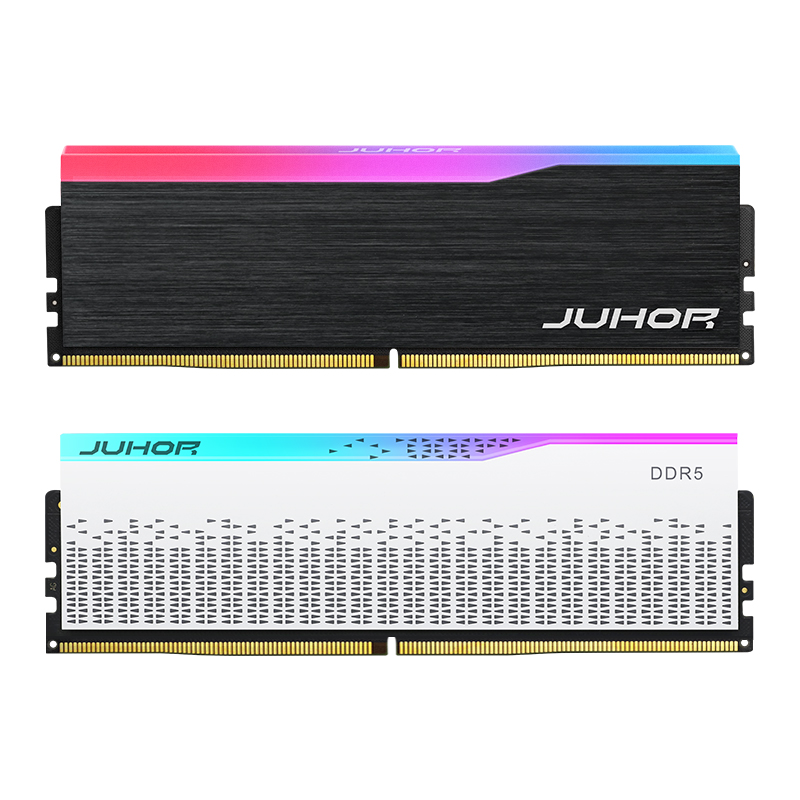
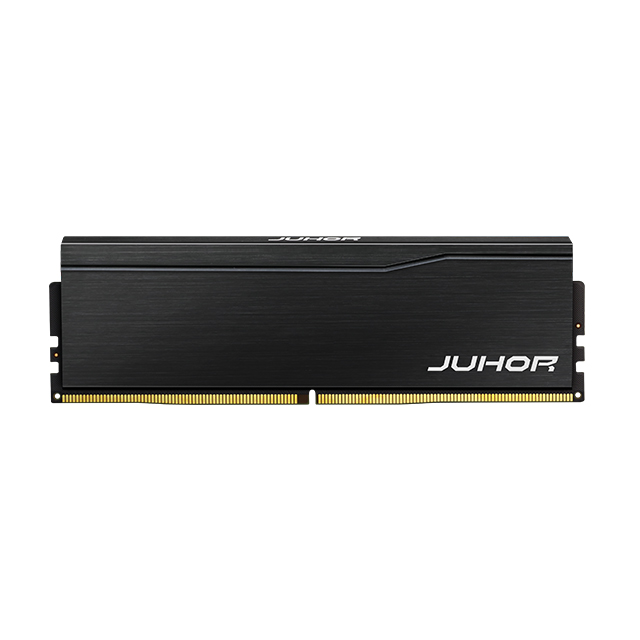
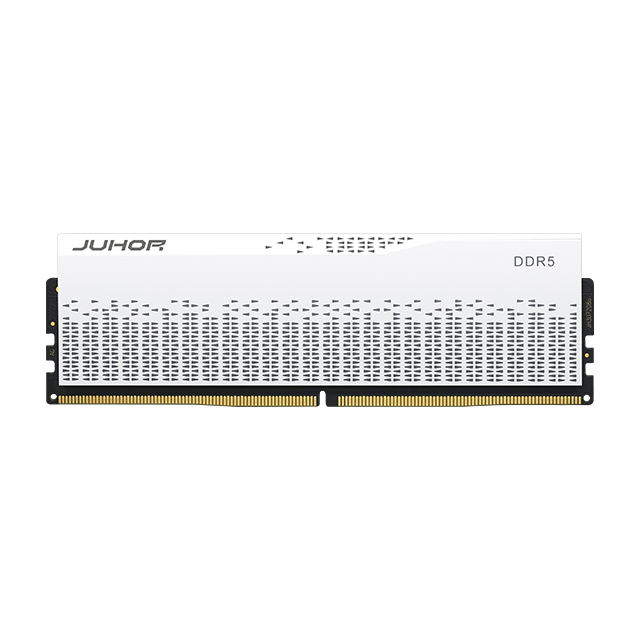
The JUHOR Star Domain DDR5 desktop memory page describes a 32GB total configuration using two 16GB modules. It provides a relevant starting point for a desktop kit inquiry. The reviewed public description does not establish a separate single 32GB DDR5 SKU.
Ask for the exact offered part number and specification rather than interpreting a catalog capacity field as a complete model definition. Confirm per-module capacity, kit format, default rate, any required profile, electrical class, and module dimensions. If a single 32GB module is requested, its availability and specification need a separate response.

JUHOR desktop DDR5 product reference. Use the quoted SKU documentation to confirm module capacity, kit contents, and operating settings.
For OEM or private-label supply, add the requested label and packaging format after the technical configuration is clear. The module label, kit box, invoice, and packing list should agree on whether 32GB is supplied as one module or a two-module kit.
Retain a sample specification with the actual module or kit identity. Test it on the production CPU, motherboard revision, BIOS, and intended slots. Use the real desktop chassis and application mix where those conditions affect acceptance.
Confirm 32GB total and the requested capacity per module.
Check cold boot, restart, and sleep/wake behavior.
Verify the active data rate and profile against the accepted configuration.
Run an agreed memory test and representative workload, recording errors and duration.
Repeat relevant tests with retained existing modules if the order is an upgrade addition.
Detection proves that the system recognizes memory; a running-rate report establishes the selected setting. Stability testing is a further step. Keep all three results attached to the same SKU and host record.
| Send with the inquiry | Request in the supplier response |
|---|---|
| Motherboard or desktop model, CPU, BIOS | Compatibility evidence or proposed sample test |
| Single-module capacity and kit combination | Part number, capacity per module, module count, total capacity |
| Intended operating rate and BIOS/profile policy | Default/profile specification and applicable conditions |
| Existing modules, slots used, and workload | Final configuration to qualify and any restrictions |
| Quantity, packaging, and delivery requirements | Model quotation, sample availability, current lead time, and after-sales terms |
Use the approved configuration as the repeat-order reference. Agree which component, PCB, or SPD changes require notice and retesting. This keeps a capacity purchase tied to the product that passed qualification.
No. Evaluate the workload and host support. Light tasks may not need it, while large projects or concurrent virtual machines may require more capacity.
No. It can describe one module or a total kit capacity. Confirm capacity per module and module count.
For a fixed 32GB mainstream desktop, a qualified 2 x 16GB kit is a useful starting point. Choose one module when a defined expansion plan and acceptable initial performance justify it.
Not on a common dual-channel desktop. Internal DDR5 subchannels do not replace populating both CPU channels.
No. Capacity and data rate are separate specifications. CPU support, module arrangement, BIOS, and profile settings determine the operating configuration.
The resulting configuration requires validation. Similar labels do not establish that the supplier tested those modules as one kit.
Send the motherboard model, CPU, requested capacity per module, kit combination, target operating rate, and quantity. Include BIOS and existing-memory details for compatibility review.
Send JUHOR a requirement that states 32GB total, the intended single-module capacity, kit combination, motherboard model, and quantity. Request the matching specification and quotation, then approve the sample on that platform. Frequency details can be resolved against the selected speed's documentation while the capacity and module format remain clear.


4 / F, No. 18, Langkou Industrial Park, Langkou Community, Dalang Street,Shenzhen,Guangodng , China