A useful specification for 32GB DDR5-5600 must identify the module format, capacity per module, number of modules, and conditions for reaching 5600 MT/s. Without those details, the same description can refer to different desktop products and different installation requirements.
Begin with the supplier's exact model sheet. Match it to the motherboard, CPU, BIOS, and intended slot population. For a bulk order, the approved model sheet should become the reference for the quotation, sample, and received lot. The checks below focus on desktop DDR5 UDIMMs and the evidence needed to confirm a 32GB configuration at 5600 MT/s.
There are two distinct requirements hidden in a short “32GB DDR5” description. A buyer may need one 32GB module, or a package totaling 32GB through two 16GB modules. Confirm which applies before asking for a price or a compatibility statement.
| Requested format | Capacity per module | Total capacity | Information that must accompany it |
|---|---|---|---|
| 1 x 32GB desktop UDIMM | 32GB | 32GB | Single-module part number and host support for 32GB per slot |
| 2 x 16GB desktop UDIMM kit | 16GB | 32GB | Kit part number, paired-module specification, and recommended slot placement |
These are configuration definitions, not a statement that every supplier offers both. A kit's total capacity should not be copied into the per-module field. Similarly, a carton of individual modules is not automatically a matched-kit shipment.
Module count changes how the desktop uses its memory channels and which slots remain free. On a common dual-channel desktop, a correctly installed pair can populate both CPU channels. A single module leaves the other channel unpopulated. JUHOR's 2 x 16GB versus 1 x 32GB configuration guide covers that decision; here, the important purchasing action is to attach the chosen format to the model number.
A standard full-size desktop DDR5 UDIMM has 288 pins. Pin count alone does not identify the correct electrical product. Confirm DDR5 generation, unbuffered module class, and the host's required ECC or non-ECC function. Do not substitute a registered module or assume that every memory product described as a desktop DIMM is interchangeable.
On-die error correction is part of DDR5 DRAM operation. It does not establish that an ordinary non-ECC desktop module provides the system-level ECC function required by a particular board. If the project has an ECC requirement, resolve the module class and platform support explicitly.
| Specification field | What to look for | Reason for checking |
|---|---|---|
| Model and revision | Complete orderable part number and applicable document version | Ties the specification to the shipped product |
| Capacity and package | Capacity per module, module count, total kit capacity | Separates a single 32GB module from a 32GB kit |
| Electrical class | DDR5 UDIMM and the required ECC/non-ECC classification | Matches the host's memory architecture |
| Operating settings | Default SPD setting, any profile setting, and their electrical conditions | Explains how the desktop reaches 5600 MT/s |
| Module organization | Rank and DRAM organization where required by the host | Avoids inferring compatibility from capacity alone |
| Mechanical details | Module length and installed height, including any heat spreader | Confirms clearance in the final desktop |
Do not infer rank from the 32GB label. Ask for the organization of the actual part when a host qualification depends on it. Likewise, dimensions printed for a retail box should not be used to decide whether the module fits under a CPU cooler.
DDR5-5600 describes an effective data rate of 5600 MT/s. Product listings sometimes use “5600MHz” for the same headline value. A diagnostic tool reporting a DRAM clock near 2800 MHz can be consistent with that data rate because DDR transfers data twice per clock cycle.
The rated number does not explain the boot setting. Standard DDR5-5600 products and profile-rated performance products both exist. The latter may start at a lower default rate until a supported XMP or EXPO profile is applied. Read the exact SPD and profile information rather than assigning one behavior to every 5600 module.
For an office fleet or locked-BIOS desktop, specify whether 5600 must be reached without enabling a performance profile. For a system that allows profiles, record the selected profile, BIOS version, and measured operating rate in the approval report. JUHOR's XMP and EXPO comparison for bulk orders explains the platform and validation questions behind that choice.
Request voltage and other electrical details from the SKU-specific document. A value quoted for one frequency or module in a series should not be applied to all options. This article does not assign a particular voltage or timing to a JUHOR 5600 model.
The CPU memory controller, motherboard design, firmware, and installed modules affect the supported rate. A board advertising a much higher overclocked speed still needs to be checked for the intended 32GB configuration. Conversely, basic DDR5 support does not prove that a particular CPU and module layout will run at 5600.
Record the full motherboard model, hardware revision, CPU model, and BIOS version. For a prebuilt desktop, include the PC model and the manufacturer's memory guidance. A custom BIOS can expose fewer options than the retail board used in a supplier's demonstration.
Check total capacity and per-slot capacity separately. One 32GB module requires support for that module size, while a two-module 32GB kit has a different population. Use the board manual to identify the slots and the CPU documentation to review any population-related speed limits.
A QVL can help establish a tested part number, but read the listed capacity, module count, data rate, and relevant platform conditions. An entry for a different kit size is not an approval for the requested product. If the exact part is unlisted, request a suitable test record or arrange sample validation on the target desktop.
Use the broader DDR5 UDIMM compatibility checklist to collect host information across a mixed desktop fleet.
A new desktop can be qualified with one defined memory configuration. An upgrade introduces the existing modules and their history. Collect their labels, part numbers, revisions, capacity, and slot positions before proposing an additional module.
Two modules with the same 5600 label may have different organization or profile data. Combining separate kits can also change the configuration covered by the supplier's tests. Do not guarantee stable 5600 operation solely because the brands, speeds, or capacity labels match.
If existing modules will remain, test the complete installed population. More modules can change the supported rate even when the total capacity is within the board's limit. Four modules on a mainstream dual-channel board still share two CPU channels; they do not create a four-channel platform.
For a repeatable procurement program, a defined replacement configuration can be easier to validate than many different mixtures. Where replacement is impractical, keep separate approved configurations for each existing-memory group rather than issuing one blanket compatibility statement.
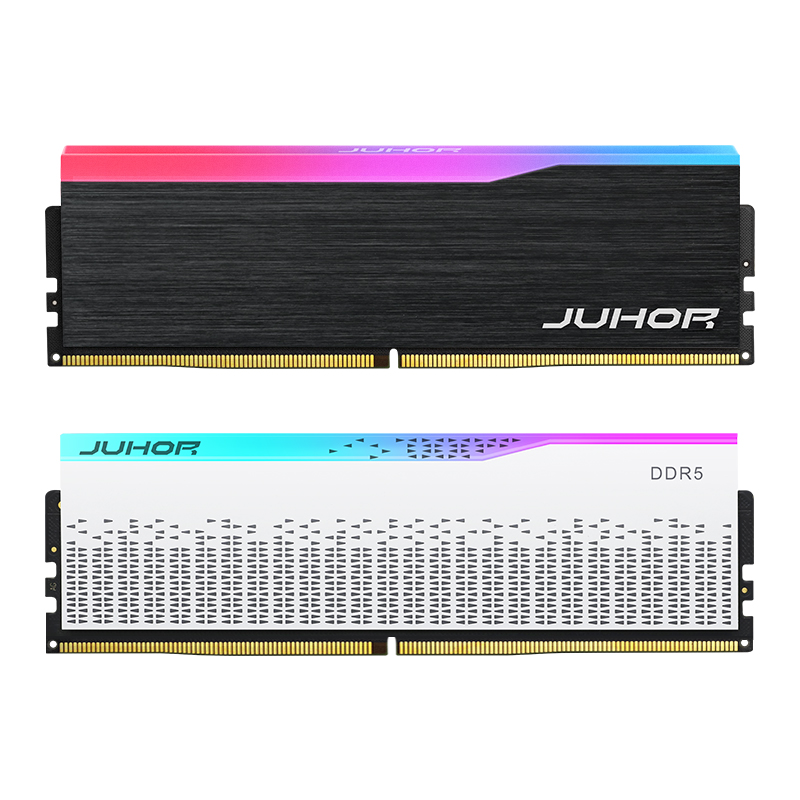
The JUHOR Star Domain DDR5 desktop memory page lists 5600 among its frequency options and describes a 32GB total configuration made from two 16GB modules. That provides a relevant starting point for a 32GB DDR5-5600 inquiry.
The reviewed page combines several capacities and frequencies. It does not provide a separate part number and complete default/profile specification for every combination. Request the 5600 model sheet tied to the quote. If one 32GB module is required, ask for its availability and specification separately; the public 32GB kit description does not confirm a single-module SKU.

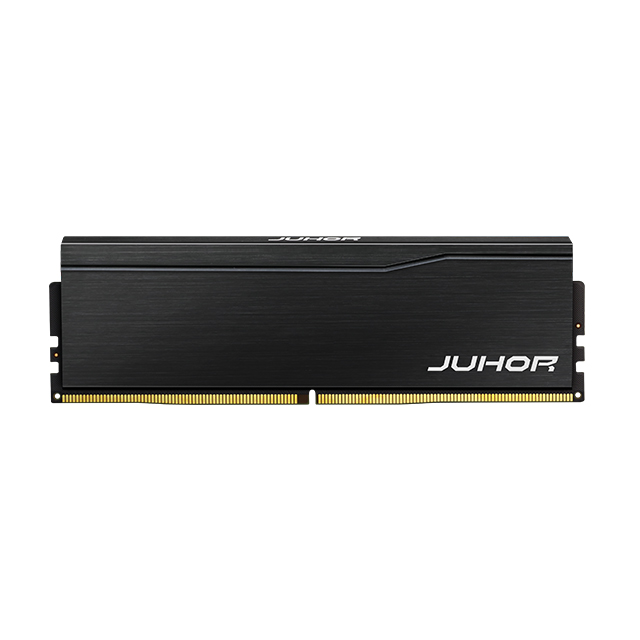
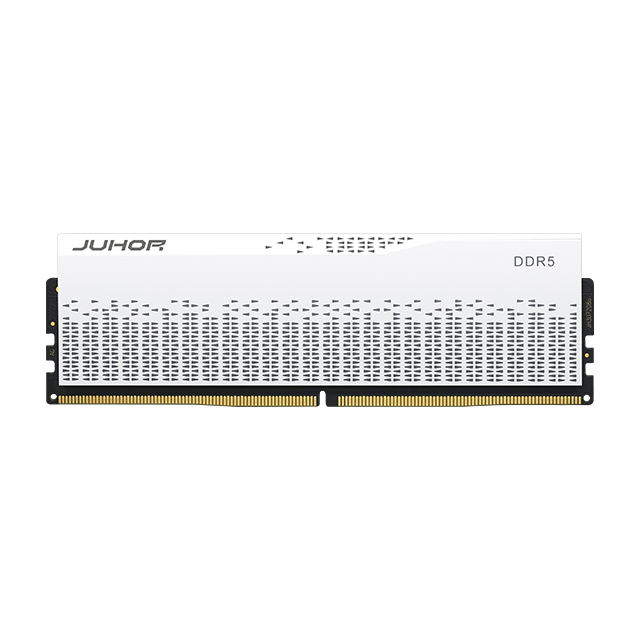
JUHOR DDR5 desktop product reference. Confirm capacity and 5600 operating settings from the quoted model sheet rather than the photograph.
Ask the supplier to identify the exact module format, default data rate, profile support if needed, and tested host conditions. Keep current stock, sample availability, MOQ, lead time, and warranty terms in the commercial response for that model rather than assuming they apply uniformly to the series.
Use one confirmation record for each proposed desktop configuration. The essential inputs are the desktop platform, requested capacity per module, module count, target total capacity, and quantity. Add BIOS and existing-memory details where compatibility needs review.
Obtain a datasheet with the exact SKU, revision, and single-module or kit definition.
Agree whether 5600 MT/s is required at default settings or with a named profile.
Test the sample on the production CPU, motherboard, BIOS, and intended slots.
Verify detected capacity, active rate, restart, sleep/wake, and stability under the agreed memory and application tests.
Record the accepted specification and the changes that require supplier notice or retesting.
Detection, speed, and stability should be checked separately. A desktop recognizing 32GB has not necessarily reached 5600 MT/s. A screenshot showing 5600 is useful evidence of the operating setting, but a test report is needed to support release at that setting.
Repeat orders should reference the approved SKU and configuration, including module count and profile policy. If components or SPD data change, review whether the original result still applies before accepting the new lot as an interchangeable replacement.
No. It may describe a single module or a kit totaling 32GB. The model sheet must state capacity per module and module count.
No. Confirm the full-size UDIMM requirement and the supported electrical class. Capacity and speed do not identify the module format.
No. Standard 5600 operation and profile-rated 5600 products both exist. The exact SKU and host determine the required setup.
No. Check the CPU, module size, slot population, BIOS, and the exact product's operating settings.
The resulting combination needs validation. Matching a headline speed does not guarantee compatible components, profiles, or stable operation.
The reviewed Star Domain page explicitly describes a 2 x 16GB direction. A 1 x 32GB request needs its own supplier confirmation.
Submit the desktop or motherboard model, CPU, requested capacity per module, module count, and quantity. Include BIOS information for compatibility assessment.
Send JUHOR the desktop platform, single-module capacity requirement, number of modules per system, and procurement quantity. Ask for the corresponding DDR5-5600 model sheet and quotation, with default/profile conditions stated. Approve the sample against that same description so purchasing, assembly, and receiving use one confirmed specification.


4 / F, No. 18, Langkou Industrial Park, Langkou Community, Dalang Street,Shenzhen,Guangodng , China