A local AI PC can have enough memory to open a model and still perform poorly in daily use. The operating system, inference software, model weights, context cache, browser, development tools, and any model layers moved away from the GPU all compete for memory. That is why a system builder should not select RAM from the parameter count alone.
For most current builds, 16GB is an entry configuration for compact, quantized models and controlled demonstrations. A 32GB system is a more practical starting point for regular local inference and development. A 64GB system is better suited to larger quantized models, longer contexts, CPU offloading, and workloads that run other memory-heavy software at the same time. These are purchasing bands, not model guarantees.
This guide focuses on inference and light application development. Model training, fine-tuning, multi-user production services, and image or video generation need a separate memory calculation.
| System RAM | Best Fit | Main Constraint | Commercial Position |
|---|---|---|---|
| 16GB | Compact quantized models, short contexts, single-user trials, basic AI demonstrations | Little room for background applications or CPU offloading | Entry AI PC or upgradeable pilot system |
| 32GB | Regular local chat, coding assistance, document workflows, RAG prototypes, moderate multitasking | Large models and long contexts can still exceed available memory | Practical default for many AI desktops and developer PCs |
| 64GB | Larger quantized models, partial CPU offloading, longer contexts, several supporting applications | System RAM cannot replace adequate GPU performance or VRAM bandwidth | Higher-capacity workstation or advanced local AI configuration |

A simple estimate for raw weight storage is parameter count multiplied by the number of bits per parameter, divided by eight. An 8-billion-parameter model stored at four bits is therefore about 4GB before metadata, runtime buffers, context memory, and other overhead. The same parameter count at 16-bit precision starts near 16GB for raw weights.
Quantization reduces memory use by storing weights at lower precision. Hugging Face documents that 8-bit quantization can halve model memory use, while 4-bit methods compress it further. The selected format, model architecture, and inference engine still affect the final footprint, so the downloaded file size is only a starting estimate.
The model also needs a key-value cache to retain the active context. A longer prompt, a longer conversation, or more retrieved documents can increase this cache. Ollama states that required memory scales with the number of parallel requests multiplied by the configured context length. A workstation that handles one short chat and a service that answers several long requests should not receive the same RAM specification.
Windows or Linux, the inference engine, a local web interface, a vector database, development tools, and browser tabs all use system memory. Quoting a 16GB build because a model file is well below 16GB leaves no allowance for the rest of the system. Keep operating headroom instead of planning to run continuously at the memory limit.
On a PC with a discrete GPU, VRAM and system RAM are separate pools. Inference is generally faster when the model and active cache fit in GPU memory. If part of the model moves to system RAM, CPU and memory bandwidth can become part of the generation path, often reducing speed.
On a unified-memory device, the CPU and GPU share one pool. A 32GB unified-memory system is therefore not directly equivalent to a PC with 32GB of system RAM plus separate GPU memory. Buyers should record the architecture as well as the headline capacity.
LM Studio recommends at least 16GB RAM on Windows and 16GB or more on supported Macs, while noting that smaller models and modest contexts may work on 8GB Macs. This makes 16GB a credible entry point, but not a universal local AI specification.
Choose 16GB when all of the following are true:
The approved model is compact and quantized.
The model fits mainly or entirely in available GPU memory, or CPU-only speed has been accepted.
The context is limited and only one request is processed at a time.
The user will not run large development tools, virtual machines, or databases beside the model.
The motherboard or laptop has a clear upgrade path.
A 16GB AI PC is suitable for product demonstrations, classroom trials, privacy-focused chat with a compact model, and low-cost pilot fleets. It is a weak choice for a fixed, non-upgradeable system if the software roadmap is not known.
A 32GB configuration gives the operating system and supporting applications more room while allowing a broader range of quantized models. It is a sensible default for developers using a local coding assistant, office users testing document search, and system integrators building a general-purpose AI desktop.
32GB is also useful when the customer changes models during evaluation. The extra memory can reduce failures caused by background applications, larger model files, or moderate context growth. It does not mean every 20B or 30B model will run well. Quantization, GPU VRAM, offloading, and expected response speed remain decisive.
For a concrete enterprise reference, Microsoft lists 32GB RAM as the minimum for a GPT-OSS-20B Foundry Local model host used with its Agentic Retrieval deployment, together with a GPU providing at least 24GB VRAM. That is a defined deployment requirement, not proof that every 20B model needs exactly 32GB.
64GB is appropriate when the project must keep larger quantized models in memory, move model layers from the GPU to the CPU, use long document contexts, or run an inference service beside a vector database, containers, an IDE, and business applications.
It is also the safer capacity when a commercial system will support more than one user or a model may remain loaded while another request is queued. Microsoft recommends 64GB RAM for the production version of the same GPT-OSS-20B Foundry Local host, citing larger contexts and higher concurrency as reasons to use the recommended configuration.
Do not sell 64GB as a cure for insufficient VRAM. System RAM may allow a larger model to load, but moving more work across the CPU path can reduce token generation speed. A buyer who needs low latency may gain more from a GPU with adequate VRAM than from adding RAM beyond the amount actually used.
| Deployment | Starting Capacity | Validation Question |
|---|---|---|
| Retail AI demonstration PC | 16GB or 32GB | Which exact model, quantization, and context will be shown? |
| Developer workstation | 32GB | Will Docker, an IDE, a database, and the model run together? |
| Local document assistant | 32GB or 64GB | How many documents, context tokens, and simultaneous users are expected? |
| Large-model test station | 64GB or more | How much of the model will fit in VRAM, and what speed is acceptable after offloading? |
| Production multi-user service | Workload-specific | What are the concurrency, latency, uptime, and failover targets? |
Capacity and platform compatibility come first. An existing DDR4 workstation may gain more from moving from 16GB to 32GB or 64GB than from replacing the full platform only to obtain DDR5. A new build may favor DDR5 for its higher bandwidth and longer platform path, especially when CPU inference or offloading will use system memory heavily.
DDR4 and DDR5 modules are not interchangeable. Use the DDR4 vs DDR5 guide for bulk buyers to separate upgrade projects from new-system orders.
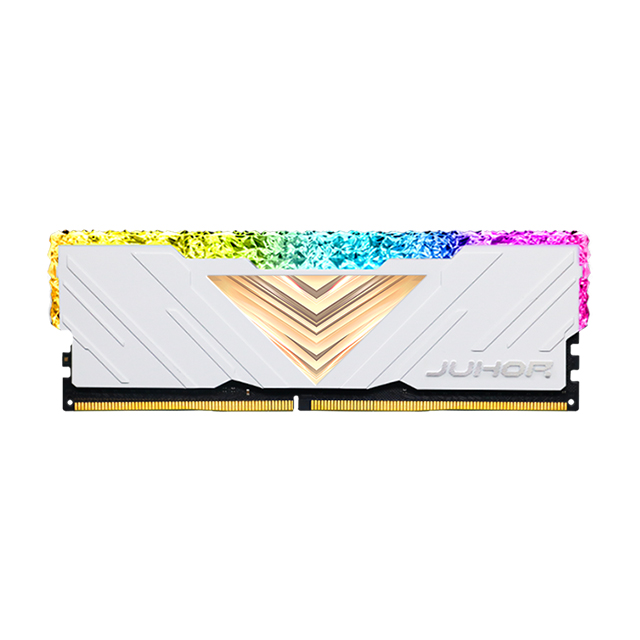
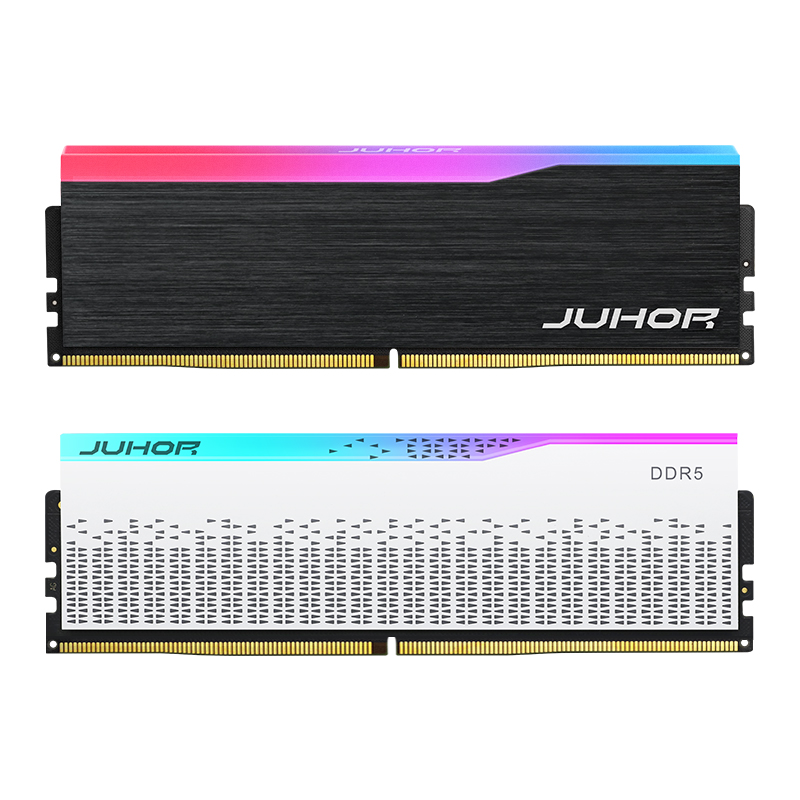
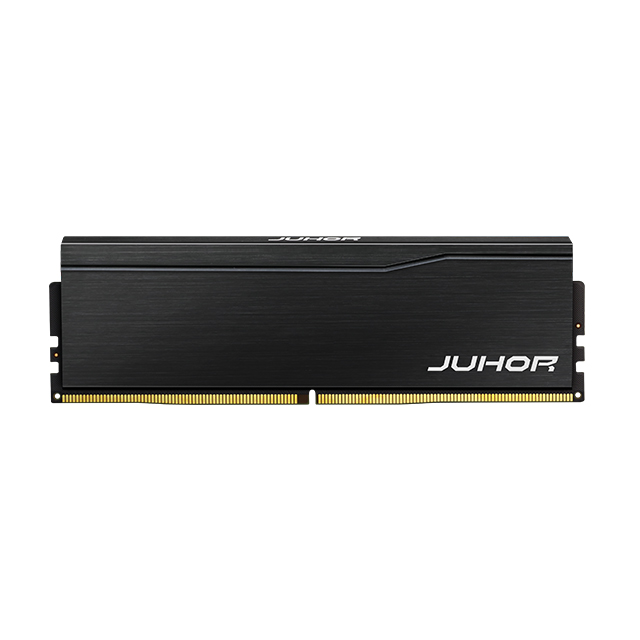
JUHOR lists 16GB and 32GB modules in its DDR4 desktop memory range and DDR5 desktop memory range. A 64GB system may use two 32GB modules or another platform-approved arrangement, but the motherboard limit, slot count, memory generation, rated speed, and matched-module availability must be confirmed before purchase. Portable and small-form-factor projects should be matched to the correct laptop memory form factor.

List the exact model names and parameter sizes.
Record the quantization or precision for each model.
Confirm the model file size and measured runtime footprint.
Set the maximum context length and expected concurrent requests.
Record GPU model, VRAM capacity, and planned CPU or GPU offloading.
Add memory for the operating system, browser, IDE, containers, database, and RAG tools.
Define the acceptable response speed, not only whether the model loads.
Check motherboard generation, DIMM or SODIMM form factor, slot count, maximum capacity, and supported speed.
Run a sample build with the real workload before approving a bulk configuration.
It can be enough for compact quantized models, short contexts, and one controlled workload. It becomes restrictive when other applications remain open or the model needs CPU offloading.
32GB is a practical starting point for many single-user local inference and development tasks. The answer still depends on model precision, context length, GPU VRAM, supporting software, and required speed.
Not in every case. Microsoft specifies 32GB minimum and 64GB recommended for one GPT-OSS-20B production scenario, but other models and runtimes differ. Use the selected model's measured footprint and deployment targets.
No. System RAM can hold model data and support offloading, but discrete GPU VRAM normally provides much higher bandwidth for inference. More RAM may make a model load without delivering the required speed.
Yes. Lower-bit weights require less memory than full or half precision. Runtime buffers, context cache, and unquantized components still need additional capacity.
Yes. The active context is stored in a cache, and its memory use grows with context length. Parallel requests multiply the requirement in engines such as Ollama.
Use the generation supported by the selected CPU and motherboard. DDR5 is a logical choice for many new platforms, while DDR4 can remain commercially sensible for compatible installed systems and cost-controlled upgrades.
It may use 2×32GB or another arrangement supported by the platform. Confirm the motherboard's capacity, slot rules, channel layout, frequency support, and availability of matched modules before approving the bill of materials.
For a local AI memory quote, send JUHOR the target CPU and motherboard, model names, quantization, maximum context, GPU and VRAM, intended RAM capacity, module arrangement, total quantity, sample quantity, and delivery schedule. Ask for a sample configuration before the bulk order so the memory is tested with the real model and software stack rather than approved from capacity alone.


4 / F, No. 18, Langkou Industrial Park, Langkou Community, Dalang Street,Shenzhen,Guangodng , China