A practical method for matching DDR4 memory to the platform, workload, sales channel and bulk-order controls behind a reliable PC program.
One wrong memory item can hold up a PC build. A desktop DIMM will not fit a notebook, while a 3200-rated module may run slower when the platform limits it. Modules with similar listings may also differ in rank, timing, SPD programming or error-correction support, affecting validation and returns.
This guide treats DDR4 RAM as both a system component and a procurement item. It covers compatibility records, saleable configurations, sample approval and bulk-order controls.

DDR4 remains relevant where the processor and motherboard were designed for it, including many office fleets, education PCs, retail terminals and refurbished systems. Choose it because it matches the platform and service plan, not because the module appears cheaper in isolation.
DDR3, DDR4 and DDR5 have different electrical and mechanical designs and are not interchangeable. A DDR4 system cannot move to DDR5 through a memory swap alone. New programs should compare the complete CPU, motherboard and memory platform; upgrades must follow the installed platform.
the motherboard and processor documentation specifies DDR4;
you are extending or standardizing an installed DDR4 fleet;
the performance target can be met without moving to a newer platform; or
the sales channel has a defined need for DDR4 replacements and upgrades.
For a platform-generation comparison, see DDR4 vs. DDR5 in 2026.
Start the specification with physical format and memory class. Desktop PCs commonly use full-size unbuffered DIMMs, while upgradeable notebooks and compact systems use SO-DIMMs. They do not fit the same slot.
Standard PCs commonly use non-ECC unbuffered memory, while workstations and servers may require ECC, registered or another platform-specific class. ECC support depends on the processor, chipset, firmware and module type. “DDR4” alone is not a complete specification.
| Requirement | Common target | What the buyer must verify |
|---|---|---|
| Desktop PC | DDR4 UDIMM | Motherboard generation, supported capacity per slot, data rates, voltage/profile behavior and slot population rules |
| Upgradeable laptop or mini PC | DDR4 SO-DIMM | Accessible slot, supported capacity, installed memory, supported data rate and whether any memory is soldered |
| Workstation or server | Platform-defined ECC or registered module | Exact module class, rank limits, processor memory rules and the system vendor's qualified list |
| Replacement channel | Format matching the original unit | Machine model, current module label, firmware status and desired total capacity |
Do not infer server suitability from capacity or DDR4 generation. Use the system documentation to identify the accepted module class.
A compatibility matrix turns “16GB DDR4 RAM” into a controlled bill of materials. Create a row for each motherboard, notebook family or barebone platform, and separate refurbished units when board revisions use different memory.
| Matrix field | Why it belongs in the record | Evidence source |
|---|---|---|
| System and board revision | Similar model names can hide different platforms | System label, board marking, service manual |
| CPU and chipset | The memory controller may set generation, rate and capacity limits | Processor and motherboard documentation |
| Module format and class | Prevents DIMM/SO-DIMM and ECC-class errors | Service manual and installed-module inspection |
| Slots and population rule | Controls channel operation and valid module combinations | Motherboard manual |
| Maximum total and per-slot capacity | Stops oversize configurations that the platform cannot address | System specification or qualified list |
| Supported data rates | Sets the operating target rather than the label on the module | CPU and board specification |
| Approved module and test result | Connects purchasing to a validated sample | Internal qualification report |
Check the motherboard's qualified-vendor list when available, but remember that it covers tested modules rather than every compatible option. Qualify the intended sample with the exact CPU, BIOS and production image.
Plan capacity from the production image. Measure use with the operating system, security tools, browser and main applications running a realistic task, with room for updates and peaks. If the system pages heavily to storage, more capacity may help; a higher speed rating will not fix the shortage.
Eight gigabytes may fit a controlled office or fixed-function image. Sixteen gigabytes gives mainstream users more room, while 32GB suits heavier content work, engineering applications and virtual machines. Treat these as planning bands; measured use and application requirements take priority.
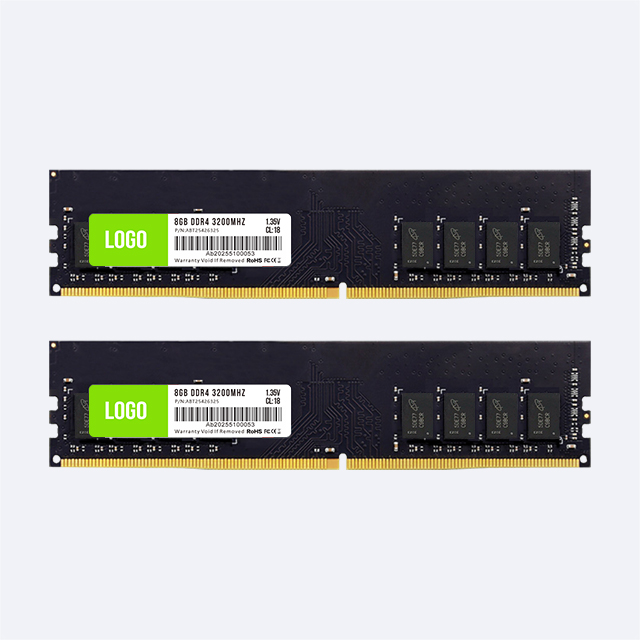
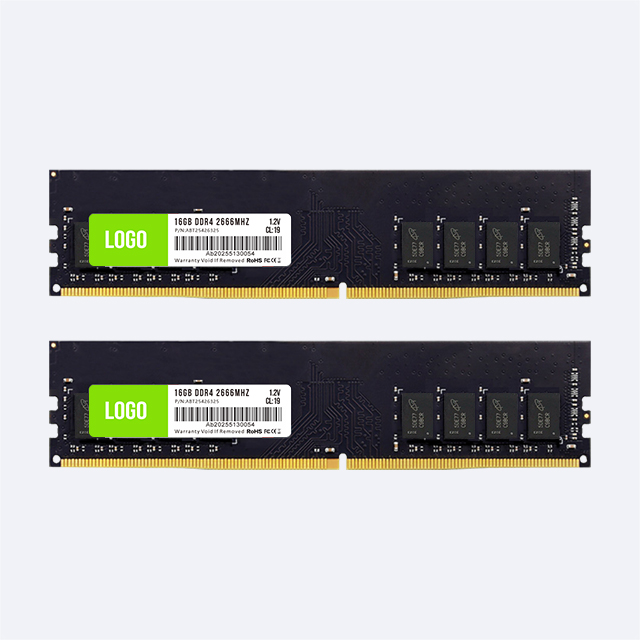
Separate module capacity from system capacity. A 16GB system may use one 16GB module or two 8GB modules, with different upgrade paths. State capacity per module, kit quantity and total kit capacity on listings and cartons.
The numbers 2666 and 3200 describe transfer-rate classes, although listings commonly append “MHz.” The platform decides the operating rate. A faster-rated module may run at a supported lower setting, but an unused rating adds little value to a fixed build.
Begin with the SPD settings available at boot. Profiles such as XMP depend on motherboard and processor support and may require firmware changes. For office fleets, qualify default boot behavior instead of assuming a profile will be enabled.
Read timings together with transfer rate. A lower CAS number does not automatically mean a faster module when products run at different rates.
Specify a tested SPD setting accepted by the platform. Add a performance profile only when the program needs it and the exact motherboard and CPU pass testing with it enabled.
DDR4 defines the memory technology; the processor and motherboard determine channel population. Two modules provide the expected channel layout only when installed in the slots specified by the board manual.
Matched modules reduce validation variables and can provide more bandwidth on a dual-channel platform. One higher-capacity module may instead preserve an upgrade slot. Choose the layout around current performance, future expansion and installation cost.
Mixing modules adds combinations of speed, timing, rank and chip organization. The system may fall back to a common setting or expose intermittent faults. Integrators should validate the intended pair as one build item, and distributors should not call two separate modules a matched kit.
Each extra configuration adds forecasting, labeling, approval and support work. Start with systems the channel can identify and upgrades it can explain.
| Buyer segment | Useful assortment logic | Listing information that prevents returns |
|---|---|---|
| Office PC builders | Validated UDIMM capacities and rates for a short list of boards | Generation, form factor, module capacity, module count, rated data rate and profile behavior |
| Gaming and custom PC channels | Matched pairs where channel performance and appearance matter | Kit total, per-module capacity, timings, voltage, profile requirement and cooler clearance |
| Laptop upgrade sellers | SO-DIMM choices mapped to searchable machine families | Upgradeable slot status, DDR generation, module capacity and supported operating rate |
| Refurbishers | High-turnover replacement items with controlled compatibility records | Tested models, BIOS revision, diagnostic result and traceable lot |
| Private-label distributors | Focused good/better assortment backed by packaging and support material | Accurate labels, warranty channel, batch code and approved product photography |
Keep one internal SKU per approved configuration. Record component or SPD revisions and decide whether each change requires requalification.

A sample shows whether one unit works in the test system. Supplier review must also show how later lots remain tied to the approved configuration.
The quotation should identify format, capacity, rate, timings, voltage, memory class, relevant organization, SPD/profile settings, labels and packaging. Ask how bill-of-material changes are reported and when a new sample is required.
Request the production test flow, lot pass/fail record and traceability code. Define failure-report fields such as machine, BIOS, CPU, module layout, diagnostic result, affected quantity and lot code.
Confirm order quantity, sample terms, lead time, cartons, shipping marks, warranty handling and returns. For OEM or ODM orders, list the module finish, artwork, box, insert, barcode, carton marks, SPD requirements and languages.
Test with the production motherboard, processor, BIOS and operating-system image. Record the label and SPD data, then test boot, restart, sleep and resume where relevant. Run a memory diagnostic and the actual workload.
For multi-module builds, test the final slot population. Record any performance profile and firmware setting, and retain an approved sample or reference record for later-lot comparison.
Match the purchase order, outer carton, inner label and module label.
Check quantity, capacity per module, module count, form factor and visible damage.
Read SPD information from sampled units and compare it with the approved record.
Check lot codes and retain the link between received cartons and test results.
Run a defined functional sample on each approved target platform.
Quarantine exceptions rather than mixing them with released stock.
Set sample size and acceptance rules from order volume, lot history and field-failure cost before the shipment arrives.
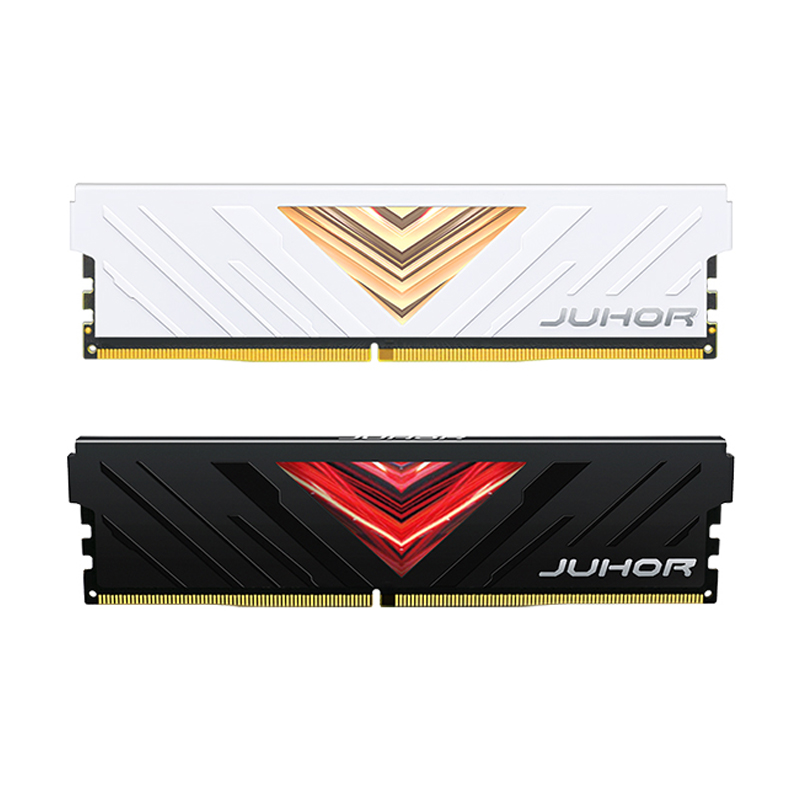
JUHOR supplies DDR4 desktop memory and a separate DDR4 laptop memory range. Its website also presents OEM/ODM options for branding, specifications and packaging.
Builders should send a platform list and request samples for the exact configuration. Distributors should add the target market, forecast, capacity mix, label language, packaging and after-sales route. Put the final specification in the quotation and approved sample record.
A precise RFQ allows suppliers to quote the same requirement and exposes missing compatibility information before production. Include:
Application: new PC build, notebook upgrade, refurbishment, workstation, retail replacement or private label.
Target systems: motherboard or laptop models, CPU, chipset and BIOS revision.
Module definition: DDR4 DIMM or SO-DIMM, unbuffered/ECC/registered class as required, capacity per module and modules per kit.
Performance: required data rate, timings, voltage and SPD/profile behavior.
Configuration: target total capacity, slot population and single- or multi-channel plan.
Quality controls: sample quantity, target tests, lot traceability, change-notification rule and inspection documents.
Commercial details: order quantity by SKU, forecast, destination, requested delivery date and Incoterm.
OEM/ODM scope: branding, labels, barcodes, packaging, inserts, carton marks and required artwork files.
After-sales: warranty term, failure-report fields, return authorization and replacement process.
No. Module class, capacity, rate, rank, profile behavior or slot population may fall outside platform support. Check the system documentation and validate a sample.
It may run at a lower supported SPD setting. Confirm the SPD table and test the exact board, CPU and BIOS; do not promise 3200 operation on an unsupported platform.
Two matched modules can use two channels on a compatible platform, while one 16GB module may preserve an upgrade slot. Decide from performance needs, slot availability and the upgrade plan.
DIMM is the full-size format used by many desktop systems. SO-DIMM is the shorter format used by many upgradeable laptops and compact PCs. They are mechanically different and cannot replace each other.
Mixed modules may boot, but differences in settings and organization add risk. Builders should use an approved configuration, and distributors should call a pair matched only when it was supplied and tested as a pair.
No. The platform may reduce the rate, while capacity, processor or storage may limit the workload. Match the rate to the system and validate the intended task.
No. ECC support requires a compatible processor, motherboard, firmware and module class. Follow the system specification rather than the DDR4 label.
Check the label, capacity, format, SPD data, tested settings, packaging, barcode and lot code. Run the sample in target systems and retain the approved record.
Publish precise compatibility data, distinguish module from kit capacity, control the approved bill of materials, test incoming lots and collect system and lot data with failures.
Provide the platform, module format and class, capacity, count, rate, profile needs, quantity, packaging, destination and delivery target, plus sample and traceability requirements.
Send JUHOR the motherboard or laptop models, CPU, capacity, module format, preferred rate, modules per kit, quantity, destination and delivery target. For private-label orders, include label, barcode and packaging requirements.
Contact JUHOR about your DDR4 RAM project.


4 / F, No. 18, Langkou Industrial Park, Langkou Community, Dalang Street,Shenzhen,Guangodng , China