A memory module that boots in one test PC is not automatically safe for a 500-unit order. The same purchasing description, such as “16GB DDR4 RAM,” can cover desktop DIMMs, laptop SODIMMs, different rated speeds, different module arrangements, and products intended for different memory classes. If the target fleet contains several CPUs, motherboards, or BIOS revisions, one approved sample may cover only a small part of the order.
Bulk RAM compatibility should therefore be treated as a controlled platform-to-module match. The buyer needs a target-system list, an exact module definition, a repeatable sample test, and a rule for managing later production changes.
| Check | Information Required | Risk If Missed |
|---|---|---|
| CPU | Exact processor model, supported DDR generation, maximum memory, channels, speed, and ECC support where relevant | The module may run below its rating or the requested capacity may be outside the processor limit |
| Motherboard | Manufacturer, model, revision, chipset, BIOS version, memory slots, maximum capacity, and QVL | A listed specification may not apply to the exact board or firmware in the order |
| Form factor and class | DIMM or SODIMM; DDR4 or DDR5; unbuffered, ECC, registered, or other platform-defined class | The module may not fit or may be electrically unsupported |
| Capacity and layout | Capacity per module, total capacity, module count, slot population, and upgrade plan | The target total may exceed per-slot limits or use the wrong channel layout |
| Speed and profile | Required operating rate, rated module speed, JEDEC behavior, and any XMP or EXPO requirement | The system may downclock, require manual setup, or fail the promised performance target |
| Bulk-order control | Approved SKU, sample record, lot code, change-notification rule, test method, and packaging definition | Later deliveries may differ from the configuration originally validated |

The memory controller is part of the processor on current PC platforms, so the CPU must be checked before a module is approved. Record the full processor number rather than a broad label such as “Core i5” or “Ryzen 7.” Processors within the same brand family can support different memory generations, capacities, channels, or official data rates.
Intel directs buyers to the processor specification page to confirm maximum memory size, supported memory type, number of channels, and ECC support. It also advises checking the motherboard manual for a specific memory brand and model. This distinction matters: the processor defines one set of limits, while the board design and firmware define another.
For a mixed fleet, create one line per CPU and motherboard combination. Do not combine systems only because they share the same processor generation.
The motherboard specification should confirm DDR generation, slot count, maximum total capacity, maximum capacity per slot where stated, supported rates, memory class, and recommended population order. The board revision and BIOS version also belong in the compatibility record. A BIOS update can add memory support or change memory training behavior, while an old production image may remain on systems already in the field.
Use the motherboard manufacturer's memory QVL as a tested-reference list. Search by the exact module or kit identifier, not only brand and capacity. CORSAIR notes that a product missing from a QVL is not automatically incompatible; it may be newer than the list or simply untested. For a low-risk bulk program, however, an unlisted configuration needs your own platform validation before release.
A QVL result also should not be stretched beyond its test conditions. Check the listed capacity, number of modules, data rate, and CPU generation. Approval for one 2-module configuration does not prove that four modules will operate at the same setting.
DDR4 and DDR5 are physically and electrically different. They cannot be substituted within the same motherboard, even when capacity and rated speed look suitable. For new and installed fleets, the DDR4 vs DDR5 guide for bulk buyers explains why new-platform orders and upgrade orders should remain separate.
Form factor is the next hard stop:
Desktop PCs commonly use full-size DIMMs.
Upgradeable laptops and many compact systems use shorter SODIMMs.
Some laptops have soldered memory, limited accessible slots, or no upgrade path.
Servers and workstations may require ECC, registered, or another platform-specific module class.
“DDR4 16GB” is therefore incomplete as a purchase description. At minimum, identify the generation, form factor, memory class, capacity per module, and module count. Buyers managing DDR4 projects should also maintain a detailed product-line and supplier checklist.
Total system capacity can be assembled in different ways. A 32GB PC may use one 32GB module, two 16GB modules, or four 8GB modules. These arrangements use different slot counts, channel layouts, and upgrade paths. They may also have different validated speed limits on the same board.
The bulk-order record should state:
capacity per module;
number of modules per system;
target total capacity;
slots to populate;
whether modules are supplied as an approved matched set; and
whether empty slots must remain for later upgrades.
Do not describe two independently selected modules as a matched kit. If the system is sold as a 2×16GB or 2×32GB configuration, test and control that pair as one bill-of-material item. The motherboard manual should decide which slots are used first.
The number printed on a module is its rated capability under defined settings; it is not a promise that every compatible system will operate at that rate. The CPU limit, motherboard support, BIOS, module count, slot population, and memory profile all affect the final setting.
Patriot Memory advises checking both standard JEDEC frequencies and higher XMP or EXPO rates in the motherboard documentation. A faster module may operate at the platform's supported rate or at a default setting when the performance profile is not enabled or supported.
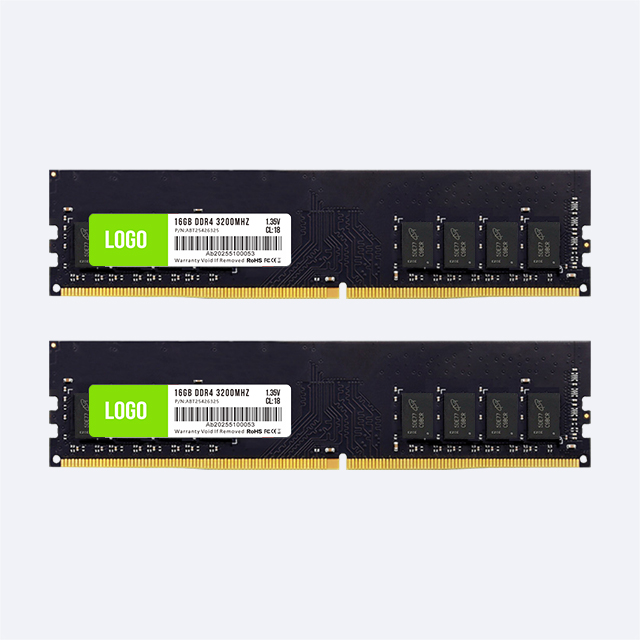
This has a commercial consequence. If the product listing promises “3200 MT/s operating speed,” the validation must show that rate on the named platform and BIOS settings. If the requirement is only that a 3200-rated module works in a slower legacy system, document the accepted fallback rate instead. The JUHOR DDR4 desktop memory range includes several capacity and frequency options, but the exact combination for an order should be confirmed against the target platform.
A platform matrix turns a broad RAM request into an auditable approval record. Give each distinct hardware combination its own row.
| Field | Example Format | Approval Record |
|---|---|---|
| System | Customer model or internal build code | Exact identifier, not a marketing family |
| CPU and board | CPU model; motherboard model and revision | Specification pages archived with the project |
| Firmware | BIOS version and required settings | Version used during testing |
| Memory | SKU, DDR generation, class, DIMM/SODIMM, capacity, count, and rated speed | Approved label and sample code |
| Operating result | Detected capacity, channels, and actual data rate | Pass or fail against the purchase requirement |
| Test status | Boot, restart, sleep/resume, memory diagnostic, and target workload | Date, result, tester, and failure notes |
Prioritize test coverage by volume and risk. A board used in 60% of the order deserves more attention than a low-volume exception, but the exception still needs a documented disposition: approved, separately supplied, or excluded.
The technical checks remain the same, but the approval record should reflect how the memory will be sold, installed, and supported. A system integrator controls a defined bill of materials. A repair channel receives unknown machines from the field. A distributor may sell one memory SKU into several customer platforms. These three buyers should not use the same evidence threshold.
| Buyer | Main Compatibility Risk | Recommended Approval Focus |
|---|---|---|
| System integrator | A later memory revision behaves differently in a fixed PC build | Lock CPU, motherboard, BIOS, module arrangement, operating rate, approved SKU, and change-notification rules |
| Repair or refurbishment channel | Incoming machines have mixed boards, existing modules, firmware, and upgrade limits | Record machine model, installed RAM label, accessible slots, soldered memory, tested replacement, and accepted fallback speed |
| Distributor or bulk purchaser | A broad listing is interpreted as universal compatibility | Publish generation, form factor, capacity per module, memory class, rated speed, tested-platform scope, and exclusion notes |
Repair channels should not identify memory from the operating system's total-capacity display alone. Open the service documentation or inspect the installed module label, then confirm whether part of the memory is soldered. A laptop reporting 16GB may contain 8GB soldered plus one 8GB SODIMM, two removable modules, or a fully soldered configuration. Those machines require different replacement inventory.
Distributors should separate “compatible by standard” from “validated on named systems.” The first means that generation, form factor, and basic platform limits align. The second means the exact configuration passed a recorded test. Clear wording reduces returns without making a compatibility promise wider than the evidence.
A useful sample plan checks more than first boot. Install the final module arrangement in the intended slots, load the production BIOS settings, and confirm detected capacity and operating rate. Run repeated cold boots, restarts, sleep and resume where the use case requires it, a memory diagnostic, and the customer's main workload.
Keep the approved sample identifier, module label, SPD information where required, test record, and photographs. If the supplier later changes a component, PCB revision, SPD programming, label, or other controlled item, the buyer should know whether the change needs a new sample. The requalification rule belongs in the purchase agreement before production begins.
Incoming inspection should connect cartons and modules to a traceable lot. If failures appear after deployment, the support team needs the system model, CPU, motherboard, BIOS, module layout, module code, lot code, symptoms, and diagnostic result. “RAM not working” is not enough to isolate a compatibility problem.
Sample approval has limited value if the warehouse cannot compare the shipment with the approved record. Define which fields receiving staff will inspect: product code, capacity, form factor, rated speed, label, barcode, carton quantity, lot code, and packaging. Technical staff can then sample-check detected capacity, SPD data where required, and operating behavior on a reference platform.
Set a response for each exception before stock arrives. A label mismatch may require quarantine and document review; a different controlled revision may require engineering approval; a failed platform test should stop release of the affected lot. Do not mix unapproved stock into an approved batch while the investigation is open.
Retain one approved reference module or a complete reference kit for repeat programs. It gives the supplier, buyer, and support team a common comparison point when a later shipment or return is questioned.
Application: new desktop build, notebook upgrade, repair stock, workstation, or private label.
Target-system matrix: system model, CPU, motherboard, board revision, chipset, and BIOS.
Module definition: DDR generation, DIMM or SODIMM, memory class, capacity per module, and module count.
Performance requirement: rated speed, required operating speed, and allowed fallback behavior.
Configuration: total capacity, slot population, matched-set requirement, and future upgrade plan.
Validation: sample quantity, test platforms, acceptance criteria, and requalification triggers.
Order information: quantity by SKU, forecast, destination, delivery schedule, and packaging.
Control information: label fields, barcode, lot traceability, change notice, and failure-report process.
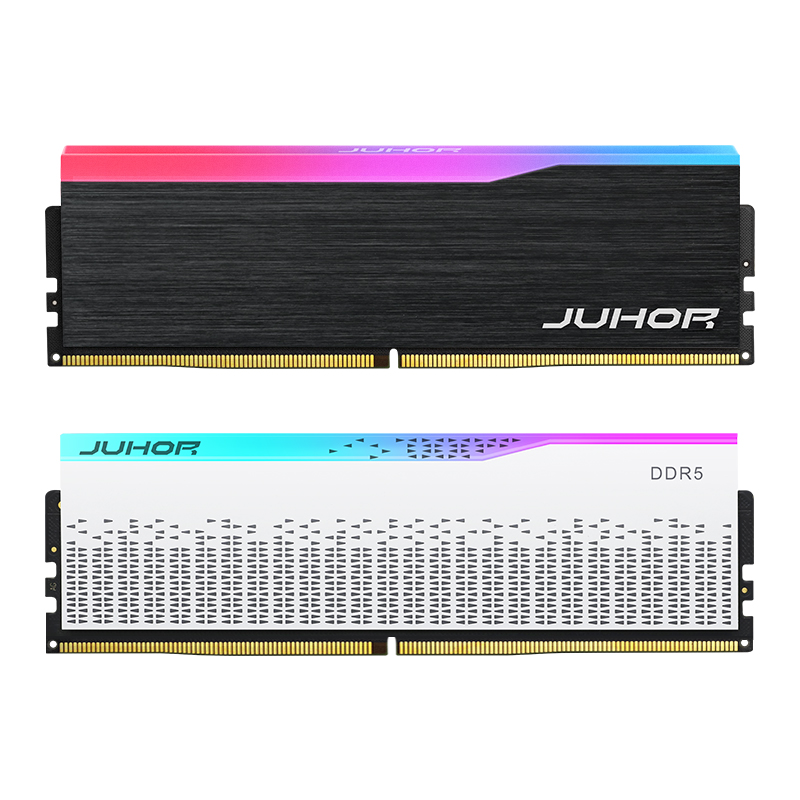
JUHOR separates DDR5 desktop memory, DDR4 desktop memory, and laptop memory into different catalog paths. This supports the first stage of a compatibility check: generation and form factor.
Published capacity and frequency options are a starting point, not a substitute for a configuration-level quote. Ask JUHOR to confirm the exact module arrangement, current availability, sample terms, packaging, lead time, and any project-specific requirements. Do not approve a mixed-platform order from a generic capacity description.

Using the CPU family name instead of the exact processor number.
Assuming every motherboard with the same chipset has the same memory support.
Ordering by total capacity without defining capacity per module.
Mixing DIMM and SODIMM requirements in one unlabeled purchasing line.
Treating rated speed as guaranteed operating speed.
Using one successful boot as the entire validation test.
Approving a sample without controlling later configuration changes.
Failing to record the lot code and system details when returns occur.
No. The generation may match while the form factor, memory class, capacity, module organization, speed, profile behavior, or slot population falls outside the platform's support.
Not necessarily. A missing module may be untested or newer than the list. For a bulk order, use the QVL where possible and run your own validation when the intended SKU is not listed.
The approved configuration must satisfy both. Use the lower applicable limit and check the board manual, CPU specification, BIOS, and QVL together.
No. DDR4 and DDR5 use different physical and electrical designs. A platform change is required to move between the two generations.
No. Desktop DIMMs and laptop SODIMMs have different physical sizes and are intended for different slots.
No. The CPU, motherboard, BIOS, module layout, and profile settings determine the operating rate. The system may use a lower supported or default rate.
Only when the pair is supplied and controlled as one approved configuration. Two modules selected independently add revision and matching variables.
There is no universal number. Base the plan on platform count, order volume, risk, and supplier change controls. At minimum, every distinct high-volume or high-risk CPU and motherboard combination needs a documented result.
Record the system, CPU, motherboard and revision, BIOS, module arrangement, operating setting, module and lot codes, symptoms, affected quantity, and diagnostic result.
Send JUHOR the target-system matrix, required generation and form factor, capacity per module, module count, rated and required operating speed, order quantity, sample requirement, packaging, and delivery schedule. Ask the quotation to identify the exact proposed configuration and the conditions that would trigger a new sample. That gives engineering and procurement the same compatibility record before the order moves into production.


4 / F, No. 18, Langkou Industrial Park, Langkou Community, Dalang Street,Shenzhen,Guangodng , China