Most DDR4 vs DDR5 RFQs fail for the same reason: the buyer compares “higher MHz” and ignores voltage, module density, and whether the motherboard slot can even accept the stick. A 6000 MHz DDR5 kit will not seat in a DDR4 board, and a room full of DDR4 3200 will not fix a new DDR5 chassis. Spec the four fields—speed, voltage, capacity, compatibility—before you talk brand or RGB.
This page is a practical DDR4 vs DDR5 spec sheet for OEM buyers, system integrators, and upgrade channels. Juhor manufactures both generations for desktop and laptop. Use the desktop memory catalog as you match the numbers below to real SKUs.

| Field | DDR4 (typical / Juhor range) | DDR5 (typical / Juhor range) | Buyer note |
|---|---|---|---|
| Speed (frequency) | About 2133–3200 MHz on business PCs; Juhor desktop DDR4 lists bands such as 2133/2400/2666/3200 MHz (some kits to 3600/4000) | From about 4800 MHz up; Juhor OEM opens at 4800 MHz; Star Domain covers 4800/5600/6000/6400 MHz | Higher MHz means more bandwidth; office apps may not feel 2× on day one |
| Voltage | About 1.2 V standard; Juhor pages also list 1.2–1.35 V on some DDR4 modules | JEDEC around 1.1 V; Juhor OEM DDR5 16GB 4800 lists 1.1 V on the parameter table and 1.25 V on a detail table—confirm the quote line | DDR5 moves more power management onto the module (PMIC); still check board QVL |
| Capacity per module | Common 8GB / 16GB / 32GB; Juhor DDR4 desktop and laptop lines cover 4GB–32GB options | Common 16GB / 32GB for new builds; Juhor DDR5 desktop lists 16GB and 32GB SKUs | Capacity often fixes office lag faster than chasing top frequency |
| Pin / form factor | Desktop UDIMM vs laptop SODIMM (not interchangeable) | Same rule: desktop vs laptop form factors stay separate | Generation and form factor are two different checks |
| Compatibility | DDR4 slot only | DDR5 slot only | Wrong notch = return queue |
| Warranty / lead (Juhor examples) | Many pages list 3-year warranty; lead times about 3–7 working days | OEM DDR5 16GB 4800 page lists 3-year warranty and about 3–5 working days | Lock both on the PO, not only the MHz number |
Juhor’s own desktop FAQ states the split plainly: DDR5 offers higher bandwidth, faster speeds (for example 4800 MHz+), and better power efficiency; DDR4 remains the cost-effective path for many standard PCs and office systems.
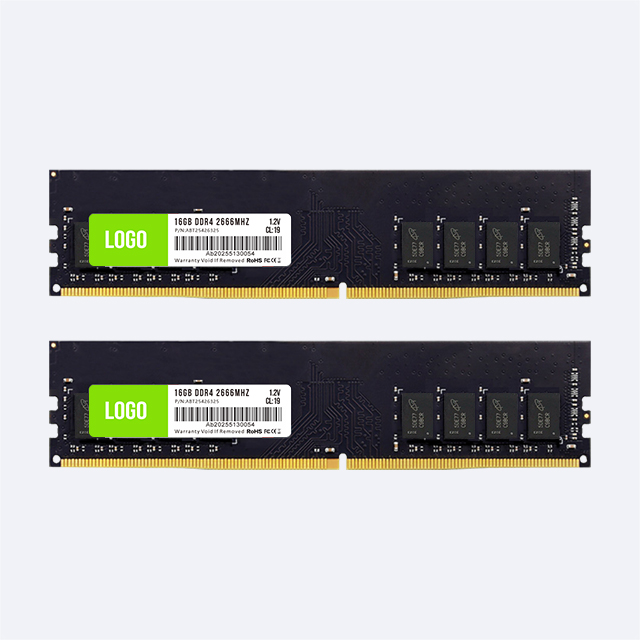
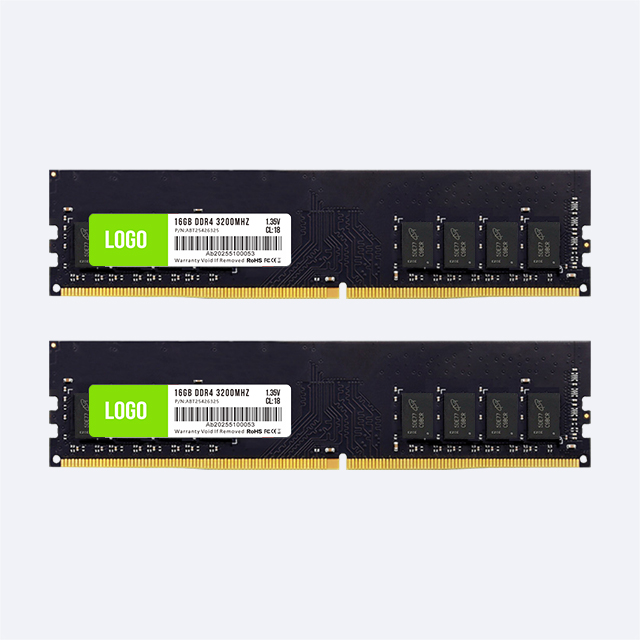
DDR4 business machines commonly run between about 2133 and 3200 MHz. Juhor’s DDR4 desktop line publishes those bands across 8GB, 16GB, and 32GB modules. A jump from 2666 to 3200 MHz helps when the CPU and board allow it; for email and browser fleets, moving from 8GB to 16GB still matters more than a small frequency step.
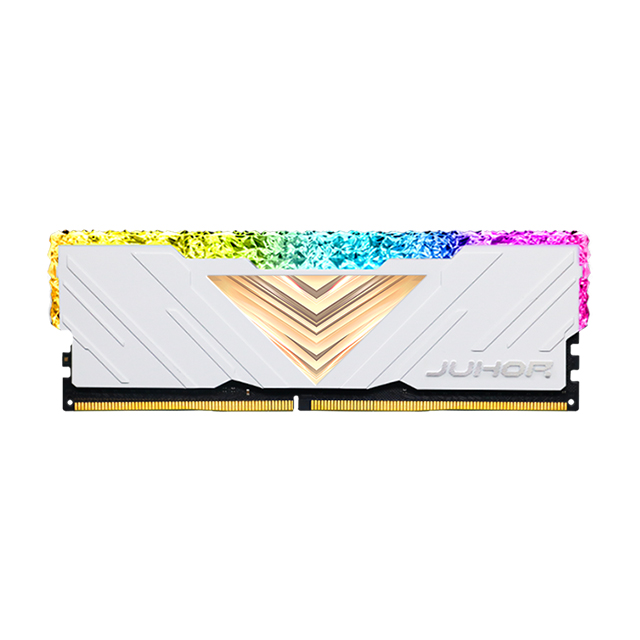
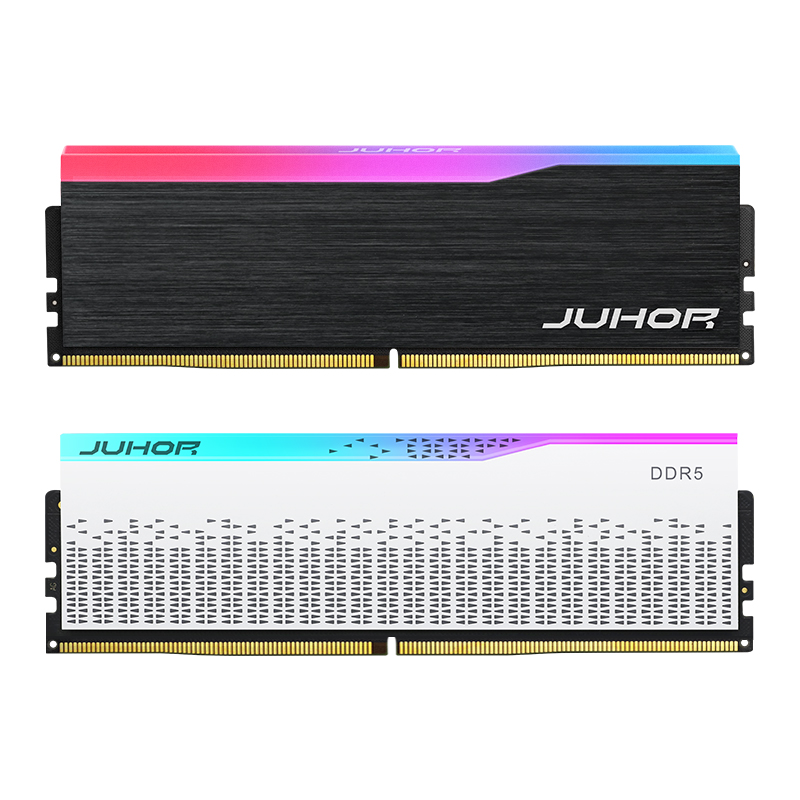
DDR5 starts where DDR4 leaves off. Juhor’s OEM ODM DDR5 16GB 4800MHz is a practical JEDEC-style opener for new platforms. Channel and DIY kits in the DDR5 desktop range and Star Domain series step through 5600, 6000, and 6400 MHz. Spec the frequency your motherboard QVL actually lists. Ordering 6400 MHz into a board certified to 4800 MHz wastes money or forces downclock.

DDR4 standard voltage sits near 1.2 V. Some Juhor DDR4 modules list 1.2–1.35 V depending on the kit. DDR5 lowers the DRAM supply toward about 1.1 V and puts a PMIC on the module so power regulation is less motherboard-centric. On Juhor’s OEM DDR5 16GB 4800 page, the main parameter table shows 1.1 V while a specifications block shows 1.25 V—treat that as a reminder to confirm the exact SKU voltage on the quotation before printing labels.
For a single PC the 0.1 V difference looks small. Across a fleet of hundreds of modules it shows up in power and thermal planning. Still: voltage never overrides slot generation. A DDR5 stick will not run in a DDR4 slot at any voltage.
DDR4 channels still move volume on 8GB and 16GB, with 32GB for heavier office or small workstation tops. Juhor’s DDR4 desktop memory for legacy office PCs targets 16GB/32GB at 3200/3600 MHz. Laptop SODIMM stays on the DDR4 laptop side with 4GB–32GB options.
DDR5 new builds usually open at 16GB per module, then 32GB where multitasking or creative loads demand it. Juhor DDR5 desktop pages list 16GB and 32GB SKUs; Star Domain kits also sell as matched pairs (for example 2×16GB). Check the motherboard’s maximum capacity and slot count before you order four 32GB sticks into a board that tops out lower.

DDR4 and DDR5 are not interchangeable. Different notch positions and electrical designs mean a DDR5 module will not seat in a DDR4 board, and the reverse is true. Some CPU families can support either generation across different motherboards; the board itself still takes only one. Confirm the exact motherboard model, not only the processor marketing name.
Form factor is a second compatibility gate. Desktop UDIMM and laptop SODIMM differ in size. Do not ship desktop sticks into a notebook PO. Use Juhor’s laptop memory pages for SODIMM and keep desktop DIMMs under the desktop DDR4/DDR5 categories.
Chip brand, heatsink, warranty, and lead time belong on the same RFQ as the four fields above. Juhor OEM pages commonly list Samsung/Hynix/Micron options, aluminum heatsinks, three-year warranty, and roughly 3–7 working days lead time depending on SKU.
Take the product parameter table as the source of truth for Memory Type, Capacity, Frequency, Voltage, Pin, Heatsink, Warranty, and Lead time. Map each line to your fleet: generation must match the board; frequency must sit inside the QVL; capacity must respect max RAM; UDIMM vs SODIMM must match the chassis. For new DDR5 platforms, start with OEM 16GB 4800 MHz unless the board QVL and workload justify 5600+. For existing DDR4 fleets, stock 8/16/32GB at 2666–3200 MHz before you debate RGB kits.
Speed (DDR4 mostly to about 3200 MHz vs DDR5 from about 4800 MHz), voltage (about 1.2 V vs about 1.1 V class), capacity SKUs you can buy today (8/16/32GB DDR4 vs 16/32GB DDR5 openers), and hard incompatibility between slots.
No. Frequency only helps inside what the CPU and motherboard support. For office fleets, capacity upgrades on the correct generation often beat chasing the top MHz kit.
Published tables can list JEDEC-oriented voltage and kit-specific figures in different blocks. Confirm the exact voltage string on your quotation and sample label before mass printing.
No. Compatibility is mechanical and electrical by generation. Voltage tweaks do not change the notch or signaling.
For new DDR5 PCs, 16GB modules are a common start, with 32GB for heavier users. For DDR4 upgrades, 16GB is the usual office target when moving off 8GB; 32GB fits power users on boards that allow it.
They can share generation and frequency families, but the form factor differs. Order UDIMM for desktops and SODIMM for laptops from the matching Juhor category.
Use the DDR4 vs DDR5 spec sheet in this order: compatibility first, then capacity, then voltage, then speed. New platforms → DDR5 from about 4800 MHz. Existing DDR4 boards → DDR4 capacity and 2666–3200 MHz stock. Keep laptop SODIMM off the desktop shelf.
Next step: send Juhor your motherboard models, target capacity, and required frequency, and ask for a line-item quote from the DDR4 and DDR5 desktop catalogs (plus laptop memory if notebooks are in scope).


4 / F, No. 18, Langkou Industrial Park, Langkou Community, Dalang Street,Shenzhen,Guangodng , China