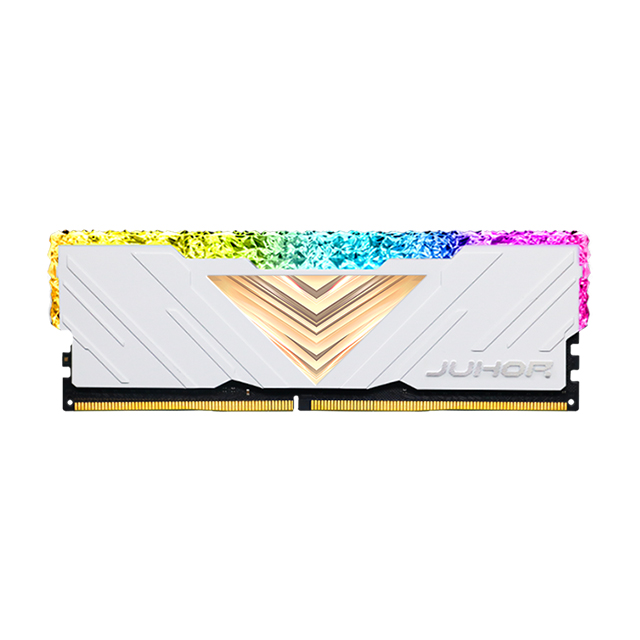
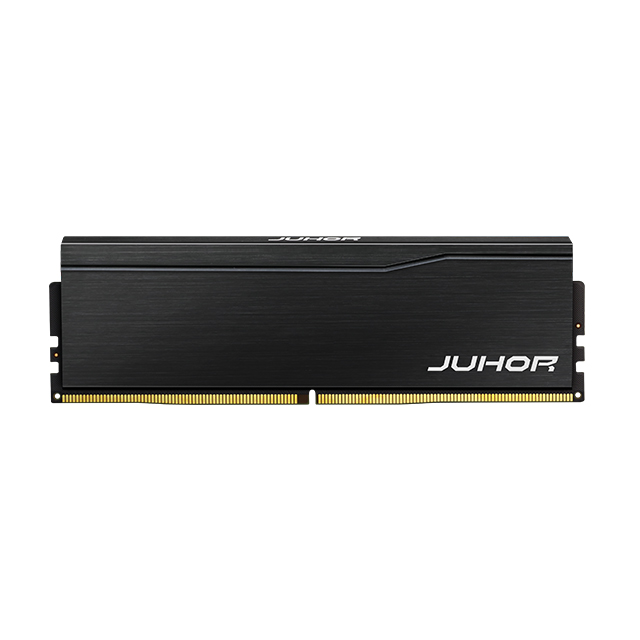
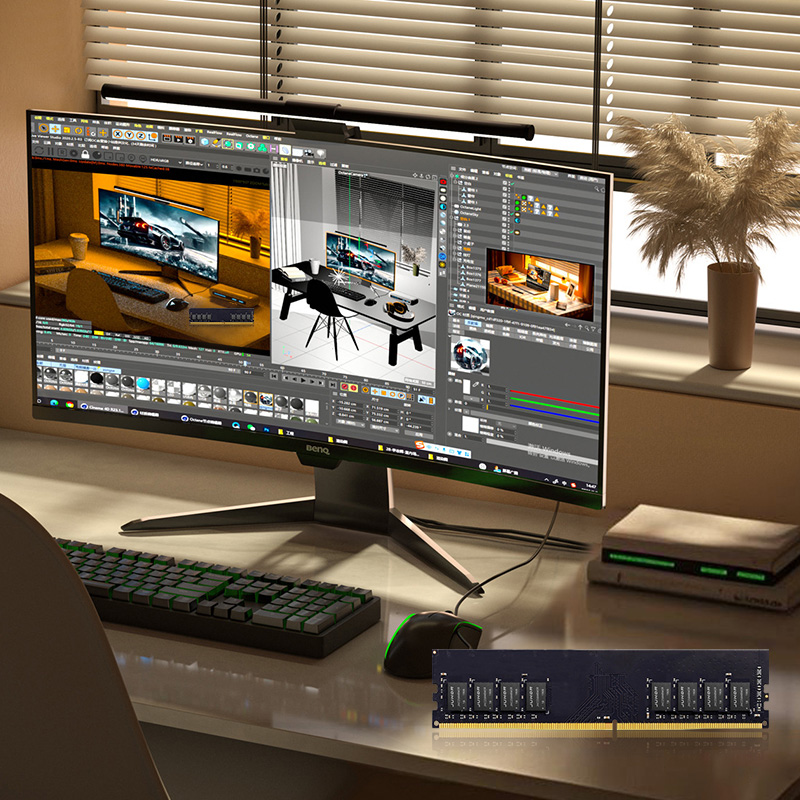
When it comes to boosting your computer's performance, few components are as essential as the memory (RAM). Among the different types of RAM, DDR (Double Data Rate) memory stands out as the industry standard for most modern devices, including personal computers, gaming rigs, and industrial systems. In this article, we’ll dive into what DDR memory is, its types, and how upgrading your memory can enhance your system's speed and efficiency.
At its core, DDR memory is the primary form of temporary storage in computers. RAM, or Random Access Memory, stores data temporarily while your computer is running, allowing it to access information quickly and efficiently. DDR stands for "Double Data Rate," which refers to the ability of this memory type to transfer data on both the rising and falling edges of the clock cycle, effectively doubling the data transfer rate.
In simpler terms, DDR memory enables faster access to data, which is crucial for the smooth operation of applications, games, and multitasking environments. The faster your DDR memory, the quicker your system can process and retrieve data, leading to better overall performance.

The world of DDR memory has evolved significantly over the past few decades, with each generation offering substantial performance improvements. Let’s take a closer look at the two most common DDR types currently on the market—DDR4 and DDR5.
DDR4: The previous industry standard, DDR4, is still widely used in many systems. It offers reliable performance and a good balance between cost and speed. DDR4 operates at a voltage of 1.2V and can reach speeds between 2133 MHz and 3200 MHz. It is commonly found in gaming PCs, workstations, and laptops.
DDR5: The latest evolution of DDR memory, DDR5, was introduced to support higher speeds and larger capacities. DDR5 provides a significant upgrade over DDR4, with speeds starting at 4800 MHz and going well beyond 8400 MHz. It also supports increased memory density, with modules reaching up to 128GB per stick, making it ideal for high-performance applications like AI, video editing, and gaming. Furthermore, DDR5 operates at a lower voltage of 1.1V, improving power efficiency and reducing overall system heat.
Speed: DDR5 is significantly faster than DDR4, which translates to quicker data transfer and lower latency.
Capacity: DDR5 supports higher memory capacities, which is ideal for memory-intensive tasks like AI training and content creation.
Efficiency: DDR5's lower voltage helps reduce power consumption and heat generation, making it more energy-efficient than DDR4.
When deciding whether to upgrade your memory, understanding how DDR memory impacts your system’s performance is crucial. Memory plays a vital role in tasks such as:
Gaming: Faster memory improves frame rates, reduces loading times, and ensures smoother gameplay, especially in memory-intensive games.
Multitasking: More RAM means your computer can handle multiple applications simultaneously without slowing down. DDR5’s higher bandwidth and capacity make it an excellent choice for users who regularly run demanding applications like video editing software, virtual machines, and large datasets.
Productivity: Tasks like video rendering, 3D modeling, and software development benefit from faster and more capacious memory. DDR5 helps in faster data processing, leading to shorter project completion times.
The relationship between DDR memory and the CPU is one of the most important aspects of system performance. Your processor relies on RAM to temporarily store and access data during its operations. A slow or insufficient amount of memory can bottleneck the CPU’s performance, limiting your computer’s ability to run efficiently.
DDR memory works with the CPU’s memory controller, which handles the read and write operations between the processor and RAM. For example, DDR4 and DDR5 have different bandwidth capacities, and choosing the right one depends on your system's CPU and motherboard compatibility. Many newer CPUs, such as Intel’s 12th and 13th Gen, and AMD's AM5 platform, are optimized to run DDR5, enabling users to take full advantage of the increased speed and capacity that DDR5 offers.

Upgrading your DDR memory can be a simple yet highly effective way to enhance your computer’s performance. Here are a few reasons why you should consider upgrading:
Faster Speed: If you’re currently using DDR4 and find that your system is sluggish when handling demanding applications or games, upgrading to DDR5 can provide a noticeable speed boost. Higher memory frequencies lead to faster data transfer, improving overall performance.
Increased Capacity: If you often run memory-intensive applications, such as virtual machines, large-scale databases, or video editing software, upgrading to DDR5 with larger capacities can significantly improve your system’s responsiveness and multitasking abilities.
Future-Proofing: As DDR5 becomes the new standard, it’s worth upgrading to ensure your system remains competitive with newer software and hardware. DDR4 will eventually be phased out, so upgrading to DDR5 now will save you the hassle of needing another upgrade in the near future.
For Gaming: If you’re a gamer, DDR5 is the clear choice for the best performance, especially if you’re building a new PC. It will ensure that your system can handle modern, graphics-intensive games without bottlenecks.
For Workstations and Servers: If you’re building a workstation for content creation or a server for enterprise applications, DDR5's higher bandwidth and larger capacity will offer significant improvements over DDR4.
In conclusion, DDR memory plays a pivotal role in determining your computer’s performance. DDR5, with its higher speeds, larger capacities, and improved power efficiency, is the future of memory for gaming, content creation, and demanding applications. While DDR4 is still a reliable choice, especially for older systems or more budget-conscious builds, DDR5 is quickly becoming the go-to standard for new builds and upgrades.
If you’re looking to upgrade your system, whether for gaming, productivity, or future-proofing your setup, DDR5 should be at the top of your list. The benefits are clear, from faster speeds to larger memory capacities that will support demanding workloads for years to come.


4 / F, No. 18, Langkou Industrial Park, Langkou Community, Dalang Street,Shenzhen,Guangodng , China