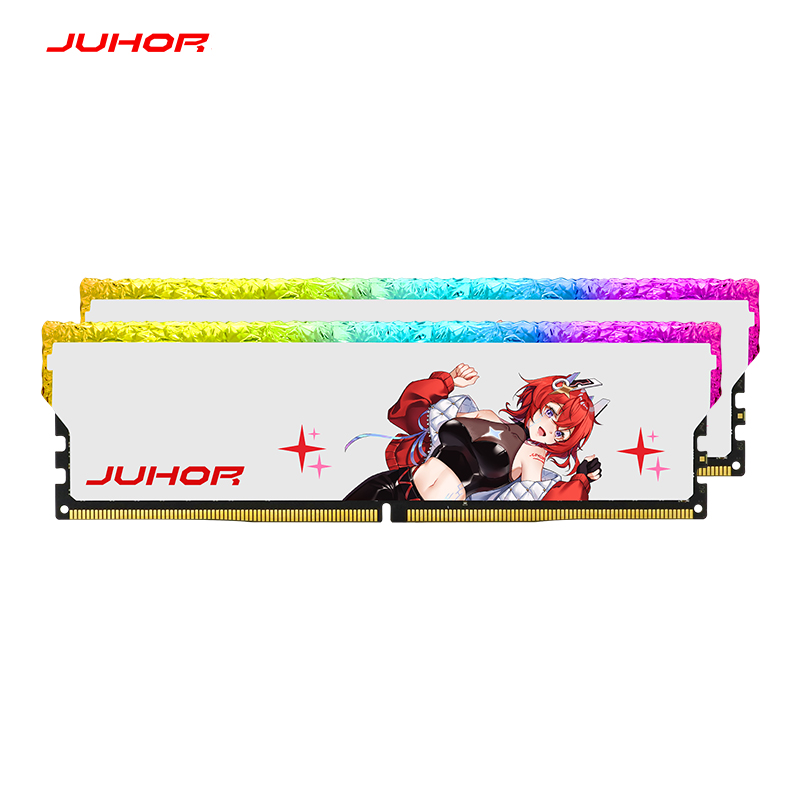
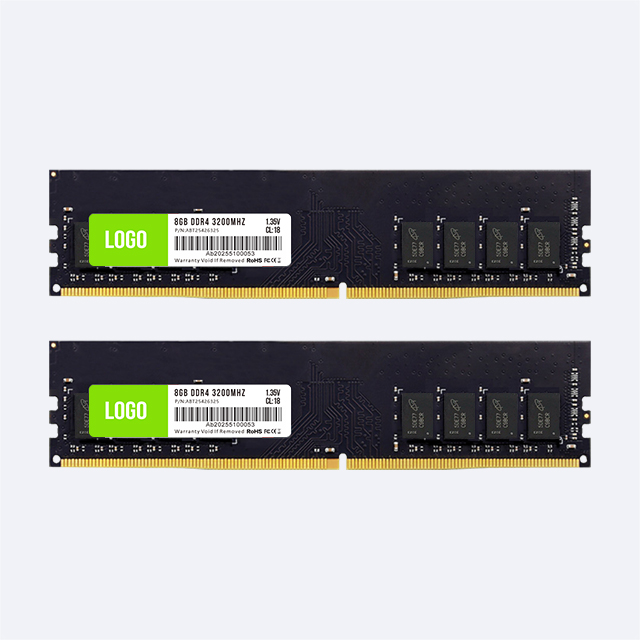
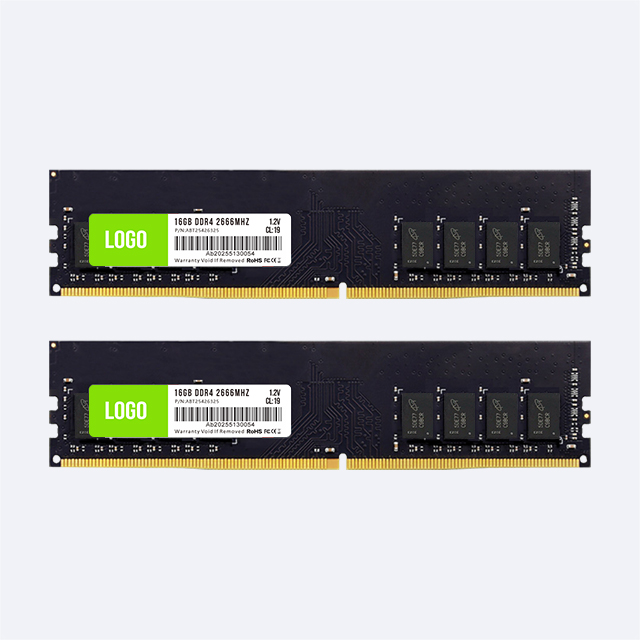
A quote for “16GB DDR4” can leave several purchasing questions unanswered. Is 16GB the capacity of one module? Is the product a full-size desktop UDIMM? Does its advertised speed run at standard settings or require a BIOS profile? Can the motherboard accept that module organization? Those fields determine whether the shipment matches the desktop upgrade or assembly order.
For buyers searching for udimm 16gb ddr4, the purchase line should start with one clear definition: a single 16GB DDR4 desktop UDIMM, with the required memory class and operating data rate stated separately. This checklist stays within that product scope. It gives procurement teams the information to collect from the host system and the evidence to request from the supplier before approving a sample or quotation.
Specify 16GB per module rather than “16GB memory” alone. A package with a total capacity of 16GB can contain smaller modules, which would not meet a single-module requirement. Keep the unit of purchase explicit: individual UDIMMs, quantity in pieces, and packaging units in a separate field.
UDIMM means unbuffered DIMM. For this order, it refers to the full-size desktop module format. Desktop DDR4 UDIMMs have 288 pins, but pin count alone is insufficient to prove compatibility: other module classes and generations can have a similar contact count while using different electrical designs and key positions.
State non-ECC or ECC support as a separate requirement. “Unbuffered” does not automatically mean non-ECC. A standard desktop order should use the memory class specified by the board or PC manufacturer. Do not accept a registered module as a substitute for the required UDIMM.
| Order field | Required description | Why it matters |
|---|---|---|
| Generation | DDR4 | Identifies the electrical memory generation |
| Physical format | Full-size desktop UDIMM, 288-pin | Prevents a compact-format or incompatible module substitution |
| Capacity | 16GB per module | Distinguishes the single-module requirement from package total capacity |
| Memory class | Non-ECC or platform-supported ECC, as required | Matches the host's supported memory function |
| Speed | Required operating data rate and default/profile condition | Defines the setting that must work in the desktop |
| Quantity | Number of individual 16GB modules | Keeps price, packing, and receiving counts consistent |
If a catalog description leaves the physical format unclear, use the DDR4 module-format comparison to resolve the terminology before requesting the desktop SKU.
Record the motherboard manufacturer, full model name, hardware revision, and installed BIOS version. For a branded desktop, include the complete PC model and its service documentation. A similar-looking retail board may not share the same firmware or memory limits as an OEM board.
Confirm DDR4 support, the maximum capacity per slot, the supported memory class, and the allowed module population. Some older DDR4 systems can accept the generation but have restrictions on capacity or DRAM organization. A motherboard's total capacity limit does not by itself prove that a single 16GB module is supported.
The CPU's memory controller also affects supported data rates and population rules. Check its official memory specification alongside the board manual. Where the desktop has multiple processor options, record the processor actually installed rather than quoting the fastest speed listed for the system family.
A board qualified vendor list can provide evidence for an exact memory part number. Review the capacity, module organization, tested speed, and configuration shown in the entry. Absence from a QVL does not automatically identify a faulty or unusable module; it means the buyer needs another relevant compatibility result or a sample test on the target host.
DDR4-2133, DDR4-2400, DDR4-2666, and DDR4-3200 are common data-rate labels buyers may encounter. They are candidates to check against the desktop, not a universal list of supported settings or a confirmed JUHOR capacity-by-speed matrix.
The label describes transfers per second, commonly expressed in MT/s. Many listings use MHz for the same headline number. Procurement documents should use one convention consistently and ask the supplier to identify the default SPD setting and any performance-profile setting separately.
A module sold at a higher rating may run at a lower rate selected by the host, provided its SPD and design support the required setting. Do not assume that every higher-speed part can replace every lower-speed part. Module organization, BIOS support, and the actual SPD data still matter.
| Requested data-rate direction | Purchasing check | Evidence to request |
|---|---|---|
| DDR4-2133 or DDR4-2400 | Match the installed CPU and older desktop platform requirements | 16GB module support and SPD compatibility at the required rate |
| DDR4-2666 | Confirm the CPU, BIOS, and installed-module configuration | Default setting, electrical specification, and host test result |
| DDR4-3200 | Determine whether 3200 is standard operation or profile-dependent | Default/profile data, voltage, and stable operation on the intended host |
For managed office desktops or repeatable upgrade programs, start with the data rate and configuration that the PC maker supports. An advertised overclocked speed adds little purchasing value if the deployment policy or BIOS does not permit applying it.
Request the module's operating voltage in the formal specification. If the advertised speed requires a profile, ask for both the default setting and the profile condition. The supplier should identify which rate the desktop reaches before any BIOS changes and which settings are needed to meet the quoted requirement.
DDR4 performance products may use Intel XMP 2.0 profiles on supported boards. A profile label is not proof that a branded desktop can apply it. Confirm firmware access and support before using a profile-dependent SKU in a fixed deployment.
Record the approved BIOS version and settings. If a BIOS update or reset changes the running speed, service staff need a defined configuration to restore. Avoid making manual voltage changes part of a routine purchasing checklist unless the system project explicitly includes that engineering work.
Capacity alone does not identify rank or DRAM device organization. Ask the supplier to provide these details where the host requires them. A single 16GB DDR4 UDIMM can use different component arrangements, and an older BIOS or memory controller may distinguish between those designs.
For an upgrade, collect the existing module labels, capacities, speeds, slots used, and part numbers. Adding a 16GB module creates a new installed configuration. The desktop may select a shared lower setting, and mismatched modules may require additional qualification. Matching the brand name is insufficient to establish compatibility.
Use the motherboard's installation instructions to identify the correct slot. The purchase scope remains one 16GB module, but its acceptance test must reflect the final system population. A successful test with the module alone should not be used as proof for a different mixed-module deployment.
Ask for actual module dimensions when the product has a heat spreader or when the desktop has limited space around the memory slots. Packaging dimensions should not be used as module dimensions. Check clearance beneath the CPU cooler and confirm that the case or cable layout does not obstruct installation.
The module label and software identification should agree on the approved part number, capacity, and revision. Keep serial or lot identification accessible for receiving and service. If custom labeling is requested, approve artwork against the technical sheet so a generic label does not hide an important configuration difference.
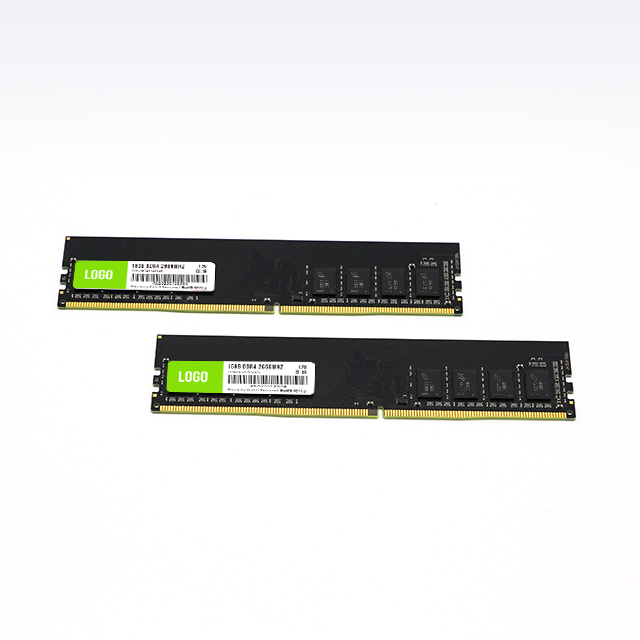
Use a sample that represents the quoted single 16GB UDIMM. Record its part number, revision, SPD information, component policy, and label. Then test it on a representative desktop from each approved motherboard and CPU group.
Confirm the full 16GB module capacity is detected by BIOS and the operating system.
Verify the running data rate at the approved default or profile setting.
Check cold boot, restart, sleep and wake using the deployment's system image.
Run a defined memory test and the normal application workload.
Repeat the checks with the intended existing-memory population where applicable.
Record errors, recovery behavior, test duration, and the final accepted settings.
Detection and stability are separate approval stages. A screenshot showing 16GB proves that the system recognizes the capacity; it does not establish error-free operation under load. If a module fails at the requested setting, identify whether the issue follows the module, host, slot, BIOS, or installed combination before approving a substitution.
Ask the supplier how component, PCB, or SPD changes are handled between orders. Agree which changes require notice and retesting. A repeat purchase should reference the approved specification and revision policy rather than only the original price and capacity.
JUHOR has an OEM/ODM 16GB DDR4 desktop memory product page. Its public information supports a 16GB desktop-memory inquiry, but the page title, listed rates, and voltage descriptions do not form a consistent specification for every option. The page's generic feature text should not replace a DDR4 SKU datasheet.
The JUHOR datasheet download area lists a 16GB DDR4-3200, 1.2V UDIMM document. Request the version that applies to the actual quotation and confirm the part number, data rate, default/profile condition, electrical class, and module organization. The document title alone does not establish current inventory or the availability of other rates.
This leaves the inquiry focused: send the motherboard model, required rate, 16GB capacity per module, and quantity. Add the CPU, BIOS, and existing module details when compatibility needs review. Ask JUHOR to return an exact technical sheet and a quote for the approved desktop configuration.
| RFQ field | Buyer supplies | Supplier confirms |
|---|---|---|
| Host | Desktop or board model, revision, CPU, BIOS | Compatibility evidence or required sample test |
| Module | DDR4 desktop UDIMM; 16GB per module; memory class | Exact part number, organization, specification, dimensions |
| Operation | Required data rate and BIOS/profile policy | Default SPD, profile condition if applicable, voltage, test result |
| Population | Existing modules and final slots used | Validated combination and any restrictions |
| Order | Quantity in pieces, delivery destination and window, label and packaging needs | Unit price, quote validity, MOQ, lead time, packing quantity, warranty procedure |
Commercial terms should be quoted for the exact SKU and packaging requested. General website lead times or warranty summaries may not describe a custom-label batch. For a larger order, the bulk DDR4 sourcing checklist adds sample, lot-control, delivery, and after-sales questions to the technical fields above.
Before releasing received modules to assembly, reconcile the packing list, module quantity, part numbers, label revision, and accepted specification. Keep the approved sample and the batch record available to the receiving team.
Follow the agreed incoming-inspection plan for capacity, identification, SPD, and host testing. Sampling scope should be set by the project and supplier agreement. Where a material or profile change is reported, review it before treating the new lot as interchangeable with the earlier shipment.
No. A package may contain several modules totaling 16GB. Specify 16GB per UDIMM and quantity in individual pieces.
No. Confirm the CPU, motherboard, BIOS, per-slot capacity, memory class, and module organization.
No. Include DDR4 generation, desktop UDIMM format, electrical class, capacity, and the exact part number.
It may, if its SPD and design support that configuration. Request confirmation and test the target desktop.
No. Unbuffered operation and ECC capability are separate properties. Use the memory class supported by the desktop.
Possibly. Provide its exact specification and qualify the final installed combination with the new 16GB module.
Use the formal specification tied to the quoted SKU and approved operating setting. Resolve conflicting descriptions before the purchase order.
Send the motherboard model, required data rate, 16GB capacity per module, and quantity. Include CPU and BIOS details for compatibility review.
Prepare one line for each desktop configuration and request the matching 16GB DDR4 UDIMM datasheet, part number, sample plan, and price. Confirm the operating rate and final installed population before approving volume. Keep that same description on the purchase order, receiving checklist, and assembly record.


4 / F, No. 18, Langkou Industrial Park, Langkou Community, Dalang Street,Shenzhen,Guangodng , China