OEM buyers who clear the warehouse for “DDR5 only” in 2026 still get return tickets. A batch of 4800 MHz UDIMM sticks will not seat in DDR4 office boards, and a room full of DDR4 3200 will not save a new AMD or Intel DDR5 chassis build. The expensive mistake is treating memory as one SKU family. In practice you need two stock lanes: DDR4 for machines already in the field, DDR5 for platforms you are shipping now.
This guide explains how OEM and ODM buyers should stock DDR4 and DDR5 together in 2026—capacity, frequency, form factor, and what to put on the RFQ. Juhor builds both generations under OEM/ODM and branded lines. Start from the desktop memory range while you lock the mix.

DDR4 and DDR5 use different notches and electrical designs. Mixing them in one PO without a platform list creates dead inventory. Digiera-style fleet logic still holds for OEM channels: new PCs and DIY kits lean DDR5; capacity upgrades on working DDR4 systems stay on DDR4 because the board and CPU stay put. Corsair-style specs explain the hardware gap—DDR5 starts around 4800 MHz with lower module voltage and on-module power management, while DDR4 office sticks commonly sit near 2666–3200 MHz at about 1.2 V—but the stock decision is still platform first, frequency second.
Juhor’s own desktop FAQ makes the same split: DDR5 for higher bandwidth and efficiency, DDR4 as the cost-effective path for standard PCs and office systems. OEM buyers should write that into the SKU plan, not into a slogan.
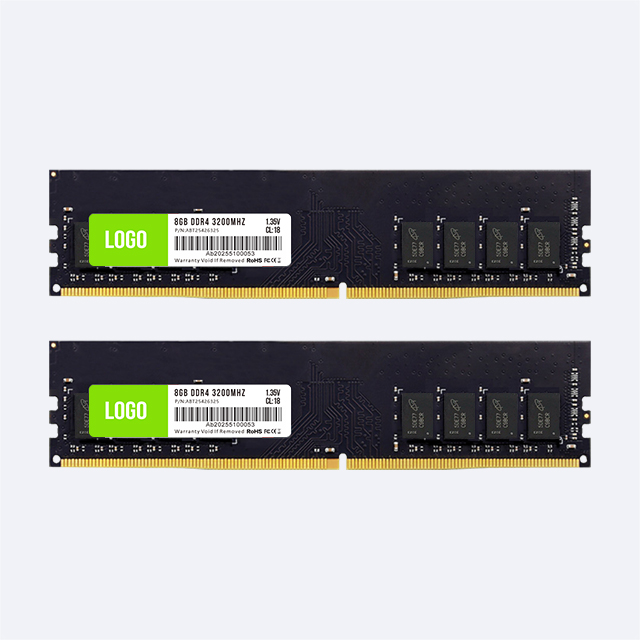
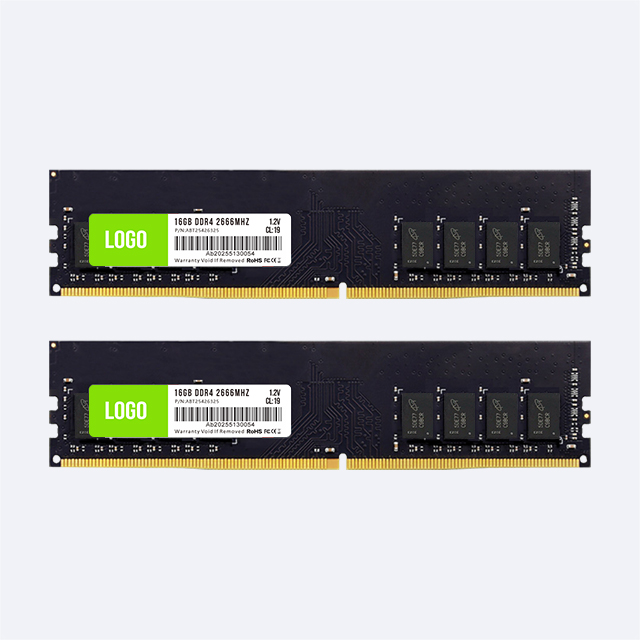
Keep DDR4 when your channel still sells or services boards that only take DDR4. The high-turn desktop SKUs are 8GB and 16GB at 2666 MHz or 3200 MHz, with 32GB for heavier office or small workstation tops. Juhor’s DDR4 desktop line covers those capacity and frequency bands, and the DDR4 desktop memory for legacy office PCs page targets 16GB/32GB at 3200/3600 MHz with aluminum heatsinks and a three-year warranty window.

Laptop and mini-PC lanes need SODIMM, not UDIMM. Stock DDR4 laptop memory separately—Juhor lists 4GB–32GB SODIMM options around 2666/3200 MHz. Desktop DIMM and laptop SODIMM are not interchangeable; put that on the pick list so warehouse staff do not ship the wrong length module into a notebook PO.
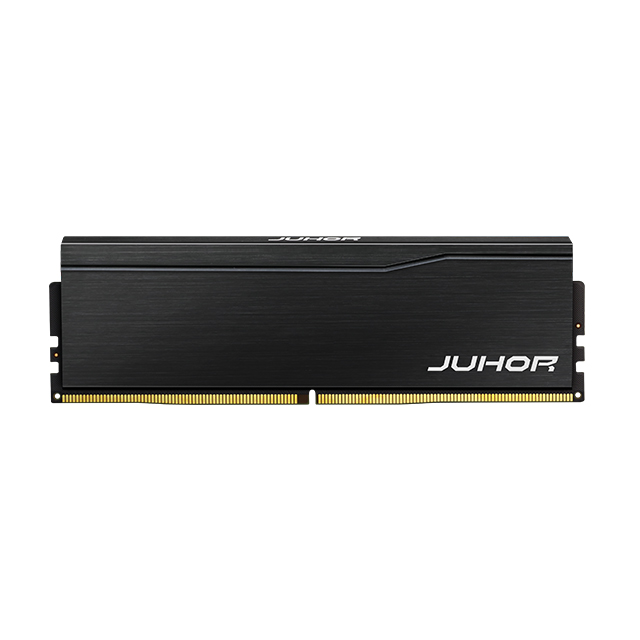
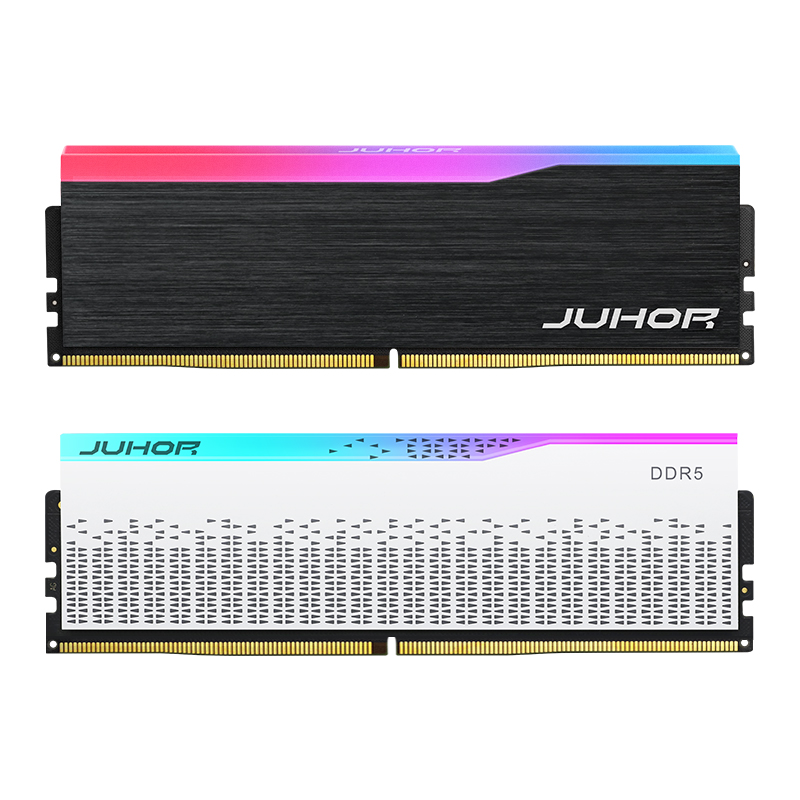
New business PCs, gaming DIY kits, and fresh motherboard lots should land on DDR5. For OEM bulk, prefer JEDEC-friendly base speeds first—4800 MHz 16GB is a practical opener—then add 5600/6000 MHz where your board QVL and channel demand it. Juhor’s OEM ODM DDR5 16GB 4800MHz module lists Samsung/Hynix/Micron chips, about 1.1–1.25 V depending on the published table, aluminum heatsink, 3–5 working-day lead time on that page, and a three-year warranty. For higher-frequency DIY SKUs, the DDR5 Star Domain range covers 16GB/32GB at 4800–6400 MHz.

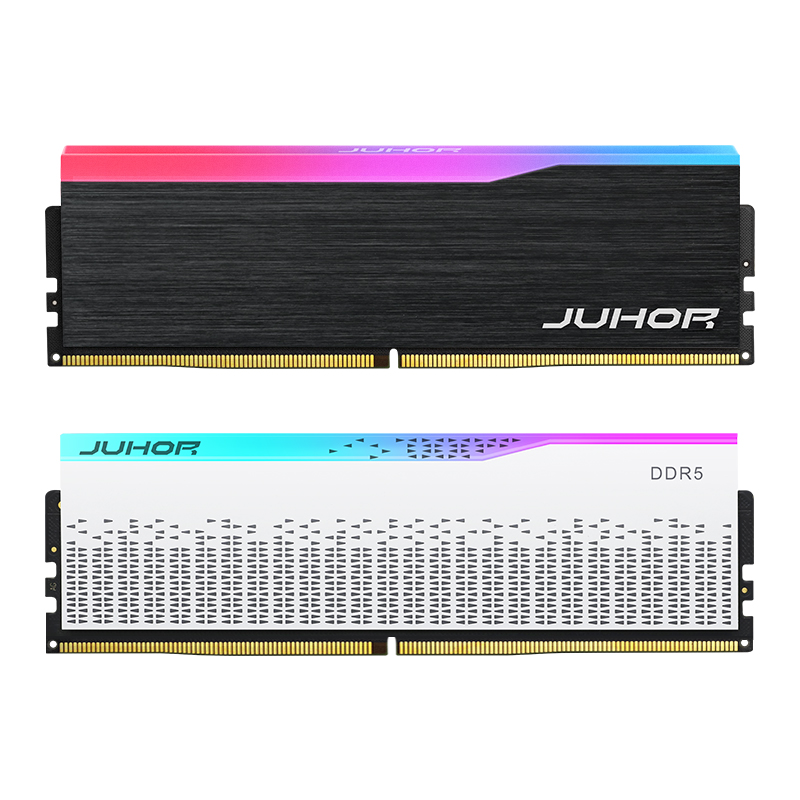
RGB DDR5 belongs in a third, thinner bin if you sell gaming DIY. Do not let RGB kits replace the plain JEDEC OEM stickers that system integrators reorder every month.
| Stock lane | Core SKUs to hold | Primary use | Juhor starting point |
|---|---|---|---|
| DDR4 desktop | 8GB / 16GB / 32GB at 2666–3200 MHz UDIMM | Office refresh, refurb, capacity upgrades | DDR4 desktop, legacy office modules |
| DDR4 laptop | 8GB / 16GB SODIMM at 2666–3200 MHz | Notebook repair and bulk upgrade | DDR4 laptop memory |
| DDR5 desktop OEM | 16GB (and 32GB) at 4800 MHz first | New SI builds, standard business PCs | OEM DDR5 16GB 4800 |
| DDR5 desktop channel | 16GB / 32GB at 5600–6400 MHz; RGB only if demanded | DIY / gaming kits | DDR5 desktop, Star Domain |
Set reorder points from sell-through, not from marketing charts. Many OEM buyers keep 60–70% of desktop volume on the two or three SKUs that match their top motherboard lots, then a thinner tail for RGB and odd frequencies.
Send the target platforms (desktop or laptop), memory generation, form factor (UDIMM or SODIMM), capacity per module, frequency, branding (Juhor brand vs private label), monthly volume, and whether you need matched kits (2×8GB, 2×16GB). Ask for chip brand options, warranty, and lead time. Juhor’s OEM/ODM pages state bulk ordering and custom packaging support; the Why Choose Us page also covers customization and after-sales for channel partners. Sample a small lot against your top boards before locking a six-month forecast.

Yes, if you serve both new platforms and existing DDR4 fleets. New builds should standardize on DDR5. Capacity upgrades on DDR4 machines should stay on DDR4 so you avoid forcing a motherboard and CPU change.
For desktops, start with 8GB and 16GB at 2666–3200 MHz, then 32GB for heavier office or workstation tops. Keep laptop SODIMM on a separate shelf. Juhor’s DDR4 desktop and laptop categories map to those bins.
Open with 4800 MHz 16GB for broad motherboard compatibility, then add 5600/6000 MHz where your QVL and DIY channel need them. Extreme 6400+ kits are a channel product, not the whole OEM floor.
No. The slots and signaling differ. Confirm generation from the exact board model before any bulk PO. CPU marketing names that “support both” still need a board built for one generation only.
OEM/ODM covers custom branding, specs, and packaging for distributors and system integrators. Branded lines such as Star Domain or Star Dance suit DIY shelves. Ask for the label and carton plan in the same RFQ as capacity and frequency.
Published product pages commonly list about 3–7 working days lead time and a three-year warranty, with chip options such as Samsung, Hynix, or Micron depending on the SKU. Confirm both on the quote for your monthly volume.
Stock DDR4 and DDR5 together in 2026 as two lanes with clear jobs: DDR4 keeps legacy and refurb cash flow alive; DDR5 covers new platforms. Hold a short list of high-turn capacities and frequencies, separate UDIMM from SODIMM, and keep RGB as a thin DIY add-on.
Next step: send your top motherboard models, monthly volume by generation, and private-label needs to Juhor, and ask for a dual-lane proposal from the DDR4 and DDR5 desktop catalogs plus laptop SODIMM if notebooks are in the mix.


4 / F, No. 18, Langkou Industrial Park, Langkou Community, Dalang Street,Shenzhen,Guangodng , China