A 64GB specification can add cost without changing gaming performance, while a 32GB workstation can lose time as soon as a large creative project, local AI service, browser, and production tools compete for the same memory. The useful question is not which capacity sounds more advanced. It is whether the complete workload can stay in physical memory during the customer's busiest session.
For gaming-focused PCs, 32GB is the practical default. For professional content creation, 32GB is a capable starting point and 64GB becomes justified when project size, effects, caches, or concurrent applications push memory use higher. A local AI PC needs a separate check of system RAM, GPU memory, model placement, context, and supporting tools; the “AI PC” label alone does not settle the choice.
System integrators and distributors also need to define how the total capacity is supplied. One 32GB module, a matched 2×16GB set, and a 2×32GB configuration have different channel behavior, slot use, upgrade paths, validation records, and stocking requirements.
| Workload | Choose 32GB When | Choose 64GB When |
|---|---|---|
| Gaming PC | The machine is built mainly for current games, launchers, voice chat, and ordinary background applications | The customer also runs large mod packs, development tools, streaming production, virtual machines, or creative applications during play |
| Content creation | Projects are moderate, applications are used one at a time, and 4K work follows the software vendor's recommended baseline | The workflow includes complex compositions, high-resolution source media, large image assets, long timelines, or several production applications at once |
| Local AI PC | The approved model and context have been tested, the model fits mainly in GPU memory, and supporting tools leave enough headroom | CPU offloading, unified memory, longer contexts, model switching, RAG tools, or concurrent creative and development software raise system-memory demand |
| Mixed-use workstation | The user closes one heavy task before starting another | The commercial requirement is to keep editing, AI, browser, collaboration, and development tools open together |

If a workload fits comfortably inside 32GB, replacing it with 64GB does not give the processor or graphics card more computing power. The benefit appears when the 32GB system approaches its usable limit and the operating system must compress memory, close cached data, or use storage as virtual memory.
This is why average memory use is a weak purchasing metric. A content creator may work comfortably for ten minutes and then open a large composition, render cache, browser reference, and AI tool at the same time. A game may run within 32GB while the complete streaming or development session does not. Validate the busiest repeatable workload rather than an idle desktop or a short demonstration.
Capacity also should not be evaluated separately from module count. Moving from a single module to two matched modules can change channel utilization. Filling more slots can change the memory rate supported by a platform. The motherboard manual and CPU memory rules decide the approved arrangement.
Independent gaming tests have found 32GB sufficient for the tested modern titles and ordinary background tasks. The key distinction is that these conclusions apply to gaming workloads, not every task that may run on a gaming-branded PC.
A 32GB configuration is the better standard SKU when the customer buys the system mainly to play games. It gives builders room beyond entry-level capacity without assigning budget to memory that the game cannot use. GPU selection, CPU performance, storage, cooling, and display target may produce a larger benefit than moving from 32GB to 64GB.
64GB becomes reasonable when the sales specification includes workloads outside normal gameplay:
large community mods or custom asset packs;
game development tools, editors, and local servers;
streaming with production, browser, recording, and communication software;
virtual machines or containers kept active beside the game; or
content creation and local AI on the same machine.
Do not market 64GB as a frame-rate upgrade without a measured memory bottleneck. Position it as capacity for a wider working session.
Adobe's current Premiere and After Effects requirements recommend 32GB or more for 4K and higher-resolution work. That makes 32GB a defensible starting configuration for many editing systems, but a software recommendation is not a ceiling.
Puget Systems testing shows why the decision varies by application and project. In some workloads, both 32GB and 64GB were sufficient and produced no meaningful capacity-related difference. More complex Photoshop composites, After Effects previews, high-resolution work, and several open creative applications can use the extra capacity. Kingston testing also reported gains from 64GB in Adobe workloads that exceeded the physical memory available in its 32GB test systems.
Specify 32GB for editors working with moderate projects, proxy media, shorter timelines, and a controlled application set. Move to 64GB when the production brief includes:
large Photoshop documents with many layers or high-resolution assets;
After Effects compositions that retain more preview frames;
long or effects-heavy video timelines;
RAW, high-resolution, or multi-camera media;
editing, motion graphics, audio, browser, and asset tools running together; or
billable work where pagefile delays and application restarts have an operating cost.
A creator who uses one application at a time may gain little from unused capacity. A studio employee who keeps Premiere, After Effects, Photoshop, an asset manager, and a browser open has a different memory profile even when both edit 4K video.
Local AI sizing should not be reduced to a fixed model-parameter table inside a general 32GB vs 64GB comparison. System RAM use changes with quantization, GPU memory, CPU offloading, context length, parallel requests, model switching, and the software running beside the model.
Use 32GB when a defined model, context, and runtime have passed a real workload test and most model data remains in available GPU memory. Consider 64GB when the system must hold offloaded layers, use a shared or unified memory architecture, keep a vector database and document pipeline active, switch between models, or run creative and development applications at the same time.
Ollama documents that required memory grows with parallel requests and context length. Microsoft lists different minimum and recommended RAM for its GPT-OSS-20B Foundry Local production scenario, showing that concurrency and deployment conditions change the answer. These examples are sizing inputs, not universal promises for every model.
The procurement team should ask for model names, quantization, maximum context, expected concurrent requests, GPU and VRAM, runtime, supporting applications, and acceptable response speed. A configuration that loads successfully but misses the customer's speed target has not passed approval.
A single-purpose gaming PC and a creator's hybrid workstation should not share one memory rule. The hybrid system may run a game engine, image editor, local model, code environment, browser, communication tools, and capture software in one session. Each application can work within its own recommendation while their combined footprint exceeds 32GB.
For this customer, test the actual combination and record peak committed memory, pagefile activity, application responsiveness, and whether software must be closed to continue working. If the 32GB sample depends on workflow restrictions that the buyer will not accept, 64GB is the cleaner bill of materials.
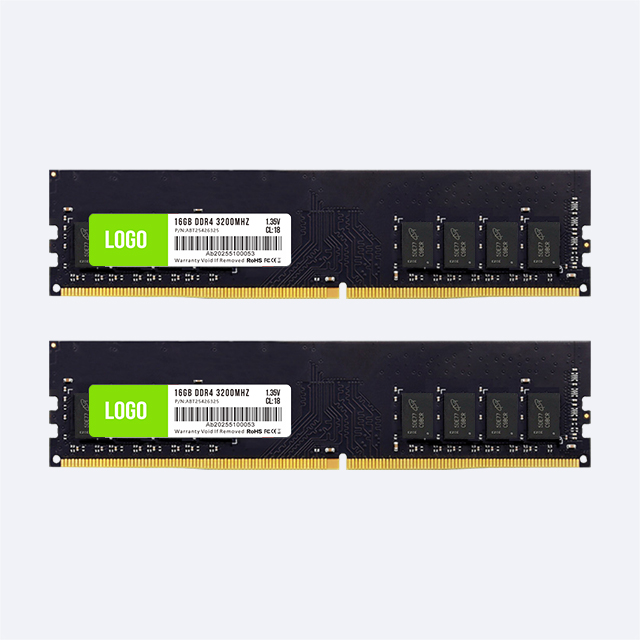
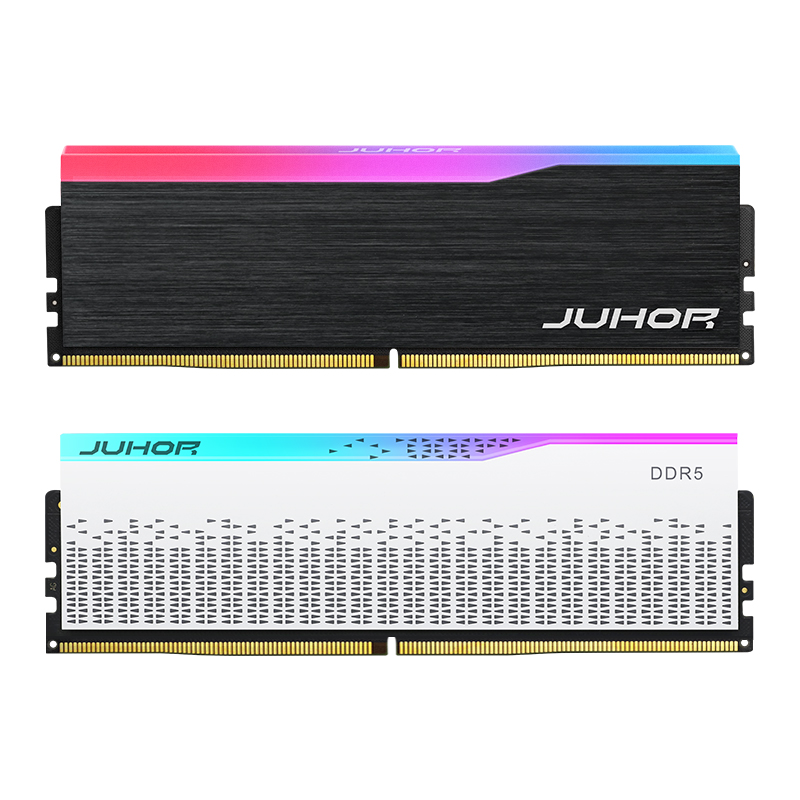
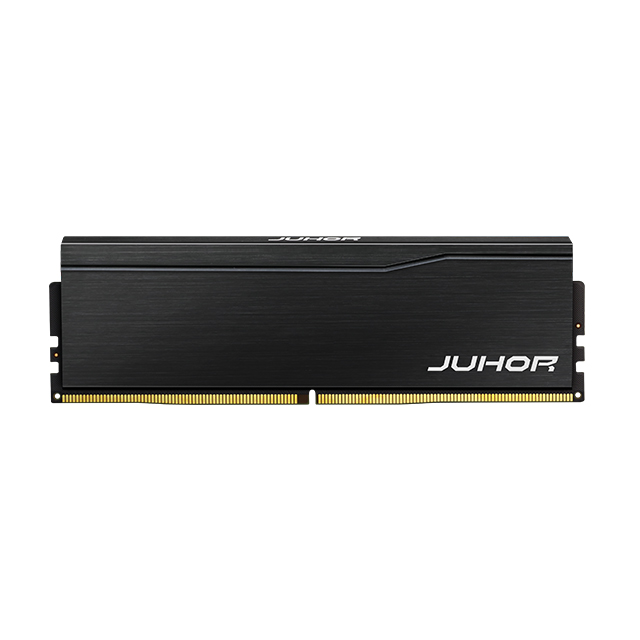
JUHOR's published desktop catalog includes 32GB-per-module products in both its DDR4 desktop memory range and DDR5 desktop memory range. For a 32GB system, JUHOR can provide either one 32GB module or a matched 2×16GB configuration, depending on the selected product line and the buyer's slot and channel plan.
For a 64GB system, the public catalog supports planning around 32GB modules, but it does not clearly publish a single 64GB desktop module or a standard matched 2×32GB kit. Buyers should request confirmation of 2×32GB matching, DDR generation, product series, frequency, voltage, availability, labeling, and packaging in the quotation. A 64GB configuration should not be advertised as a JUHOR matched kit until that exact arrangement is confirmed.
| Target System Capacity | Possible Arrangement | JUHOR Supply Status | Buyer Check |
|---|---|---|---|
| 32GB | 1×32GB | 32GB-per-module products are shown in the public desktop catalog | Confirm DDR4 or DDR5, series, speed, voltage, and platform support |
| 32GB | Matched 2×16GB | Can be supplied as a matched configuration; confirm the selected line in the quote | Specify that 32GB is kit total and require one matched configuration |
| 64GB | 2×32GB | Uses published 32GB module capacity; matched-kit availability is not clearly published | Confirm matching, series, speed, voltage, lot control, and packaging before listing |
| 64GB | 1×64GB | No standard single-module 64GB desktop product was confirmed from the public catalog | Do not quote as a standard option without written product confirmation |

A single 32GB module preserves another slot on a two-slot board and can simplify a later move to 64GB. A matched 2×16GB set uses both memory channels on a mainstream dual-channel platform when installed in the correct slots. The right choice depends on current performance, future upgrades, slot count, and the cost of returning to the customer site.
For a gaming build that will remain at 32GB, a validated matched pair is a direct configuration. For a business or creator system likely to move to 64GB, one 32GB module may preserve an upgrade path, but the customer must accept its initial channel arrangement. Do not assume that adding another separately purchased 32GB module later creates the same controlled result as a factory-matched 2×32GB set.
A DDR4 motherboard cannot use DDR5 modules, and a DDR5 motherboard cannot use DDR4 modules. Existing DDR4 workstations may reach 64GB through a platform-approved DDR4 arrangement without replacing the CPU and board. New builds should select the platform first and then compare capacity, speed, and module layout.
For purchasing decisions across new and installed systems, use the DDR4 vs DDR5 guide for bulk buyers. This is the only article-level internal link included here; capacity selection still requires the exact motherboard, CPU, and memory-support record.
Identify whether 32GB or 64GB means system total, module capacity, or kit capacity.
Record DDR generation, DIMM form factor, CPU, motherboard, revision, and BIOS.
Specify 1×32GB, 2×16GB, 2×32GB, or another platform-approved arrangement.
Confirm rated speed, required operating speed, voltage, and profile behavior.
Test detected capacity, channel layout, operating rate, cold boot, restart, sleep/resume, and memory diagnostics.
Run the customer's gaming, editing, AI, or mixed workload at its busiest repeatable point.
Record the approved sample, label, lot code, packaging, and change-notification rule.
Separate confirmed standard supply from configurations that remain subject to quotation.
32GB is the practical default for a gaming-focused system. Choose 64GB when the customer also runs memory-heavy mods, development, streaming production, virtual machines, content creation, or local AI.
Not when the complete gaming workload already fits in 32GB. Extra capacity helps when the 32GB system is under memory pressure; it does not add CPU or GPU computing power.
Adobe recommends 32GB or more for 4K and higher-resolution Premiere and After Effects work. Complex effects, long timelines, large assets, and several open applications can justify 64GB.
No. Test the selected model, quantization, context, runtime, GPU memory, and supporting tools. 64GB is more useful when offloading, unified memory, long contexts, or concurrent applications increase system-memory use.
Yes. Confirmed options include one 32GB module or a matched 2×16GB configuration, subject to the selected DDR generation, product line, and quote.
The public catalog confirms 32GB modules but does not clearly list a standard matched 2×32GB kit. Request written confirmation for the exact series, matching, speed, voltage, availability, and packaging before offering it as a standard SKU.
No. Both provide 32GB total, but they use different slot and channel arrangements. One module preserves an upgrade slot; a correctly installed matched pair can use both channels on a dual-channel platform.
It may work when the platform supports it, but a later module can differ in controlled characteristics. For repeatable commercial builds, validate the intended pair and do not label two independent modules as a matched kit.
Send JUHOR the use case, DDR generation, CPU and motherboard, 32GB or 64GB system target, required module arrangement, speed, quantity, sample requirement, branding, packaging, and delivery schedule. For 64GB, ask the quotation to state whether the proposed supply is a matched 2×32GB configuration and how later production lots remain tied to the approved sample.


4 / F, No. 18, Langkou Industrial Park, Langkou Community, Dalang Street,Shenzhen,Guangodng , China