Buying one stick of RAM for a single PC is a five-minute check. Ordering a few hundred modules for a company fleet or channel PO is a different risk. Get the generation wrong and the notch will not seat, the deployment stalls, and the cheapest quote becomes the most expensive return. For bulk buyers in 2026, the real question is not which RAM is faster on a review chart. It is whether you are filling new PCs or topping up machines that already run DDR4.
This article compares DDR4 vs DDR5 for bulk buyers across new PC rollouts and existing fleets, with practical SKUs from Juhor’s desktop and laptop lines. Browse the desktop memory catalog while you map platforms.

Choose DDR5 when you are buying new desktops, workstations, or laptop platforms built for DDR5. You get higher bandwidth (from about 4800 MHz up), lower module voltage than DDR4’s typical 1.2 V, and a longer runway on current CPU/motherboard lines. Choose DDR4 when the fleet already boots on DDR4 boards and you only need more capacity—moving 8GB machines to 16GB or 32GB clears most office slowdowns without replacing the motherboard or CPU. Mixed fleets need both purchases, tagged by platform, not one “universal” memory PO.
| Spec | DDR4 (fleet upgrade) | DDR5 (new PCs) | Bulk-buyer takeaway |
|---|---|---|---|
| Typical speed | About 2133–3200 MHz on business PCs | About 4800 MHz and up | DDR5 wins bandwidth; office apps may not feel 2× day one |
| Voltage | About 1.2 V | About 1.1–1.25 V on Juhor published modules | Small per stick; matters across large fleets |
| Common module sizes | 8GB / 16GB / 32GB | 16GB / 32GB first for new builds | Capacity often beats generation for email and browser work |
| Compatibility | DDR4 slot only | DDR5 slot only | Wrong notch = dead inventory |
| Best project type | Top-up existing machines | New hardware refresh | Compare project cost, not only price-per-GB |
Juhor’s desktop FAQ states the same split in buyer language: DDR5 for higher bandwidth and efficiency; DDR4 as the cost-effective path for standard PCs and office systems. Write that into the PO, not into a marketing slide.
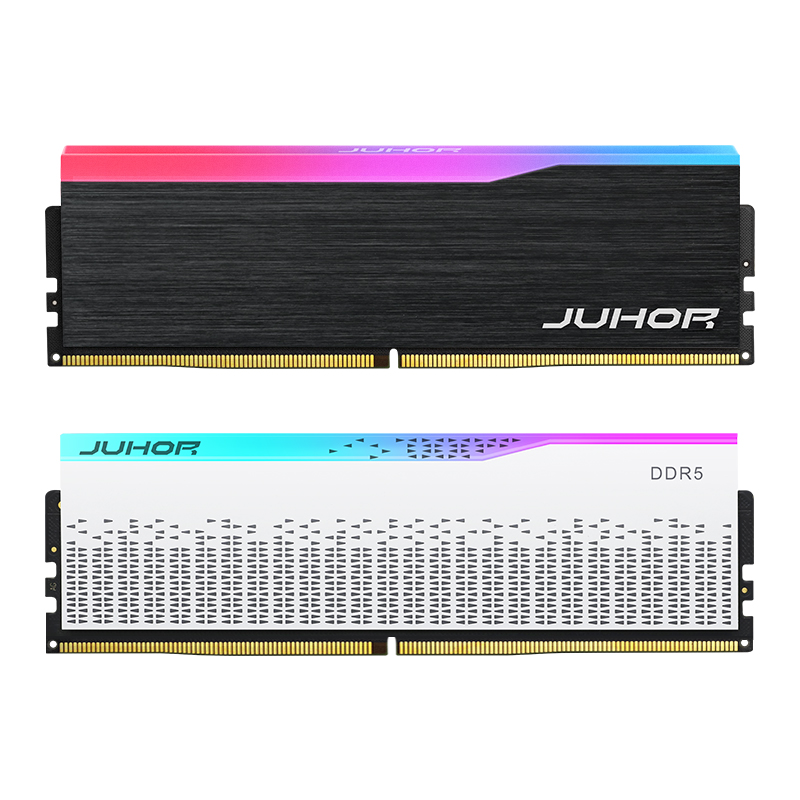
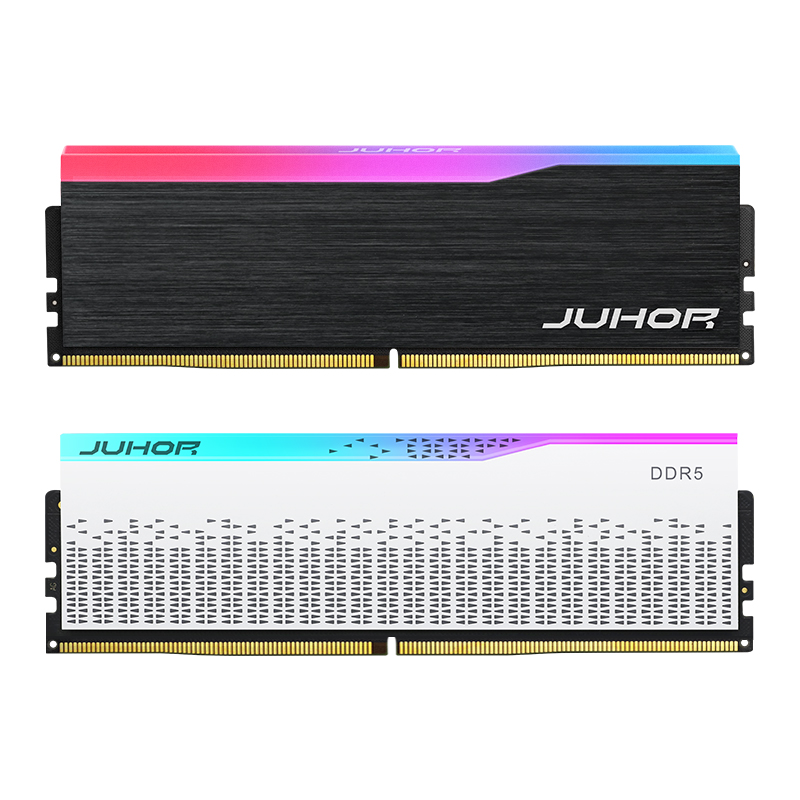
New business PCs and DIY kits shipping in 2026 should standardize on DDR5 so you are not locking a refresh to a generation already sliding toward legacy. For bulk SI builds, open with stable JEDEC-friendly sticks—16GB at 4800 MHz is a practical base—then add 5600/6000 MHz where the motherboard QVL and workload need it. Juhor’s OEM ODM DDR5 16GB 4800MHz lists Samsung/Hynix/Micron chips, aluminum heatsink, roughly 3–5 working-day lead time on that page, and a three-year warranty. Higher-frequency channel kits sit in the DDR5 desktop range and lines such as Star Domain (16GB/32GB, 4800–6400 MHz).

For email, CRM, and browser work, DDR5 may not feel twice as fast on day one—storage and CPU still dominate. What you buy is platform life and capacity headroom. Creative, analytics, and local AI boxes use that bandwidth sooner; those fleets should not start on DDR4 motherboards if you can avoid it.
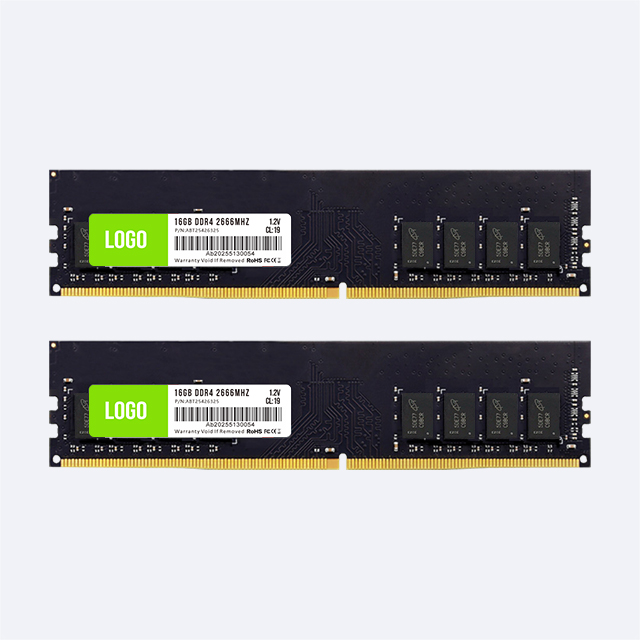
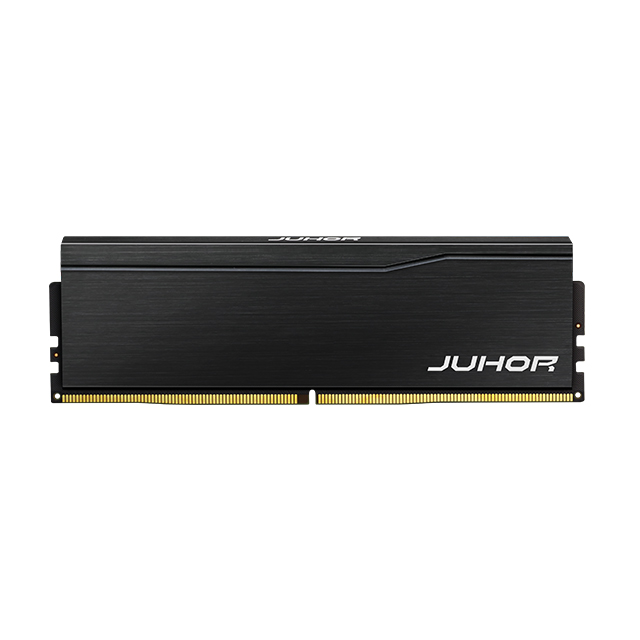
If the machines already run stable DDR4, bulk DDR4 is frequently the smarter order. Same image, same support process, same board—just more RAM. An office PC stuck at 8GB often behaves like a new unit after a jump to 16GB or 32GB DDR4. Juhor’s DDR4 desktop modules cover common 8GB/16GB/32GB and 2666–3200 MHz bands. The legacy office DDR4 page targets 16GB/32GB at 3200/3600 MHz for those rollouts.

Price the module alone when you are only topping up DDR4 systems. Price the whole platform—board, CPU, RAM, labor, downtime—when someone proposes “moving the fleet to DDR5.” A cheaper stick that forces a platform change is not cheaper.
Bulk laptop orders need SODIMM, not desktop UDIMM. Confirm generation and whether RAM is soldered before you buy volume. Juhor’s DDR4 laptop memory and laptop memory pages cover notebook formats separately from desktop DIMMs. Do not mix laptop and desktop lines in one unlabeled carton.
Before any large PO, collect exact model numbers, supported generation, max capacity, slot count, and form factor. Test a sample batch on the top three boards in the fleet. That one check prevents the most expensive bulk mistakes.
No. DDR5 is the right default for new platforms. DDR4 is often the better bulk buy when you are adding capacity to machines that already use DDR4, because you skip motherboard and CPU replacement costs.
When the PO is for new PCs, workstations, or DDR5 laptops you are deploying now, and you want one memory standard for the next refresh cycle. Start with 16GB class modules at 4800 MHz for broad compatibility, then step frequency up per QVL.
When the installed base is DDR4 and the goal is 8→16GB or 16→32GB upgrades, refurb, or repair. Juhor’s DDR4 desktop and laptop lines are built for those capacity and speed bands.
No. The notch and electrical design differ. Confirm the board generation, not only the CPU family name, before ordering hundreds of modules.
Usually not. For documents, email, and browser tools, capacity and platform fit matter more than chasing the top MHz kit. Save high-frequency or RGB kits for DIY channels; keep bulk business stock on stable OEM modules.
Platform list (new vs existing), generation, UDIMM or SODIMM, capacity, frequency, monthly volume, branding (OEM/ODM vs Juhor brand), and sample approval. Product pages commonly list about 3–7 working days lead time and three-year warranty—confirm both on the quote.
For bulk buyers, DDR4 vs DDR5 is a fleet decision. New PCs → DDR5. Existing DDR4 fleets → DDR4 capacity upgrades. Mixed estates → two POs with clear platform tags. Compare project cost, not only price-per-GB.
Next step: send Juhor your new-PC count, existing DDR4 model list, and target capacities, and ask for matched quotes from the DDR5 and DDR4 desktop catalogs (plus laptop SODIMM if notebooks are in scope).


4 / F, No. 18, Langkou Industrial Park, Langkou Community, Dalang Street,Shenzhen,Guangodng , China